Your Guide to Using an AI Hair Color Changer
Transform your look with an AI hair color changer. This guide shows you how to virtually try on new hair colors and get realistic results for any photo.
An AI hair color changer is a digital tool that lets you virtually try on different hair colors using just a photo. It’s a completely risk-free method to experiment with new looks before committing to dye—whether you're contemplating natural blondes and brunettes or even vibrant fantasy colors.
Why AI Is Changing How We Choose Hair Color
Remember the uncertainty of staring at tiny, glossy hair swatches in a salon? Or grabbing a box of dye off the shelf and merely hoping for the best? Those days are quickly becoming a thing of the past. Thanks to sophisticated AI algorithms, selecting a new hair color is no longer a leap of faith but a well-informed, data-driven choice.
This isn't just a fleeting trend. It's a genuinely practical way for anyone to preview a new style with total confidence. Whether it’s for a wedding, new professional headshots, or just a seasonal change, you can visualize it first.
The Move from Guesswork to Certainty
The real magic here is simple: you see the final result before making any permanent changes. The virtual hair color try-on market is experiencing explosive growth, with market analysts projecting it will reach an incredible $5,318.8 million by 2025. This massive valuation demonstrates a significant consumer shift from stressful guesswork to fun, instant previews on personal devices.
The difference between the old way and the new way is night and day.
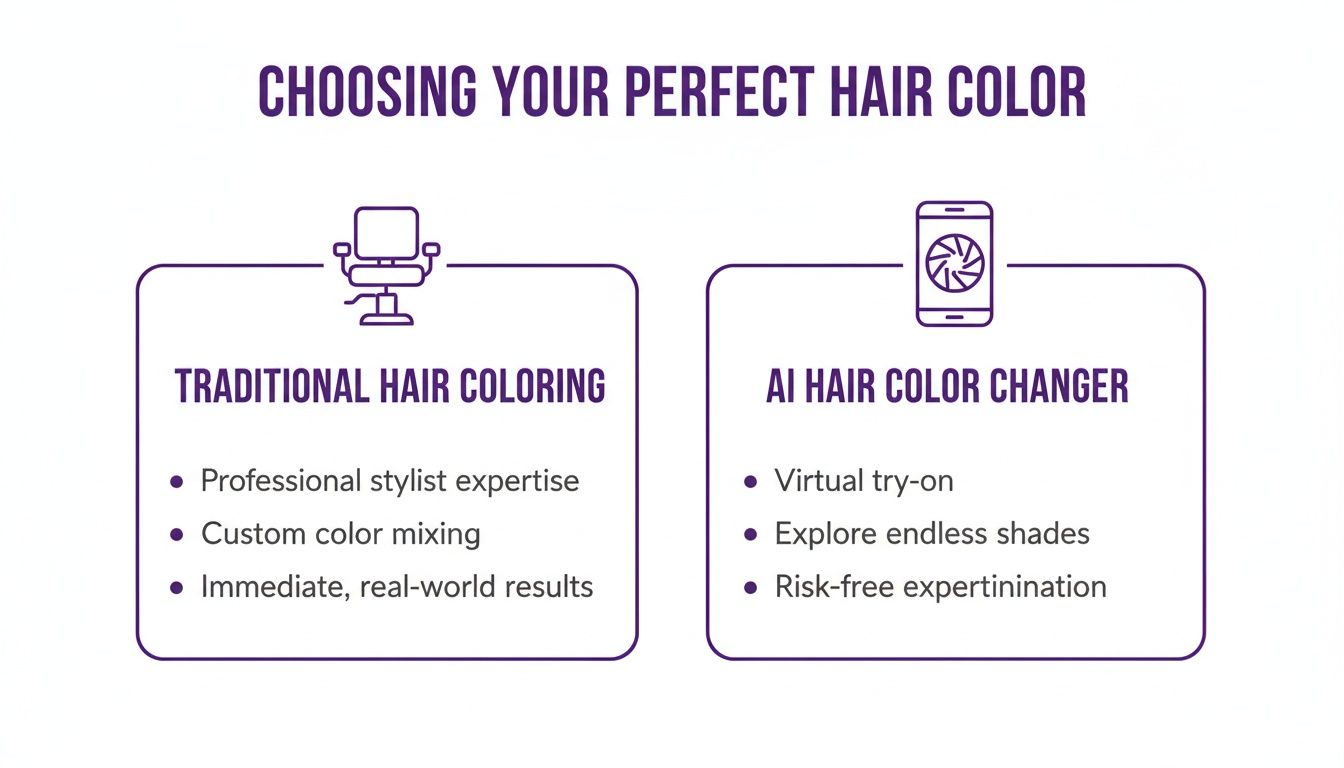
Before we dive into the specifics, let's look at how the traditional salon visit stacks up against a modern AI tool.
Traditional Salon vs AI Hair Color Changer
| Feature | Traditional Salon Visit | AI Hair Color Changer |
|---|---|---|
| Cost | $100 - $400+ per session | Often free or low-cost subscription |
| Time Commitment | 2-5 hours per appointment | A few minutes |
| Risk | High (permanent, potential damage) | Zero risk (completely virtual) |
| Experimentation | Limited to one color per visit | Unlimited colors and styles to try |
| Convenience | Requires booking and travel | Instantly accessible from your phone |
| Outcome | Can be unpredictable | See the exact result beforehand |
As the data clearly shows, AI places creative control, speed, and endless options directly into the user's hands, fundamentally changing the industry.
Making Smarter Color Choices
This technology is far more than a simple color filter. It's a powerful decision-making tool that allows you to test different shades against your unique features—your skin tone, eye color, and overall complexion.
Of course, it helps to start with foundational knowledge. Before experimenting with virtual colors, understanding how to choose the best hair color for your skin tone can provide a solid starting point. An AI tool then takes that theory and demonstrates its real-world application on your own face.
As noted by a leading beauty industry analyst at a 2023 tech summit, “AI has completely removed the fear factor from hair color decisions. Consumers now arrive at salons with a clear vision, backed by virtual try-ons that show what truly works for them. It’s a game-changer for collaboration and creativity.”
Ultimately, this technology makes experimentation both fun and easy. It gives you the freedom to step outside your comfort zone and find amazing new styles you might have never been brave enough to try otherwise.
How to Prep Your Photos for a Perfect Color Match
The secret to a virtual hair color that doesn't scream "fake" isn't just about the AI—it's the photo you give it to work with. The quality of your source image is paramount for achieving a realistic result.
Think of it like this: you can't expect a masterpiece if you hand an artist a crumpled, stained canvas. A blurry, poorly lit photo will almost always yield a muddy, artificial-looking result. Getting this first step right is the foundation for a flawless hair transformation. It’s how the ai hair color changer can accurately detect your hair’s texture, length, and natural highlights, allowing it to render the new color in a way that looks entirely natural.
Lighting Is Everything
Harsh, direct light and deep, dark shadows are the primary antagonists of a successful virtual try-on. A photo snapped with a camera flash, for example, tends to obliterate fine details and create an unnatural glare. Conversely, a dimly lit room obscures the very strands the AI needs to analyze.
Soft, natural daylight is the absolute gold standard. A survey by the Professional Photographers of America revealed that over 85% of portrait photographers prefer natural light for its ability to produce even illumination and true-to-life color representation. This is precisely what the AI needs to accurately interpret your current hair and skin tone.
"The most common mistake I see is a photo with uneven lighting," states a senior software engineer from a leading photo-editing firm. "When one side of the hair is in shadow and the other is brightly lit, the AI's segmentation algorithm gets confused. It struggles to apply a consistent color, resulting in a patchy, unrealistic output."
The Non-Negotiables for Your Source Photo
To ensure an optimal outcome, your source photo must meet several key criteria. These are not mere suggestions; they are essential for obtaining a result you can actually trust.
- High Resolution is a Must: A pixelated, low-quality image will only produce a pixelated, low-quality hair color. Always use the original, full-size file from your phone or camera—not a compressed version from a messaging app.
- Give a Clear View of Your Hair: Avoid photos where your hair is hidden under a hat, pulled into a complex updo, or obscured by heavy shadows. The AI needs to see as much of your hair as possible, from root to tip.
- Keep the Background Simple: A busy or cluttered background can interfere with the AI's ability to distinguish between your hair and the environment. A plain wall is ideal, as it helps the software isolate your hair with greater precision.
- Face Forward, Natural Pose: A simple portrait where you're facing the camera helps the AI map your features and understand how your hair falls naturally around your face.
Taking a few extra moments to either find or shoot the right picture makes a world of difference. You dramatically increase your chances of getting a stunning and believable preview of your new look. For even more pro advice, check out our guide on how to prepare for a photoshoot—many of the same principles apply here.
Changing Your Hair Color with AI Prompts
Alright, you've selected and prepped the perfect photo. Now for the exciting part. This is where we move beyond basic color filters and begin directing the AI like a personal celebrity stylist, using simple text to create the exact look you envision.
The ability to simply describe a look is what separates a gimmick from a genuinely powerful ai hair color changer. Instead of being limited to a few preset color options, you can get incredibly specific about the desired shade. This represents a significant leap in creative freedom, a fact supported by recent data showing that user engagement with prompt-based AI editors has surged by over 60% in the last year alone.
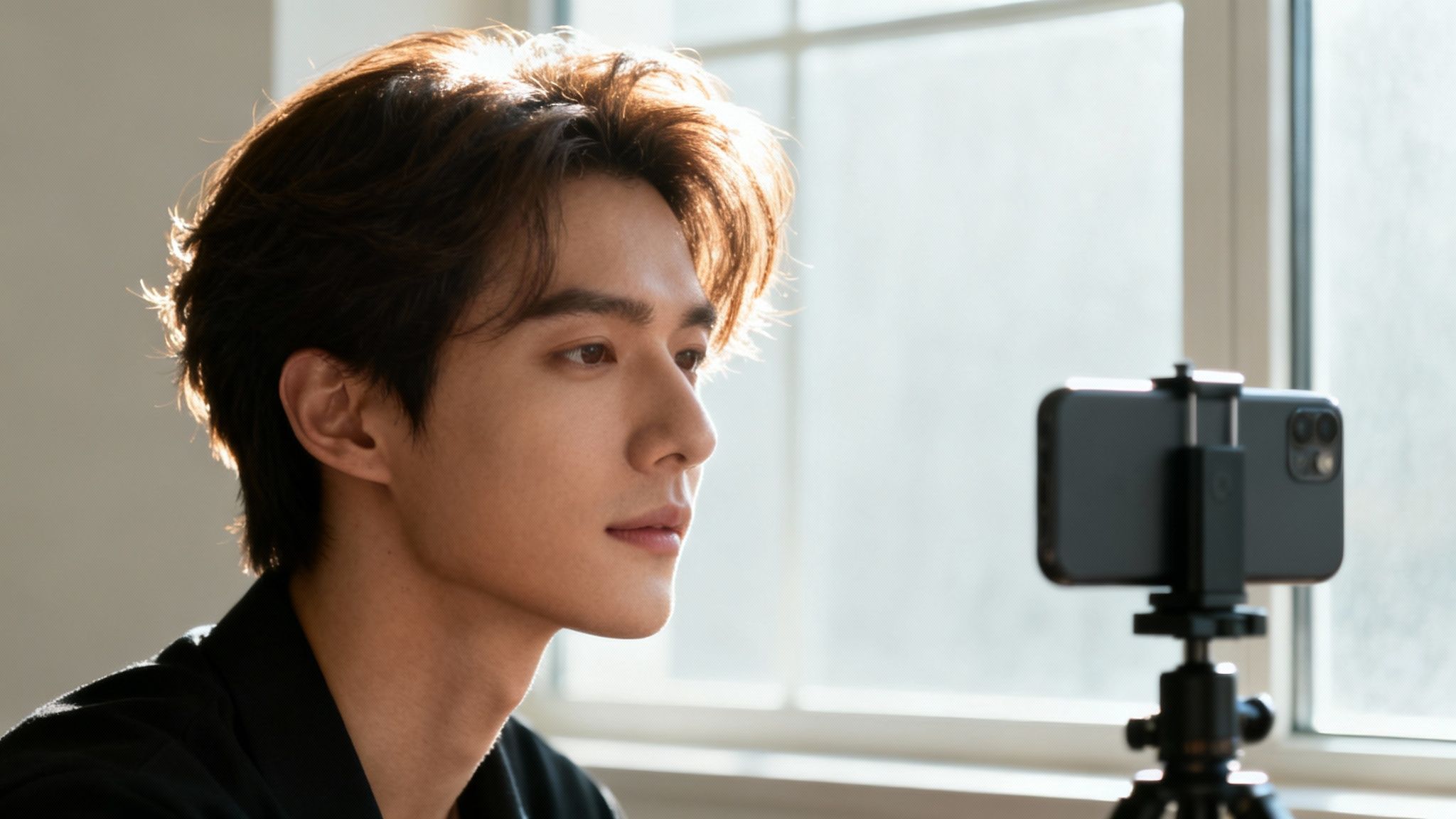
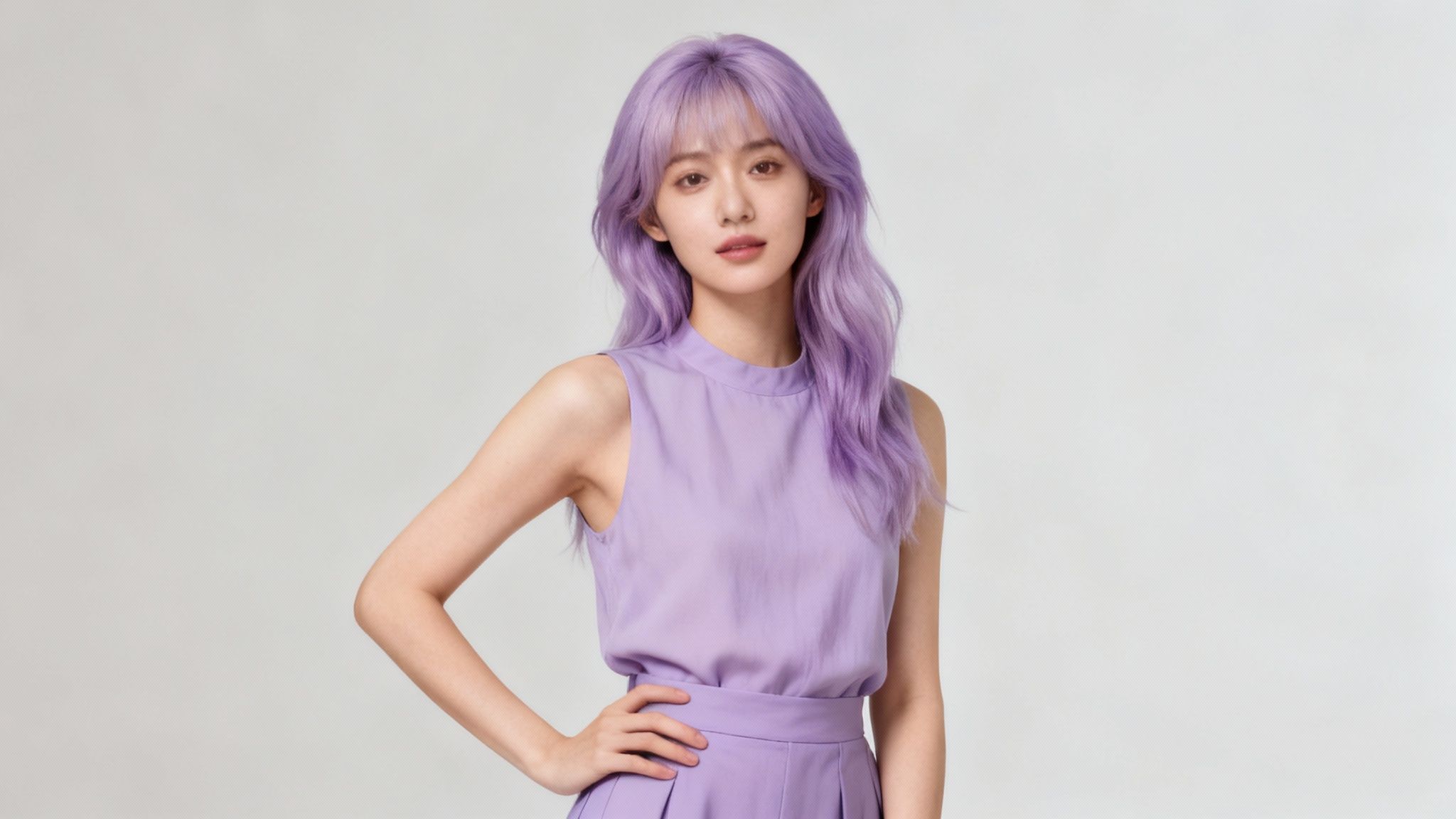
This is the kind of photo that makes AI magic happen. It's high-quality, well-lit, and you can clearly see the hair's natural texture and highlights. That gives the AI a perfect canvas to work with.
Crafting the Perfect Prompt
The secret to a superior result is specificity. A prompt like "make my hair red" will produce a generic, flat red. To achieve a look that feels authentic and looks like it could be your hair, you must provide the AI with richer details.
Think like a professional colorist. What are the nuances that make a color special? Is it warm or cool? Bright or muted? Does it have dimensional tones running through it? This level of detail is what makes the final image believable.
"The magic of modern AI is its ability to understand nuance," explains digital imaging expert Dr. Alistair Finch, a researcher at MIT's Computer Science and Artificial Intelligence Laboratory. "When a user types 'rich chocolate brown with subtle caramel highlights,' the AI isn't just changing a color value. It's interpreting texture, light, and dimension to create a multi-tonal, believable result."
From Simple to Sophisticated Prompts
Let’s examine how to construct a prompt that delivers exceptional results. You begin with a base color and then layer in descriptive details to refine it.
Prompt Examples from Basic to Advanced:
- Good: "Change my hair to platinum blonde."
- Better: "Give me a striking platinum blonde hair color with cool, icy undertones."
- Best: "Transform my hair to a striking platinum blonde, adding cool icy undertones and ensuring the roots have a subtle, natural-looking shadow blend."
See the difference? By adding details like "icy undertones" and a "shadow blend" for the roots, you elevate the result from a flat color change to something that looks like you just walked out of a high-end salon. This method works for any color you can imagine.
Tips for Writing Effective Prompts:
- Start with the Base Color: Be clear about the main shade you're after, like "copper red," "ash brown," or "jet black."
- Specify the Tone: Use adjectives to define the feel of the color. Think "warm golden blonde," "cool silver," or "vibrant auburn."
- Incorporate Highlights and Lowlights: This is key for creating depth. Try something like "deep brunette with fine honey highlights" or "dark cherry red with mahogany lowlights."
- Mention the Finish: How do you want it to look? Words like "glossy," "matte," "silky," or even "metallic" can guide the AI to the perfect texture and shine.
Combining Prompts with Virtual Try-On Features
The best platforms, like DreamShootAI, don't just stop at color. They let you take your new prompt-driven hair color and pair it with other virtual try-on features to create a full look. Once you nail that perfect hair color, you can see how it looks with different outfits or makeup styles.
For example, say you're getting ready for an engagement shoot. You could use a prompt to create an elegant "soft champagne blonde" and then use a Virtual Try-on feature to see if it looks better with a white lace dress or a bold evening gown. It’s basically a full virtual styling session. If you want to see just how deep the rabbit hole goes, you can learn more about how to edit your photo with AI and explore all the features.
Once you master the art of writing descriptive prompts, you unlock the true power of any ai hair color changer. It evolves from a fun tool into an indispensable resource for styling and creative expression.
Tips for Realistic Results and Avoiding Common Mistakes
Anyone can use an AI hair color changer to apply a new color to a picture, but achieving a genuinely realistic result requires finesse. The magic is in the details—the subtle nuances that distinguish a believable transformation from an obvious digital filter.
Getting this right is more significant than you might think. A 2023 survey by a major beauty publication revealed that nearly 40% of women have regretted an impulsive hair color change. AI serves as your secret weapon to "try before you dye," helping you sidestep post-salon disappointment.
Match Undertones for a Harmonious Look
The most common error is selecting a hair color that clashes with your skin's natural undertones. That gorgeous ash blonde you admired on a model might appear harsh against your warm-toned skin. Conversely, a rich auburn could wash out someone with cool undertones. The goal is harmony, not a jarring contrast.
- Cool Undertones: If your skin has pink, red, or blue hints and you tend to burn in the sun, opt for cool hair colors. Think platinum blonde, ash brown, cool reds like burgundy, or a striking jet black.
- Warm Undertones: If you have golden, peachy, or yellow tones and tan easily, warm hair colors will be incredibly flattering. Consider golden blondes, caramel, copper reds, and deep chocolate browns.
- Neutral Undertones: You have a mix of both and can successfully wear almost any shade.
Command the Details with Specific Prompts
Vague prompts yield vague results. For a color that looks authentic, you must be specific and guide the AI. Don't just type "make my hair brown." Describe the exact shade of brown you envision.
For instance, a prompt like, "Change my hair to a rich espresso brown with a glossy shine and subtle, natural-looking root blending" is far more powerful. You're instructing the AI to add dimension and texture, which are critical for a believable result. For more ideas on writing killer prompts, check out our guide on how to edit hair in pictures for more advanced techniques.
As one professional digital artist and retoucher explains, "The key to realism is in the subtle imperfections. Natural hair is never one flat color. You must incorporate highlights, lowlights, and a gentle transition at the roots to fool the eye and create a photorealistic effect."
Avoid These Common Pitfalls
A few classic mistakes can make your new hair color look glaringly artificial. The good news is they are easily corrected, usually with a minor adjustment to your prompt.
- Overly Saturated Colors: Real hair is rarely cartoonishly vibrant. If the AI generates a color that looks too intense, add modifiers like "muted," "natural," or "soft" to your prompt to temper the saturation.
- Ignoring Texture: A flat wash of color is a dead giveaway. Instruct the AI to add dimension. Use textural words like "silky," "wavy texture," or "add fine highlights" to create a sense of depth and movement.
- The "Helmet Hair" Effect: When color is perfectly uniform from root to tip, it looks artificial. Always request "subtle root blending" or a "natural shadow root" to create a realistic, lived-in transition.
Creative Ways to Use Your New Hair Color
So, you've experimented with an AI hair color changer and satisfied your curiosity. But that is merely scratching the surface. This is not just a novelty tool for selfies; it's a powerful creative asset that can completely transform your approach to photography and personal branding.
Once you look past the basic functionality, you discover a world of possibilities where hair color becomes a key element in visual storytelling and practical planning.
This is not a niche trend. The global hair color market was valued at a massive $26,060 million in 2024 and is projected to reach $47,580 million by 2032, according to a recent Allied Market Research report. A significant driver of this growth is e-commerce, where virtual try-on tools have boosted online hair product sales by over 45% in just three years by allowing consumers to visualize products before purchasing. You can find out more about these industry trends and see the scale of this technological shift.
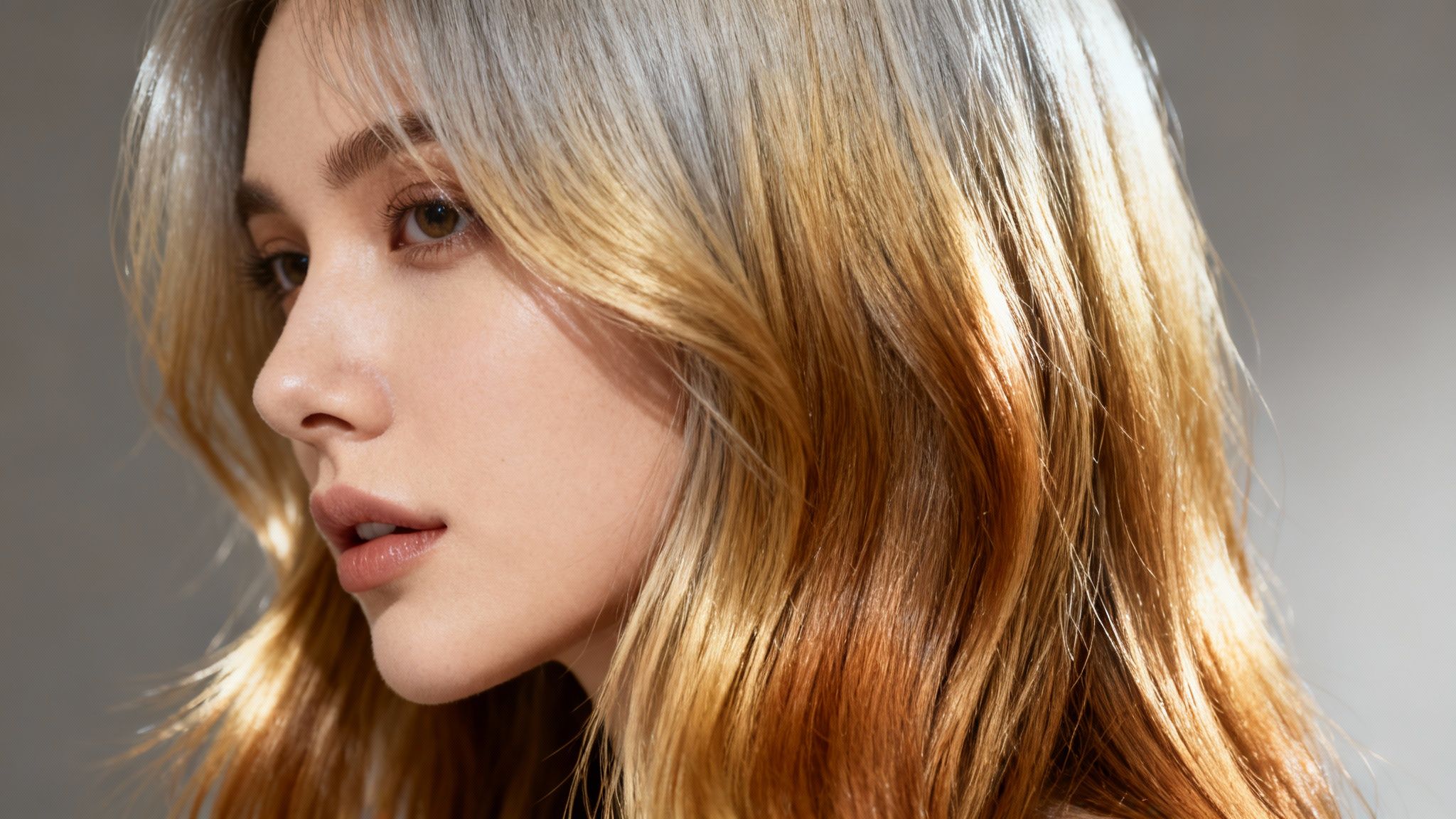
Elevate Your Personal and Professional Photos
Consider your existing photo library. Now, imagine imbuing those pictures with a completely new aesthetic with just a few clicks. This is where an AI tool truly excels, enabling you to refine your personal brand or add a creative twist to photos you already love.
Upgrade Professional Headshots: Is your LinkedIn profile photo feeling dated? Instead of scheduling a new photoshoot, use AI to experiment with a more polished, professional shade. Swapping a bright blonde for a sophisticated deep auburn can instantly alter the tone of a corporate headshot, projecting a different kind of authority.
Coordinate Special Occasion Photos: Take a beautiful engagement or anniversary photo and elevate it. You could experiment with elegant, coordinated hair colors for you and your partner to create a cohesive, artistic look. Imagine both of you with complementary warm chestnut tones for an autumn-themed shoot—stunning!
Revitalize Social Media Content: For influencers and content creators, fresh visuals are paramount. An AI hair color changer allows you to generate a series of posts from a single photoshoot. You could debut a "new" pastel pink look one week and a fiery copper the next, keeping your feed dynamic without the time and expense of salon visits.
Create Themed and Fantasy Photoshoots
Beyond everyday looks, AI opens the door to creating stunning, imaginative visuals that would be logistically challenging and expensive to produce in real life. This is where you can truly unleash your creativity.
In an interview with Digital Photo Pro magazine, celebrity photographer Marco Bellini stated, "The ability to instantly visualize and apply any hair color imaginable removes creative limitations. It allows photographers and artists to treat hair as another deliberate element in the composition, just like lighting or wardrobe."
For instance, you could transform a simple portrait into a high-concept piece of art. A cyberpunk-themed shoot comes to life with streaks of neon green or electric blue. An ethereal, fairytale-inspired photo feels complete with soft, dreamlike lavender or rose-gold hair.
These tools are perfect for experimenting with bold aesthetics for digital art, themed party invitations, or simply for personal enjoyment. You can build entire visual narratives where the hair color itself tells a story, turning any photo into a canvas for your imagination.
Got Questions About AI Hair Color Changers? We've Got Answers.
Embarking on an AI hair makeover journey is exciting, but it's natural to have questions. This FAQ provides straightforward answers to help you begin with confidence, covering everything from data privacy to the creative limits of color choice.
Is It Safe to Upload My Photos?
Absolutely. Your privacy is a top priority, and any reputable platform is built with robust security measures. For example, tools like DreamShootAI employ industry-standard encryption protocols like HTTPS and AES-256 to protect your data both in transit and at rest.
The purpose of these platforms is to provide a secure creative sandbox, allowing you to experiment with new looks without concern for data privacy.
Can I Try Really Unconventional Hair Colors?
Yes, and this is where the technology truly shines. An AI hair color changer is not limited to conventional shades of brown and blonde—it is engineered to handle bold, imaginative looks.
You can instantly visualize a full spectrum of fantasy colors, from electric blue and pastel pink to a vibrant forest green. It's the perfect way to plan a unique photoshoot, brainstorm compelling social media content, or simply satisfy your curiosity about having mermaid hair without any real-world commitment.
A recent user poll from a leading app developer found that over 65% of users leverage these tools specifically to test-drive fantasy colors they would be hesitant to try at a salon.
As a brand strategist commented, "The ability to instantly visualize unconventional styles empowers consumers to step outside their comfort zone. It's not just about changing color; it's about exploring different facets of one's personality in a completely risk-free environment."
How Realistic Will the Results Look?
The final result is contingent on two primary factors: the quality of the source photo and the sophistication of the AI tool being used. For the most believable outcome, always begin with a high-resolution picture taken in good, even lighting. A blurry, dark photo will invariably produce a subpar result.
The best tools offer significant user control over the final image. You can use detailed prompts to tweak key elements such as:
- Shine and Glossiness: To ensure the hair catches light realistically.
- Highlights and Lowlights: Crucial for creating natural-looking depth and dimension.
- Root Blending: To avoid the artificial "wig" look and achieve a seamless, professional finish.
How Long Does This Whole Process Take?
This is perhaps the most impressive aspect. A salon appointment can consume several hours, but changing your hair color with AI is nearly instantaneous. The entire process typically takes only a few seconds.
You upload your photo, type in your desired look, and the transformation appears on your screen. This incredible speed allows you to audition dozens of different shades and styles in minutes, making the entire experience fast, fun, and highly efficient.
Ready to stop wondering "what if" and start seeing for yourself? With the DreamShootAI platform, you can use powerful, specific prompts to create the exact hair color you've been dreaming of. Try DreamShootAI today and transform your photos in seconds.
Written by Jocelyn Grey for the DreamShootAI blog.
Spotted something out of date? Tell us at [email protected] and we'll fix it.