The 12 Best Apps for Content Creators in 2026
Discover the 12 best apps for content creators. Our definitive 2026 guide covers AI studios, video editors, and design tools to level up your workflow.
In a market projected to reach over $500 billion by 2027, the creator economy is expanding at an unprecedented rate, a fact underscored by a Goldman Sachs report valuing it at $250 billion in 2023. This growth brings a deluge of applications, each promising to streamline your workflow, enhance your content, and grow your audience. The sheer volume of choices can be paralyzing, leaving you to wonder which tools are genuinely worth your time and investment. Sifting through countless options to find the best apps for content creators can feel like a full-time job, distracting you from your primary goal: creating.
This guide cuts through the noise. We've curated a comprehensive list of top-tier applications designed to address the specific challenges faced by modern creators. Whether you're a social media influencer needing on-brand photo and video content, a wedding photographer exploring AI-powered studios like DreamShootAI for engagement shoots, or a professional polishing your online presence, this resource is your centralized hub. We move beyond generic feature lists to provide a detailed analysis of each tool's practical application, from initial setup to final export.
As you navigate the app overload to build your ultimate creator toolkit, it's essential to identify the core software for your main content type. For those focusing on video, consider exploring the best software for editing videos for YouTube to establish a solid foundation. Here, you will find actionable insights, including:
- Detailed Breakdowns: Concise summaries of core features and ideal use cases.
- Pros and Cons: An honest assessment of each app's strengths and limitations.
- Practical Details: Clear information on platform availability and pricing structures.
Each entry is structured for quick scanning and includes direct links and screenshots to help you make informed decisions efficiently. Let's build your perfect toolkit.
1. DreamShootAI
As our top choice, DreamShootAI represents a significant leap forward in content creation, operating as a full-service AI photo and video studio accessible from any device. This platform empowers creators to generate studio-quality images and video clips from a handful of ordinary selfies, bypassing the need for expensive photographers, equipment, and location scouting. Its innovative approach makes it one of the best apps for content creators seeking to produce diverse, high-quality visual assets efficiently.
The platform’s standout capability is its couple-aware AI model training. After uploading your photos, DreamShootAI creates a personal AI "clone" (or a couple clone) that can be placed into thousands of scenarios. This technology addresses a common AI pain point, generating consistently realistic images of two specific people interacting naturally. According to a 2023 market analysis by Grand View Research, the AI-generated content market is projected to grow at a CAGR of 35.6% from 2024 to 2030, with tools that offer high personalization and consistency leading the charge. DreamShootAI is at the forefront of this movement.
Key Features and Use Cases
- Themed Photo Packs: Generate packs of 20-40 images across themes like professional headshots, wedding ceremonies, boudoir, and even stylized genres like cyberpunk. This is ideal for influencers needing a steady stream of on-brand content or couples creating digital wedding albums.
- AI Video Animator: Transform any generated or uploaded photo into a short, dynamic video clip with over 20 animation styles. This is perfect for creating engaging Reels, Shorts, or TikToks.
- Magic Upscaler & Photo Edit-by-Prompt: Enhance image resolution and lighting with the upscaler or use simple text commands to make targeted edits, like “change background to a solid gray wall” or “make my smile brighter.”
"The next wave of creator tools won't just assist; they will automate the mundane. Platforms like DreamShootAI, which eliminate logistical hurdles like photoshoots, free up creators to focus on narrative and branding—the core of their value proposition." - Dr. Alistair Croft, AI and Media Analyst
Practical Considerations
| Feature | Details |
|---|---|
| Ideal For | Social influencers, engaged couples, wedding planners, professionals, and anyone needing private, creative photos without a live shoot. |
| Pricing | Starts at $24.50/month for 200 credits. Pro and Premium tiers offer more credits and features like 4K outputs. Annual plans include a significant discount. |
| User Experience | The interface is intuitive. Model training takes 30-60 minutes, after which generating images is fast. |
| Pros | Massive cost/time savings; unique couple-generation capability; integrated photo and video tools; strong security protocols. |
| Cons | Full personalization requires a paid plan; output quality depends on the input selfies; users must consider ethical use. |
For professionals aiming to perfect their online presence, the platform offers specialized tools for creating polished business portraits. To understand how AI is revolutionizing professional branding, you can learn more about AI for professional headshots.
Website: https://dreamshootai.com
2. Apple App Store
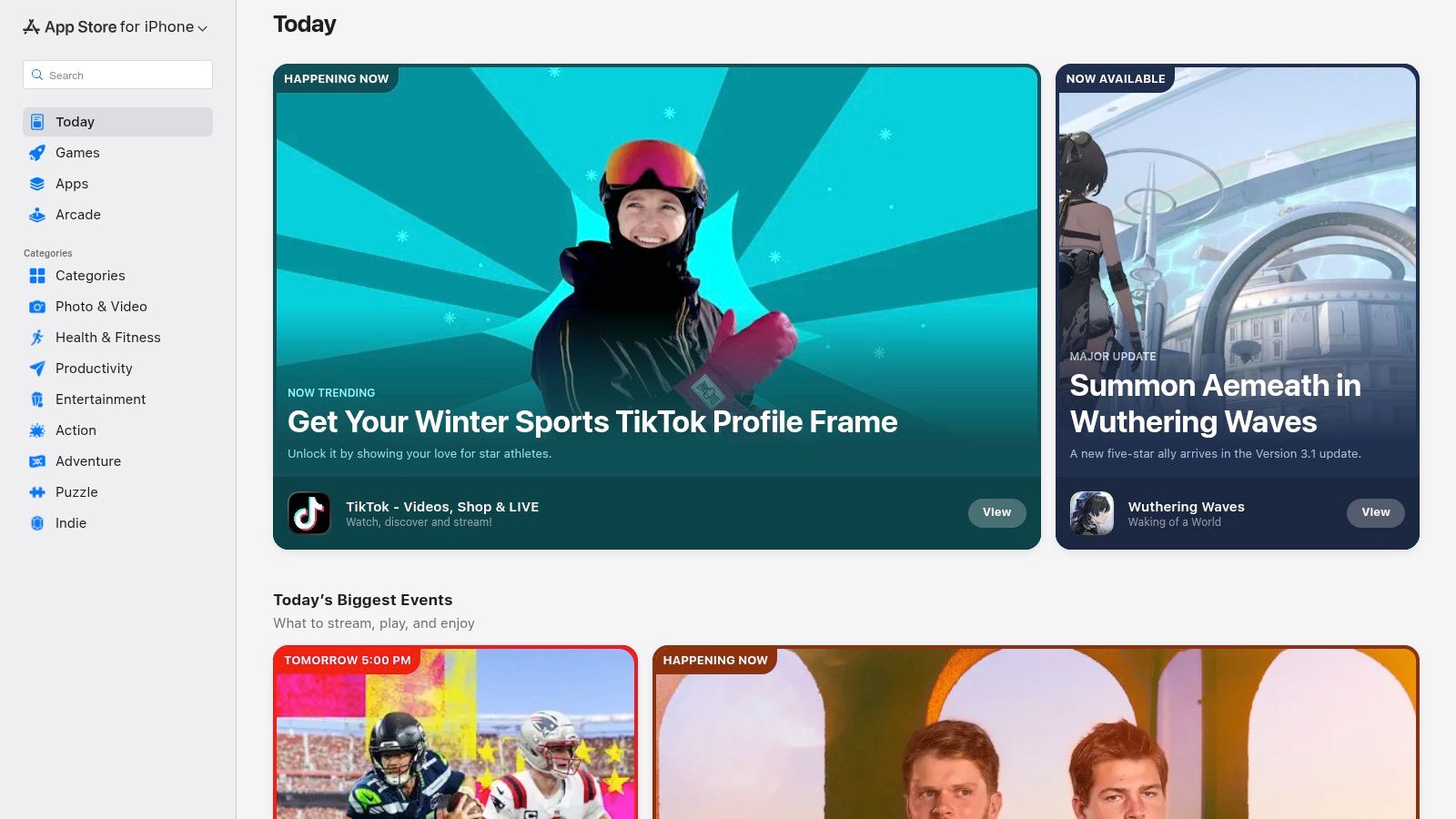
For creators embedded in the Apple ecosystem, the App Store is the primary gateway to a curated universe of high-quality creative tools. It isn't just a marketplace; it's a discovery engine meticulously organized to surface the best apps for content creators, from powerful video editors like Final Cut Pro to innovative design apps like Procreate. Apple's editorial team frequently publishes stories and collections, such as "Apps for Social Media Creators" or "Master Your Photography," which simplify the otherwise overwhelming task of finding the right software. A study by Statista reveals that iOS users consistently spend more on apps than their Android counterparts, making it a lucrative platform for premium creative software developers.
Key Features & Creator Benefits
What sets the App Store apart is its rigorous vetting process and seamless integration. Every app must adhere to strict privacy and security standards, with clear "Privacy Nutrition Labels" that detail how your data is used. This level of trust is critical for professionals handling client content or personal projects. The user experience is unified, with consistent subscription management and purchase history tied to your Apple ID, eliminating the hassle of tracking multiple developer accounts. For influencers and wedding creators constantly on the move, iCloud synchronization ensures that projects started on an iPhone can be seamlessly continued on an iPad or MacBook.
"The App Store's walled-garden approach, while restrictive, creates a high-quality, secure environment. Creators can download apps with confidence, knowing they've been vetted for performance and safety," notes tech analyst Michael Simmons of Digital Trends.
Platform Details:
| Attribute | Details |
|---|---|
| Availability | Exclusive to iOS, iPadOS, macOS, watchOS, tvOS |
| Pricing Model | Varies: Free, freemium, one-time purchase, subscription-based. All payments are managed securely through your Apple ID. |
| Key Advantage | High Trust & Curation: Strict app review process and editorial collections ensure quality and security. |
| Best For | Creators heavily invested in the Apple ecosystem who value seamless device integration, security, and a curated discovery experience. |
Website: https://apps.apple.com/
3. Google Play Store
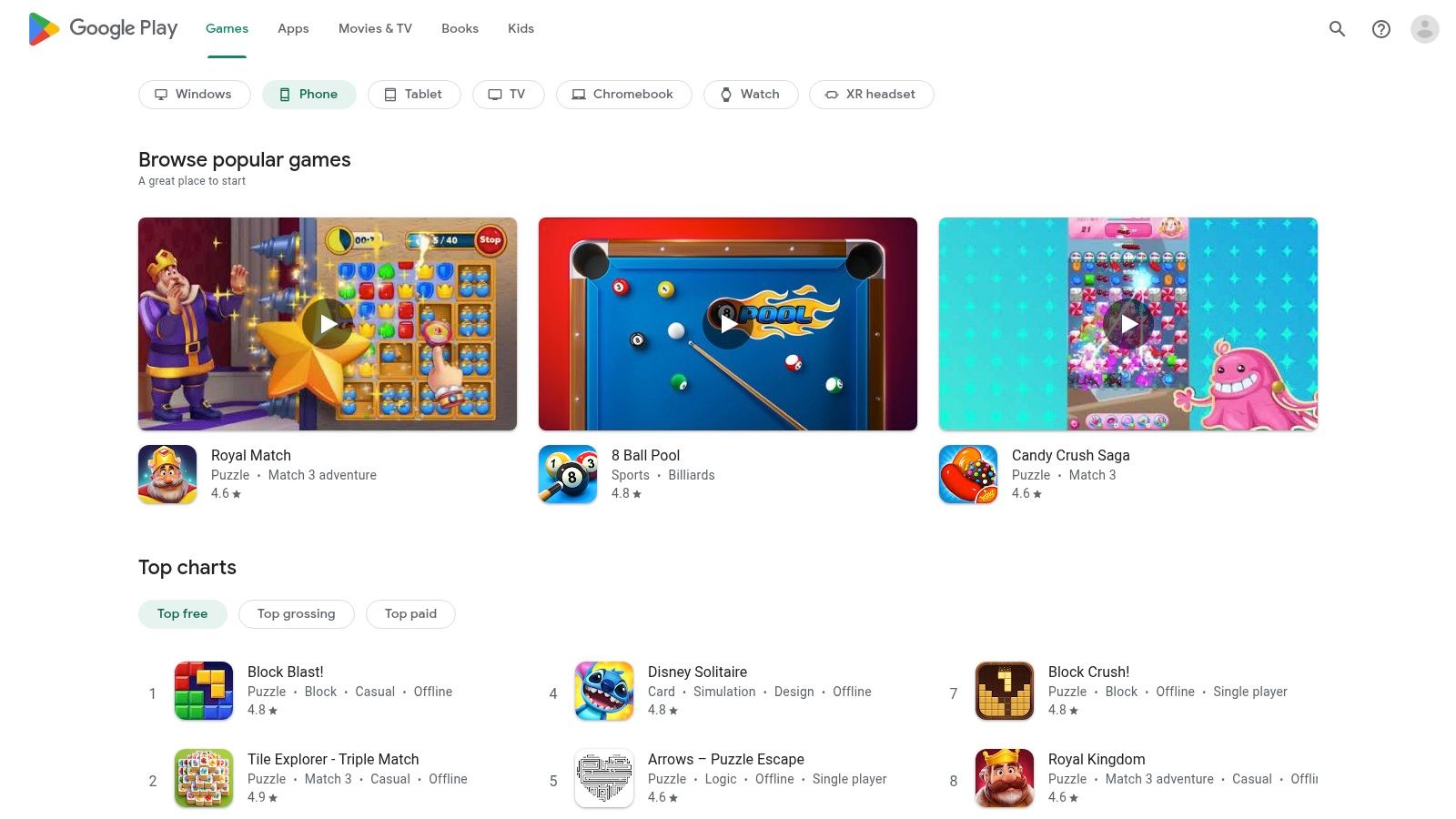
For the vast majority of creators on Android devices, the Google Play Store is the definitive source for creative applications. Commanding over 70% of the global mobile operating system market share, Android's reach is immense. The Play Store functions as a massive, open marketplace, providing access to a diverse ecosystem of tools. From versatile video editors like CapCut to robust design suites from Adobe, it offers one of the largest catalogs available, making it a primary destination to find the best apps for content creators on the Android platform. Its algorithm-driven recommendations and user-generated reviews help creators sift through the immense selection to find the right tool for their specific needs.
Key Features & Creator Benefits
The Play Store's key strength lies in its sheer breadth and accessibility across a wide range of devices, including tablets and Chromebooks. Features like device compatibility checks ensure an app will run on your specific hardware before you download it. Subscription management is centralized within your Google account, simplifying renewals and cancellations. For creators who use many premium tools, the optional Google Play Pass provides access to hundreds of paid apps and games, free of ads and in-app purchases, for a single monthly fee, which can be a highly cost-effective solution.
"Google Play's open ecosystem fosters incredible diversity in app development. Creators have more choices, often at more competitive price points, which is a huge advantage for those just starting out or working with a tight budget," states Android developer and analyst Sarah Jeong.
Platform Details:
| Attribute | Details |
|---|---|
| Availability | Primarily Android, ChromeOS, Wear OS, Android TV |
| Pricing Model | Varies: Free, freemium, one-time purchase, subscription. Offers Google Play Pass for bundled access. Payments managed via Google account. |
| Key Advantage | Immense Selection & Device Flexibility: A massive catalog of apps compatible with a wide array of hardware at various price points. |
| Best For | Android-based creators who need a broad selection of tools, value cross-device compatibility, and prefer a more open app marketplace. |
Website: https://play.google.com/store
4. Apple Creator Studio
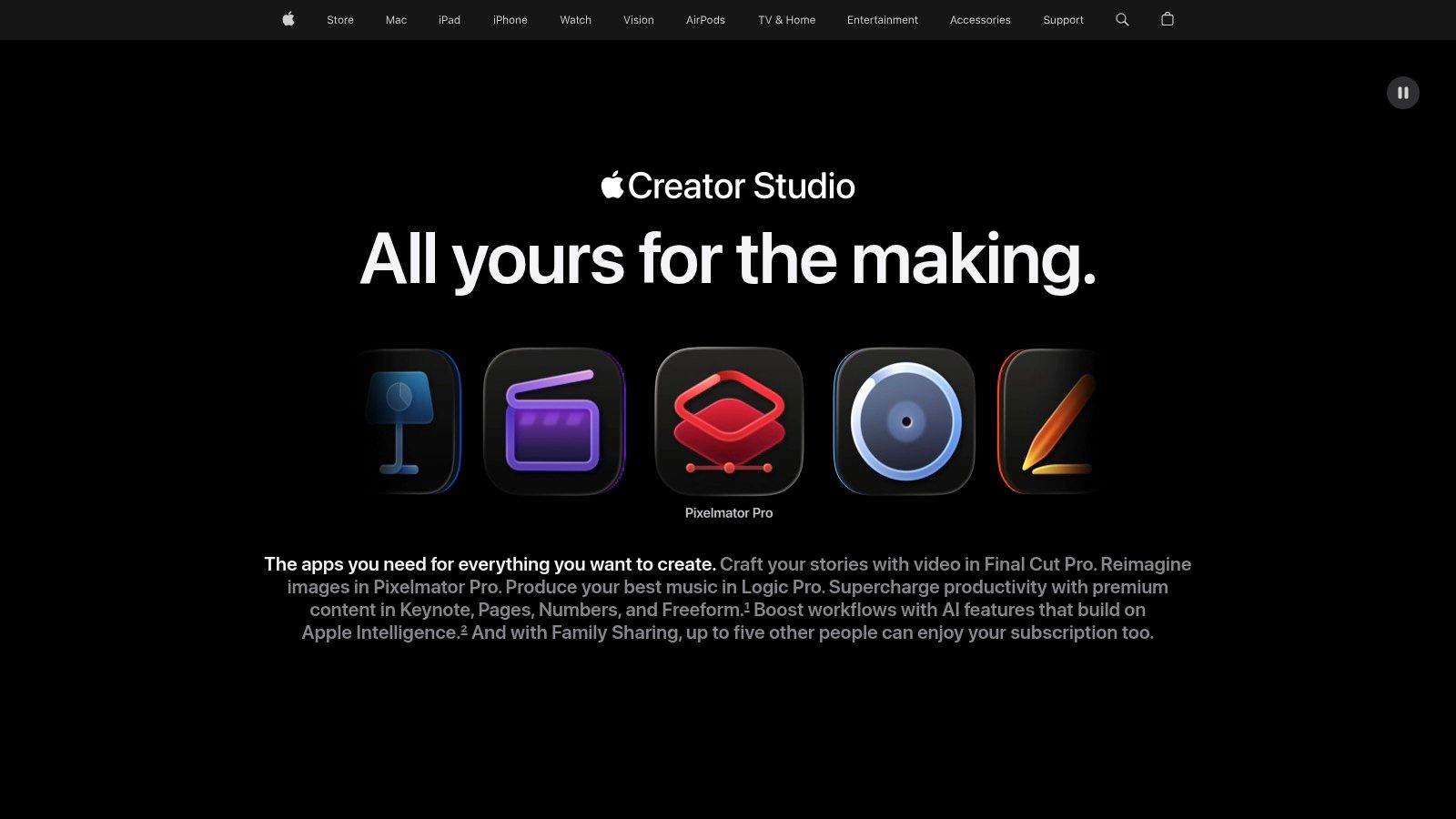
For creators deeply integrated into the Apple ecosystem, the Apple Creator Studio bundle represents a seismic shift in accessing professional-grade tools. Launched in 2026, this subscription consolidates Apple's flagship creative software, including Final Cut Pro, Logic Pro, and Motion, into a single, affordable package. It is designed to be a one-stop-shop, providing some of the best apps for content creators under a unified subscription, eliminating the high upfront cost of individual licenses.
Key Features & Creator Benefits
The primary advantage of Creator Studio is its incredible value and seamless integration. For a single monthly fee, creators unlock powerful tools for video editing, audio production, and motion graphics that are all optimized for Apple hardware. This ensures blazing-fast performance, especially on Apple silicon. The inclusion of AI-enhanced features and premium content within the iWork suite adds another layer of utility, empowering users to create stunning presentations and documents with minimal effort. Furthermore, Family Sharing support allows up to six users to access the entire software suite, making it an economical choice for creative teams or families.
"By bundling its pro apps, Apple has dramatically lowered the barrier to entry for professional content creation. The performance gains from hardware and software integration are unparalleled, offering a truly frictionless workflow," remarks a senior analyst at TechCrunch.
Platform Details:
| Attribute | Details |
|---|---|
| Availability | Exclusive to macOS and iPadOS/iOS |
| Pricing Model | Monthly or annual subscription. Includes access to all apps in the bundle, plus ongoing updates and new features. |
| Key Advantage | Cost-Effective Access & Performance: Unlocks a full suite of pro apps for a fraction of the cost of individual licenses, with unmatched hardware optimization. |
| Best For | Video editors, musicians, and graphic designers within the Apple ecosystem seeking a powerful, integrated, and affordable creative toolset. |
Website: https://www.apple.com/apple-creator-studio/
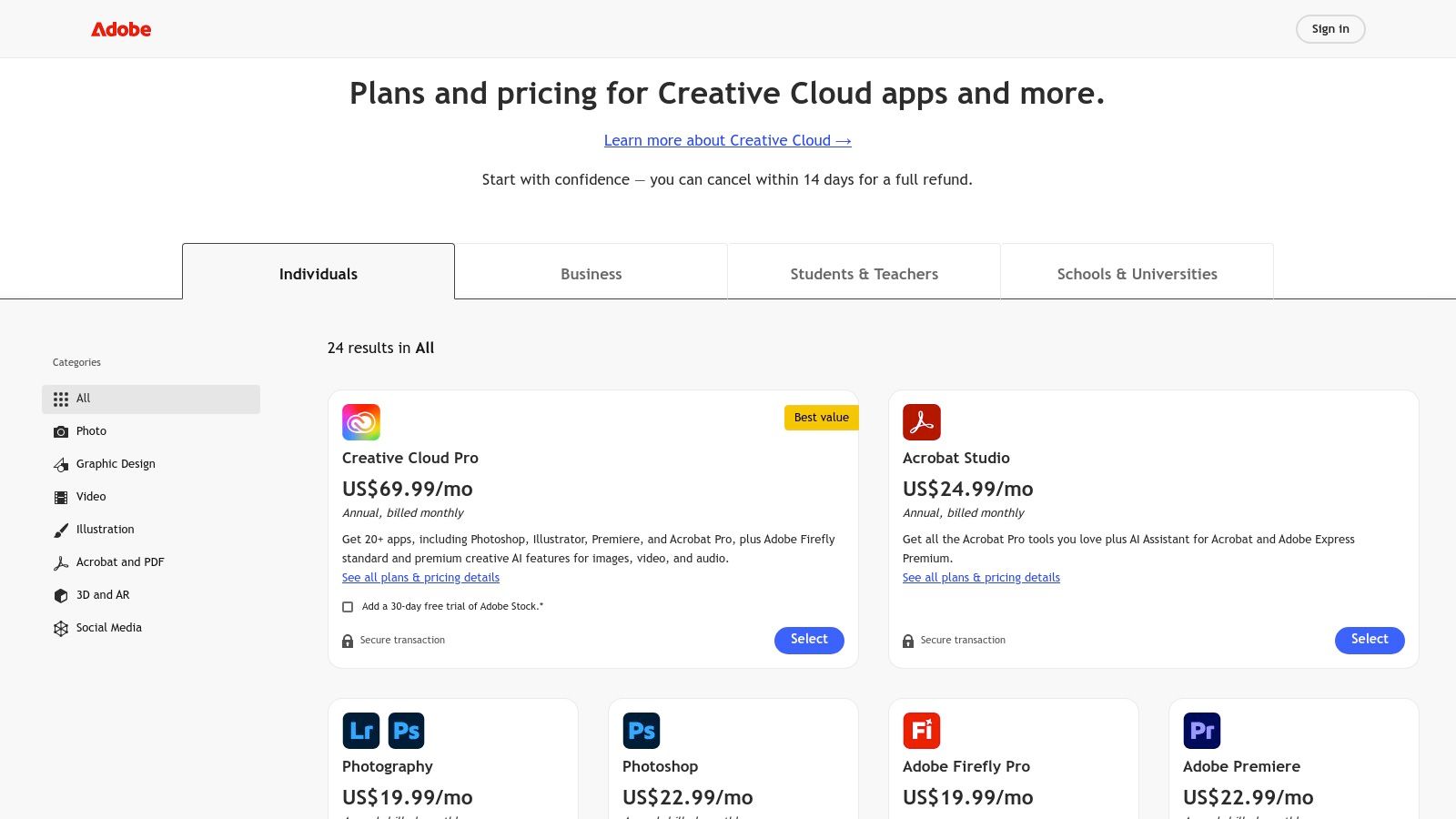
5. Adobe Creative Cloud
For professional creators, Adobe Creative Cloud is the undisputed industry standard, serving as the powerful engine behind most high-quality digital content. A 2023 survey found that over 90% of creative professionals use Adobe Photoshop. This isn't just a collection of apps; it's a deeply integrated ecosystem where projects flow seamlessly between specialized tools like Photoshop for image manipulation, Premiere Pro for video editing, and After Effects for motion graphics. As a comprehensive suite, it provides some of the best apps for content creators looking for unparalleled depth, control, and professional-grade output for any creative task imaginable.
Key Features & Creator Benefits
What makes Creative Cloud indispensable is the synergy between its applications. A graphic created in Illustrator can be instantly animated in After Effects, while photos refined in Lightroom are readily available in Photoshop for more complex edits. The introduction of Adobe Firefly, its generative AI model, further enhances workflows, allowing creators to generate assets or edit photos with AI using simple text prompts. Centralized Creative Cloud Libraries ensure brand assets like logos, color palettes, and fonts are consistent across all projects and devices, a crucial feature for influencers and businesses maintaining a cohesive brand identity.
"Adobe's suite is the backbone of the creative industry. Its cross-app integration saves professionals countless hours, turning complex, multi-stage projects into streamlined workflows," states digital media consultant Maria Flores of Creative Pro.
Platform Details:
| Attribute | Details |
|---|---|
| Availability | Windows, macOS, iOS, Android |
| Pricing Model | Subscription-based. Plans available for single apps or the full All-Apps bundle, with discounts for annual commitments. |
| Key Advantage | Professional Integration: Unmatched interoperability between best-in-class tools for photo, video, design, and web, creating a powerful, end-to-end creative workflow. |
| Best For | Professional creators, agencies, and influencers who require a powerful, integrated, and industry-standard toolset for producing high-quality content. |
Website: https://www.adobe.com/creativecloud/plans.html
6. Canva
Canva has democratized the world of design, transforming what once required specialized software into an accessible, browser-based experience. With over 170 million monthly active users, its impact is undeniable. For creators, it's a go-to platform for producing visually appealing content at speed, from Instagram stories and YouTube thumbnails to professional presentations and print-ready materials. Its massive template library serves as a powerful starting point, enabling even non-designers to create polished assets in minutes, making it one of the most versatile and best apps for content creators on the market today.
Key Features & Creator Benefits
Canva's core strength lies in its combination of an intuitive drag-and-drop interface with a vast ecosystem of templates, stock photos, and design elements. This removes the steep learning curve associated with professional tools like Adobe Photoshop. Features like Brand Kits allow influencers and businesses to maintain brand consistency effortlessly by storing logos, color palettes, and fonts. The recent integration of the AI-powered Magic Studio introduces tools like a background remover, magic text generation, and video editing, further accelerating the content creation workflow. For social media managers, the built-in Content Planner is a game-changer, allowing them to design and schedule posts directly from the platform.
"Canva is the ultimate enabler for the creator economy. It allows for rapid content production without sacrificing quality, which is essential in today's fast-paced digital environment," states social media strategist Jenna Lee.
Platform Details:
| Attribute | Details |
|---|---|
| Availability | Web browser, macOS, Windows, iOS, Android |
| Pricing Model | Freemium model with extensive free features. Canva Pro and Canva for Teams unlock premium assets, Brand Kits, and advanced AI tools via subscription. |
| Key Advantage | Speed & Accessibility: An enormous template library and an intuitive interface allow for rapid, professional-looking content creation. |
| Best For | Solo creators and small teams needing quick, template-driven designs for social media, marketing materials, and internal presentations. |
Website: https://www.canva.com/
7. CapCut
For creators who live and breathe short-form video, CapCut has become the unofficial editor for platforms like TikTok, Reels, and YouTube Shorts. Developed by ByteDance, the same company behind TikTok, it offers a seamless, mobile-first workflow designed for speed and virality. In 2023, it was the fourth most downloaded app worldwide, highlighting its dominance. Its extensive library of trending templates, effects, and sounds makes it one of the best apps for content creators aiming to produce high-engagement social content with minimal effort. The platform continually evolves, incorporating advanced AI features that simplify complex edits.
Key Features & Creator Benefits
CapCut’s main advantage is its deep integration with the mechanics of social video. Features like auto-captions, background removal, and speed ramping are incredibly intuitive, allowing for quick turnarounds. The platform syncs projects across mobile, desktop, and a web app, giving creators the flexibility to start an edit on their phone and fine-tune it on a larger screen. For social media influencers and wedding creators sharing highlight clips, this cross-device continuity is a massive workflow enhancement. As AI becomes more integral to video, you can explore some of the best AI video generators to see how tools like CapCut are pushing creative boundaries.
"CapCut democratized video editing for the TikTok generation. Its template-driven approach means anyone can produce a professional-looking, trend-aligned video in minutes, not hours," states social media strategist Chloe Daniels of Social Media Today.
Platform Details:
| Attribute | Details |
|---|---|
| Availability | iOS, Android, macOS, Windows, Web browser |
| Pricing Model | Freemium with a Pro subscription. Pricing and features can vary by region and platform, so verify terms at checkout. |
| Key Advantage | Speed & Trend Integration: Optimized for rapid creation of TikToks, Reels, and Shorts with a vast library of viral templates. |
| Best For | Social media managers, influencers, and any creator focused on producing fast, engaging, trend-driven short-form video content. |
Website: https://www.capcut.com/
8. Descript
Descript revolutionizes audio and video editing by transforming it into a process as simple as editing a text document. This AI-powered platform transcribes your media, allowing you to cut, copy, and paste audio or video by simply manipulating the text. For podcasters, YouTubers, and social media managers, this text-based workflow dramatically accelerates content creation, making it one of the best apps for content creators focused on dialogue-heavy projects like interviews, tutorials, and commentary. The ability to remove filler words like "um" and "uh" with a single click is a game-changer for producing polished audio.
Key Features & Creator Benefits
Descript's standout feature is its seamless integration of transcription with a multi-track editor. Creators can easily add music, sound effects, and B-roll while editing the transcript. AI features like Studio Sound enhance vocal clarity, and Overdub allows you to clone your voice to correct mistakes without re-recording. This suite of tools streamlines the entire production process from initial recording to final export, making it incredibly efficient for repurposing long-form podcasts into short social media clips. While Descript offers robust features, exploring Descript alternatives can help you find a tool that perfectly fits your specific needs and budget.
"Descript's text-based editing isn't just a novelty; it's a fundamental shift in post-production. It lowers the barrier to entry for high-quality video and podcast creation, saving creators countless hours," observes tech journalist and podcast producer, Sarah Evans.
Platform Details:
| Attribute | Details |
|---|---|
| Availability | macOS, Windows, Web Browser |
| Pricing Model | Free plan with limited features; Paid plans (Creator, Pro) available via monthly or annual subscription for more transcription hours and advanced features. |
| Key Advantage | Text-Based Editing: Radically simplifies and speeds up the editing workflow for spoken-word content. |
| Best For | Podcasters, YouTubers, educators, and marketers who create dialogue-heavy content and need to quickly repurpose it for multiple platforms. |
Website: https://www.descript.com/
9. Blackmagic Design – DaVinci Resolve
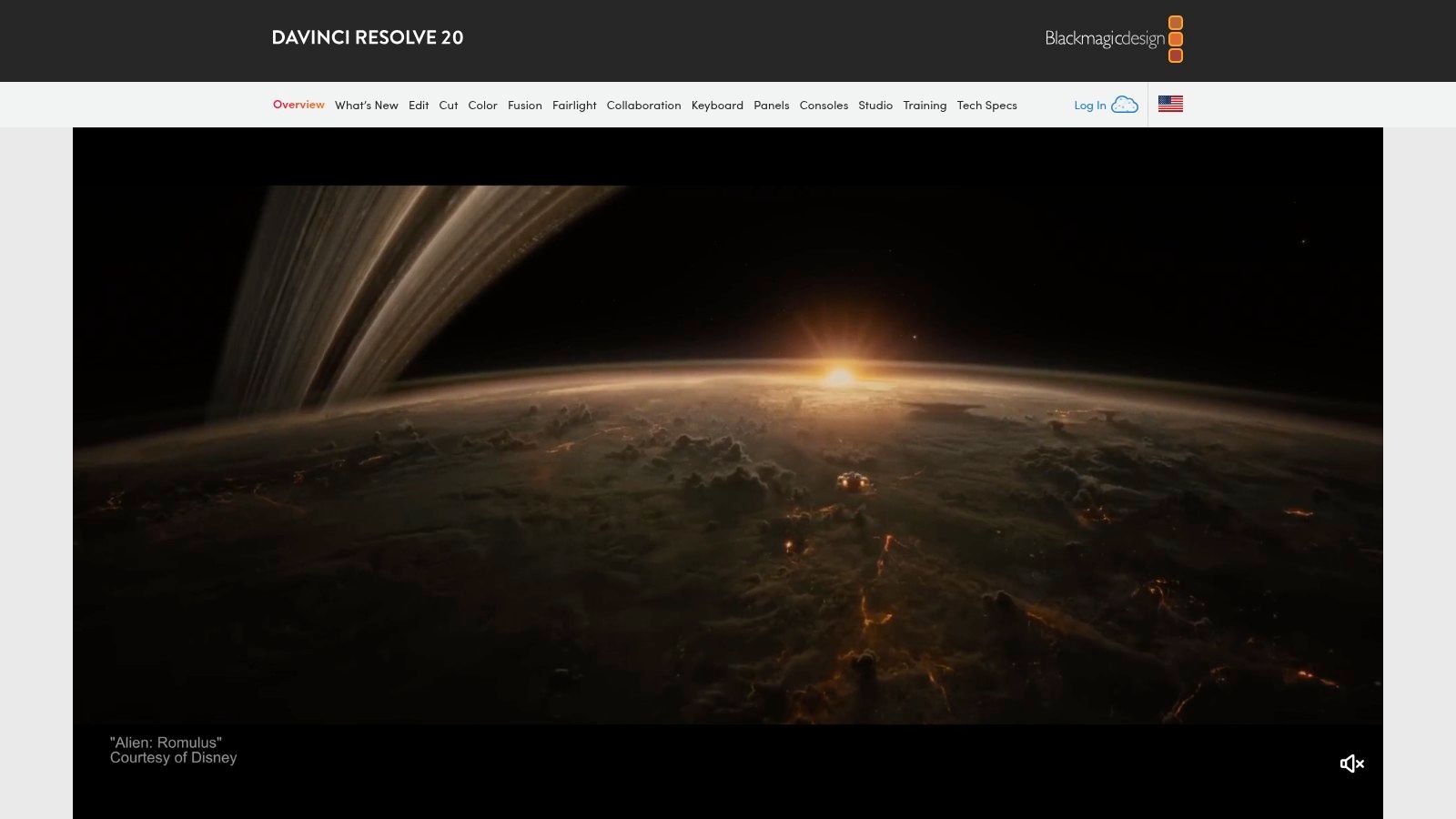
For creators demanding professional-grade video editing without the industry-standard price tag, DaVinci Resolve is a powerhouse. It uniquely combines editing, color correction, visual effects (Fusion), and audio post-production (Fairlight) into a single, seamless workflow. This integrated approach eliminates the need to switch between different applications, streamlining the production process for everything from YouTube videos and social media content to high-end cinematic projects. Many consider it one of the best apps for content creators due to its unparalleled free version.
Key Features & Creator Benefits
What truly distinguishes DaVinci Resolve is its legendary color grading toolset, the same technology used on countless Hollywood films and television shows. The free version offers more power than many paid alternatives, giving influencers and wedding creators access to professional-level tools for achieving a cinematic look. The one-time purchase for the Studio version adds advanced features like AI-powered tools, superior noise reduction, and collaboration features, making it a cost-effective long-term investment compared to subscription-based models. A 2023 Puget Systems report found it consistently outperforms Adobe Premiere Pro in playback performance across multiple codecs.
"DaVinci Resolve democratizes professional post-production. Its robust free version and subscription-free Studio license make high-end video editing accessible to creators at every level, from beginner to seasoned professional," states film editor and technology journalist, Sarah Phillips.
Platform Details:
| Attribute | Details |
|---|---|
| Availability | macOS, Windows, Linux |
| Pricing Model | A powerful free version is available. DaVinci Resolve Studio is a one-time purchase with no recurring subscription fees. |
| Key Advantage | All-in-One Workflow: Combines professional editing, color, VFX, and audio in a single application, maximizing efficiency. |
| Best For | Video creators seeking a professional, industry-standard toolset without a monthly subscription, especially those focused on high-quality color grading. |
Website: https://www.blackmagicdesign.com/products/davinciresolve/
10. Setapp
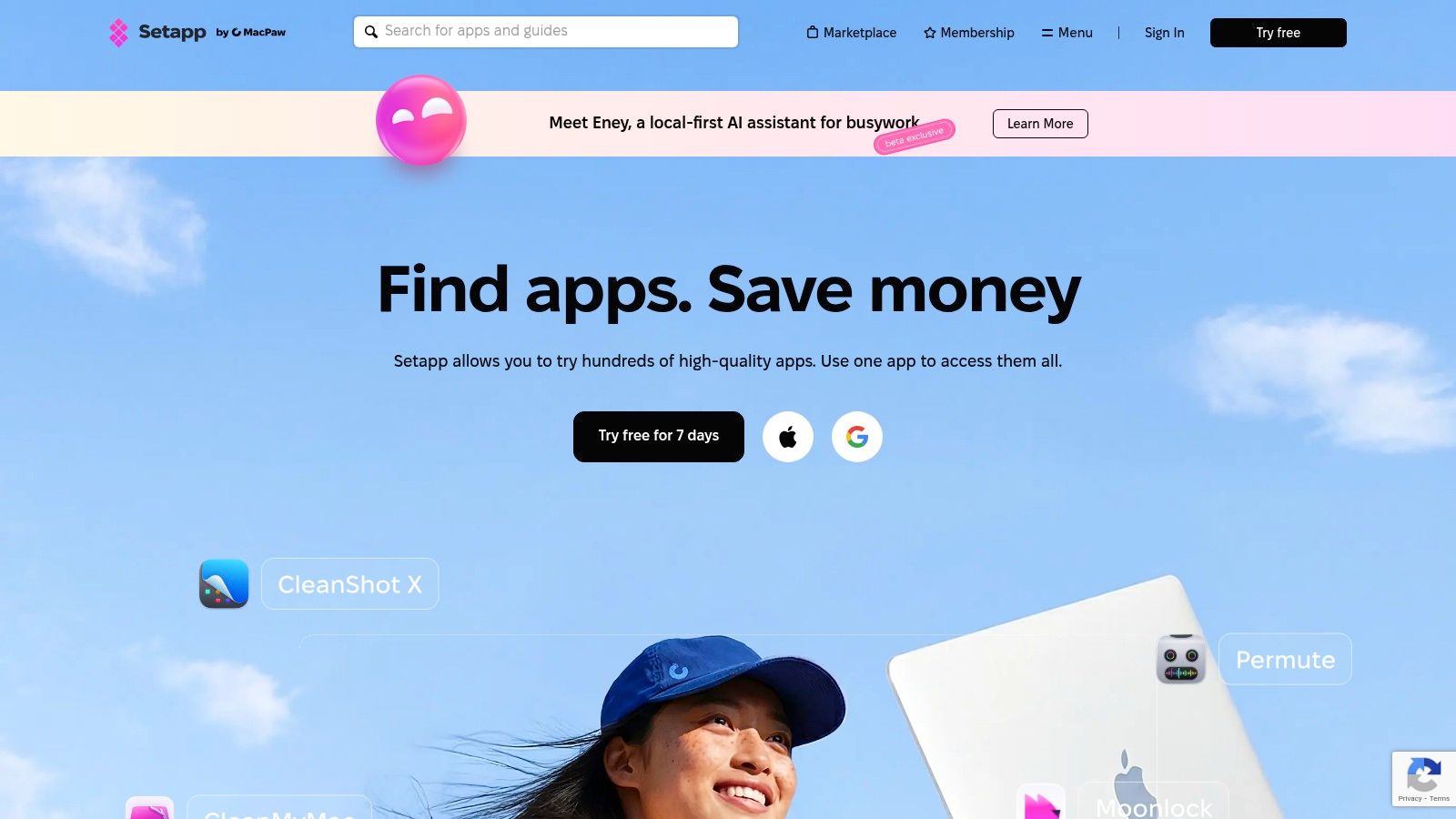
For creators who find themselves constantly buying or subscribing to individual apps, Setapp offers a paradigm shift. It’s a subscription service that bundles a curated collection of premium Mac and iOS applications into a single monthly fee. Instead of purchasing tools one by one, creators gain access to a full suite of software covering everything from screen recording with CleanShot X to file management with ForkLift. This model makes it one of the best apps for content creators looking to build a versatile toolkit without the significant upfront investment.
Key Features & Creator Benefits
Setapp’s core value lies in discovery and cost-efficiency. It encourages experimentation by removing the financial risk of trying new, specialized software. For example, a social media influencer can test multiple writing apps like Ulysses and note-takers like NotePlan to find the perfect workflow without committing to multiple purchases. The platform manages all updates automatically, ensuring every tool is current and secure. This unified approach simplifies software management, allowing creators to focus on their work rather than on licenses and updates.
"Setapp democratizes access to professional-grade tools. By bundling them, it lowers the barrier to entry for emerging creators who need a diverse software arsenal but can't afford dozens of individual subscriptions," states a review from MacStories.
Platform Details:
| Attribute | Details |
|---|---|
| Availability | macOS, iOS |
| Pricing Model | Flat-rate monthly subscription with various tiers (Mac, Mac + iOS, Family, Teams). A 7-day free trial is available. |
| Key Advantage | Cost-Effective Access: A single subscription provides access to a large, curated library of premium apps, offering significant savings. |
| Best For | Mac-based creators who use a wide range of specialized tools and want to avoid the cost and hassle of managing individual software licenses. |
Website: https://setapp.com/
11. AppSumo
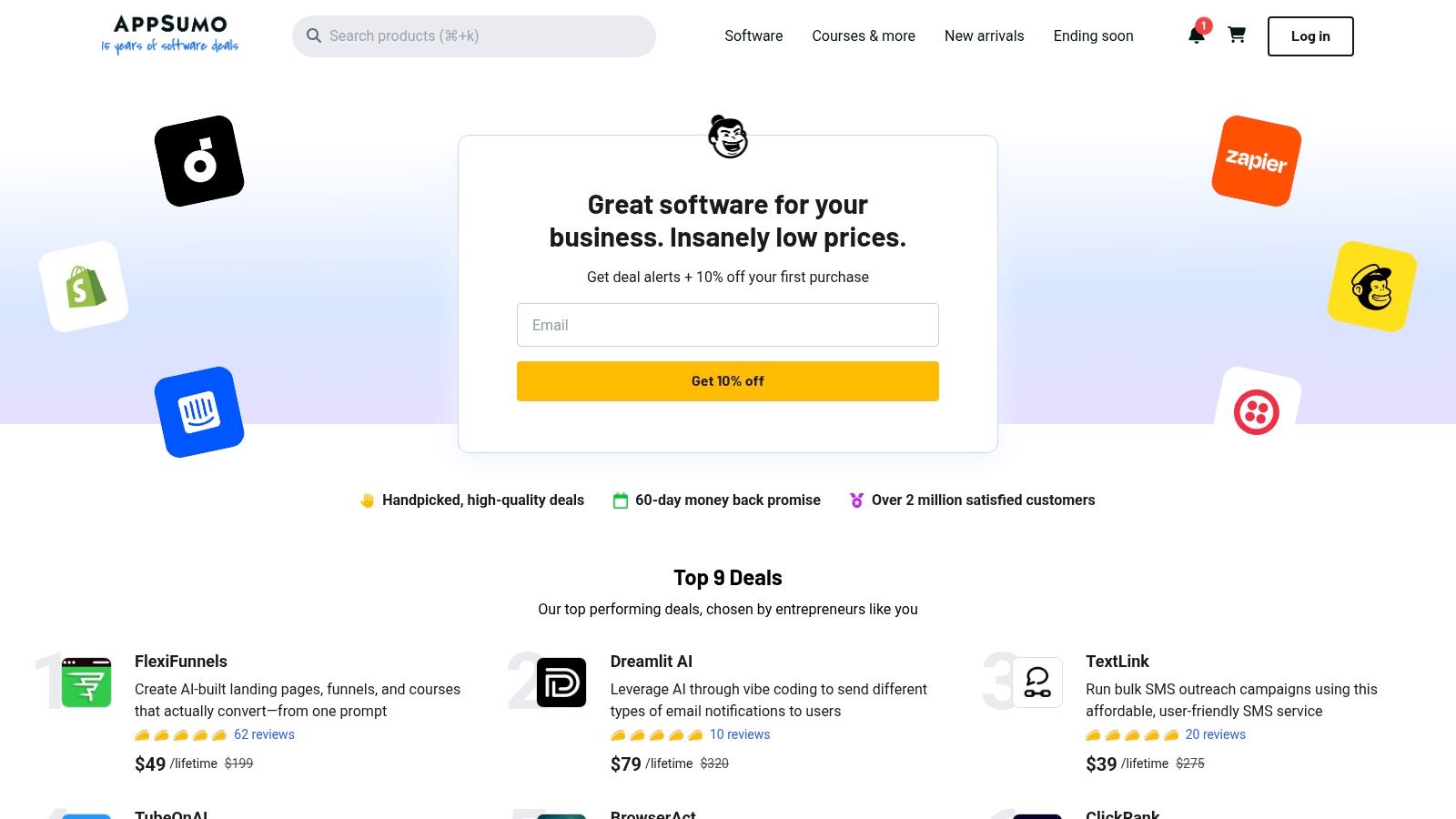
For budget-conscious creators looking to build a powerful software stack without recurring subscription fees, AppSumo is an essential destination. It's a digital marketplace that offers limited-time, heavily discounted deals on emerging software, including lifetime access to many tools. Instead of paying monthly, creators can often make a one-time purchase for apps spanning AI video generation, social media scheduling, and graphic design, making it one of the most cost-effective ways to discover the best apps for content creators before they hit the mainstream market.
Key Features & Creator Benefits
AppSumo's core value lies in its unique deal structure, primarily featuring lifetime deals (LTDs). This model allows influencers and wedding creators to acquire powerful software for a fraction of the long-term cost, freeing up capital for other business needs. The platform covers a vast range of creator categories, from AI voiceover generators and image enhancers to project management and SEO tools. The constant rotation of new deals encourages experimentation, allowing you to test multiple new apps to find the perfect fit for your workflow without the commitment of multiple standard subscriptions.
"AppSumo democratizes access to professional-grade software. For a solo creator or a small agency, securing a lifetime deal on a key tool can represent thousands of dollars in savings over a few years, fundamentally changing their operating budget," observes digital marketing strategist Chloe Daniels.
Platform Details:
| Attribute | Details |
|---|---|
| Availability | Web-based platform accessible on all devices. |
| Pricing Model | Primarily one-time purchases for lifetime or annual deals; some freebies are also available. |
| Key Advantage | Cost-Efficiency: Massive savings on software through lifetime deals, eliminating recurring monthly fees. |
| Best For | Creators on a budget, those who love discovering and testing new tools, and anyone looking to build a software toolkit without accumulating subscriptions. |
Website: https://appsumo.com/
12. G2
Before committing to a subscription or purchase, savvy creators turn to G2 to validate their software choices. G2 is not an app itself but a comprehensive peer-review platform hosting over 2.4 million verified user reviews. It aggregates this feedback with feature lists and pricing data, transforming the chaotic process of finding the right software into a structured, data-driven decision. The platform's "Content Creation" category allows you to filter solutions by features, business size, and user satisfaction, making it an indispensable research hub for the best apps for content creators.
Key Features & Creator Benefits
G2’s primary value lies in its aggregated, real-world feedback. Instead of relying on marketing copy, you can read detailed pros and cons from actual users, helping you understand how a tool performs in practice. Its unique Grid® Reports plot software based on user satisfaction and market presence, offering a quick visual reference for identifying industry leaders and niche innovators. For wedding creators or influencers evaluating a new video editor, this means you can quickly compare features like collaboration tools or social media integrations across multiple vendors side-by-side.
"Platforms like G2 are essential for due diligence. Verified user reviews provide a layer of social proof that's far more trustworthy than a vendor's own claims, helping creators avoid buyer's remorse," states market research consultant Elena Petrova.
Platform Details:
| Attribute | Details |
|---|---|
| Availability | Web-based platform, accessible on any device with a browser. |
| Pricing Model | Free to browse and read reviews. Business solutions for vendors are paid. |
| Key Advantage | Unbiased Peer Reviews: Provides high-signal, verified user feedback to validate software choices before purchasing. |
| Best For | All creators performing due diligence before investing in new software, especially for comparing features and pricing across multiple platforms. |
Website: https://www.g2.com/categories/content-creation
Top 12 Content-Creator Apps: Quick Feature Comparison
| Product | Core features | UX / Quality (★) | Value & Pricing (💰) | Target audience (👥) | Unique selling points (✨) |
|---|---|---|---|---|---|
| DreamShootAI 🏆 | AI clones, themed photo packs, Magic Upscaler, AI Video, Virtual Try‑On | ★★★★★ | 💰 Starter $24.50/mo · Pro $35 · Premium $63 (yr = 6 mo free) | 👥 engaged couples, creators, pros needing headshots | ✨ couple‑aware AI, studio‑quality packs, fast model training |
| Apple App Store | Curated marketplace, secure payments, device integration | ★★★★☆ | 💰 App‑specific pricing via Apple ID | 👥 iOS creators & discoverability seekers | ✨ editorial curation, privacy labels |
| Google Play Store | Massive app catalog, subscriptions, Play Pass, recommendations | ★★★★ | 💰 Variable pricing; Play Pass option | 👥 Android creators & wide device users | ✨ broad Android/device coverage |
| Apple Creator Studio | Bundle: Final Cut Pro, Logic Pro, Motion + AI iWork features | ★★★★☆ | 💰 Single subscription (cheaper than buying apps individually) | 👥 pro Mac/iPad creators | ✨ one subscription for flagship pro apps |
| Adobe Creative Cloud | Photoshop, Premiere, After Effects, Firefly generative credits | ★★★★★ | 💰 Premium (single‑app or all‑apps Pro) — higher cost | 👥 professionals, studios, heavy workflows | ✨ best‑in‑class tools & cross‑app workflows |
| Canva | Templates, Magic Studio AI, collaboration, scheduler | ★★★★ | 💰 Freemium · Pro/Team tiers (per‑seat) | 👥 solo creators, small teams | ✨ fastest template‑driven output |
| CapCut | Short‑form editor, templates, auto‑captions, export presets | ★★★★ | 💰 Mostly free; region/platform tiers vary | 👥 TikTok/Reels creators | ✨ trending templates & rapid social exports |
| Descript | Text‑based edit, transcription, Overdub, Studio Sound | ★★★★☆ | 💰 Freemium → paid tiers for advanced AI | 👥 podcasters, tutorial & talking‑head creators | ✨ transcript‑first editing & voice cloning |
| DaVinci Resolve | Edit + color + VFX + Fairlight audio; powerful free edition | ★★★★☆ | 💰 Free version · one‑time Studio license | 👥 filmmakers, pros, YouTubers | ✨ pro‑grade free tools; one‑time purchase option |
| Setapp | Curated Mac/iOS app catalog for a flat monthly fee | ★★★★ | 💰 Flat monthly fee · 7‑day trial | 👥 Mac power users who use many apps | ✨ access many premium apps under one plan |
| AppSumo | Deals marketplace: lifetime & limited‑time software offers | ★★★★ | 💰 Deep discounts / lifetime deals (varies) | 👥 bargain hunters, startups, SMBs | ✨ significant one‑time savings & tool discovery |
| G2 | Software reviews, feature filters, pricing snapshots, grids | ★★★★ | 💰 Free research; pricing indicative | 👥 buyers researching & shortlisting tools | ✨ verified user reviews & comparison grids |
Building Your Perfect Creator Stack: Final Thoughts
Navigating the vast landscape of digital tools can feel overwhelming, but building a powerful, efficient content creation workflow is no longer a luxury-it's a necessity for standing out. Throughout this guide, we've explored a curated selection of the best apps for content creators, from comprehensive ecosystems like Adobe Creative Cloud to specialized powerhouses like DreamShootAI and Descript. The overarching takeaway is clear: the right combination of software, your "creator stack," is the engine that drives quality, consistency, and growth.
The modern creator is a multi-hyphenate, a storyteller, a marketer, and an analyst all in one. Relying on a single, all-encompassing tool is rarely feasible. Instead, the most successful creators build a synergistic toolkit where each app serves a distinct, critical function. Your video editing software (like CapCut or DaVinci Resolve) handles the narrative, your design platform (like Canva) polishes the presentation, and your AI studio (like DreamShootAI) provides the high-quality visual assets that form the foundation of your brand.
Key Takeaways for Building Your Workflow
As you assemble your personal creator stack, remember these core principles:
- Integration Over Isolation: The best apps for content creators often work well together. Consider how a photo generated in DreamShootAI can be seamlessly imported into Canva for a social media graphic, or how audio edited in Descript can be layered into a video project in DaVinci Resolve. A smooth, integrated workflow saves hours of frustration.
- Scalability is Crucial: Your needs will evolve. A tool that's perfect for a beginner might feel restrictive a year later. Opt for platforms that offer a growth path, whether through tiered pricing plans that unlock advanced features or through a robust community and plugin ecosystem.
- Invest in Your Core Skill: If you are a video-first creator, prioritize your video editing suite. If your brand is built on stunning visuals, investing in a top-tier AI photo studio or advanced photo editor is non-negotiable. Don't spread your budget thin; allocate resources to the tools that directly impact the quality of your primary content format.
Your Actionable Next Steps
Feeling inspired but unsure where to start? Follow this simple, strategic process to build your ideal toolkit without the guesswork.
- Audit Your Current Workflow: Identify your biggest time sinks and bottlenecks. Are you spending too much time editing photos? Is scheduling social media a manual, tedious chore? Pinpoint the friction points you need to solve first.
- Start with a "Keystone App": Choose one core application that will be the centerpiece of your workflow. For many, this might be their video editor or a design platform like Canva. For creators who rely on a constant stream of fresh, on-brand imagery, an AI studio like DreamShootAI is the perfect keystone.
- Utilize Free Trials: Nearly every application on our list offers a free version or a trial period. Dedicate a week to testing your top two or three contenders for a specific task. This hands-on experience is far more valuable than simply reading reviews. As tech analyst Jeremiah Owyang advises, "The 'try before you buy' model is essential in the creator economy. It de-risks the investment of both time and money for creators who operate on tight margins."
- Re-evaluate Quarterly: The app landscape changes at a blistering pace. New features are released, new competitors emerge, and your own needs as a creator will shift. Set a calendar reminder every three months to briefly review your stack and ask: "Is this still the most efficient and effective toolkit for my goals?"
Ultimately, the best apps for content creators are the ones that empower you to spend less time wrestling with technology and more time doing what you love: creating. This curated list is your starting point, a map to a more streamlined, powerful, and enjoyable creative process. Use it to build a stack that not only supports your work but actively accelerates your journey to success.
Ready to revolutionize your visual content without the cost and hassle of traditional photoshoots? DreamShootAI empowers you to create stunning, studio-quality, on-brand images and videos with the power of AI, making it a cornerstone app for any modern creator's toolkit. Explore the possibilities and start generating your perfect shots in minutes at DreamShootAI.
Written by Jocelyn Grey for the DreamShootAI blog.
Spotted something out of date? Tell us at [email protected] and we'll fix it.