Make a Picture Dance with AI: An Authoritative How-To Guide
Want to make a picture dance? This guide walks you through the best AI tools and methods to animate photos for social media, marketing, or just for fun.
It once required a team of professional animators and prohibitively expensive software to make a picture move. Today, you can make a picture dance with just a few clicks. The technology has become so sophisticated and accessible that anyone can transform a favorite photo into a short, shareable video clip ideal for social media or personal enjoyment.
The New Era of AI Animated Photos
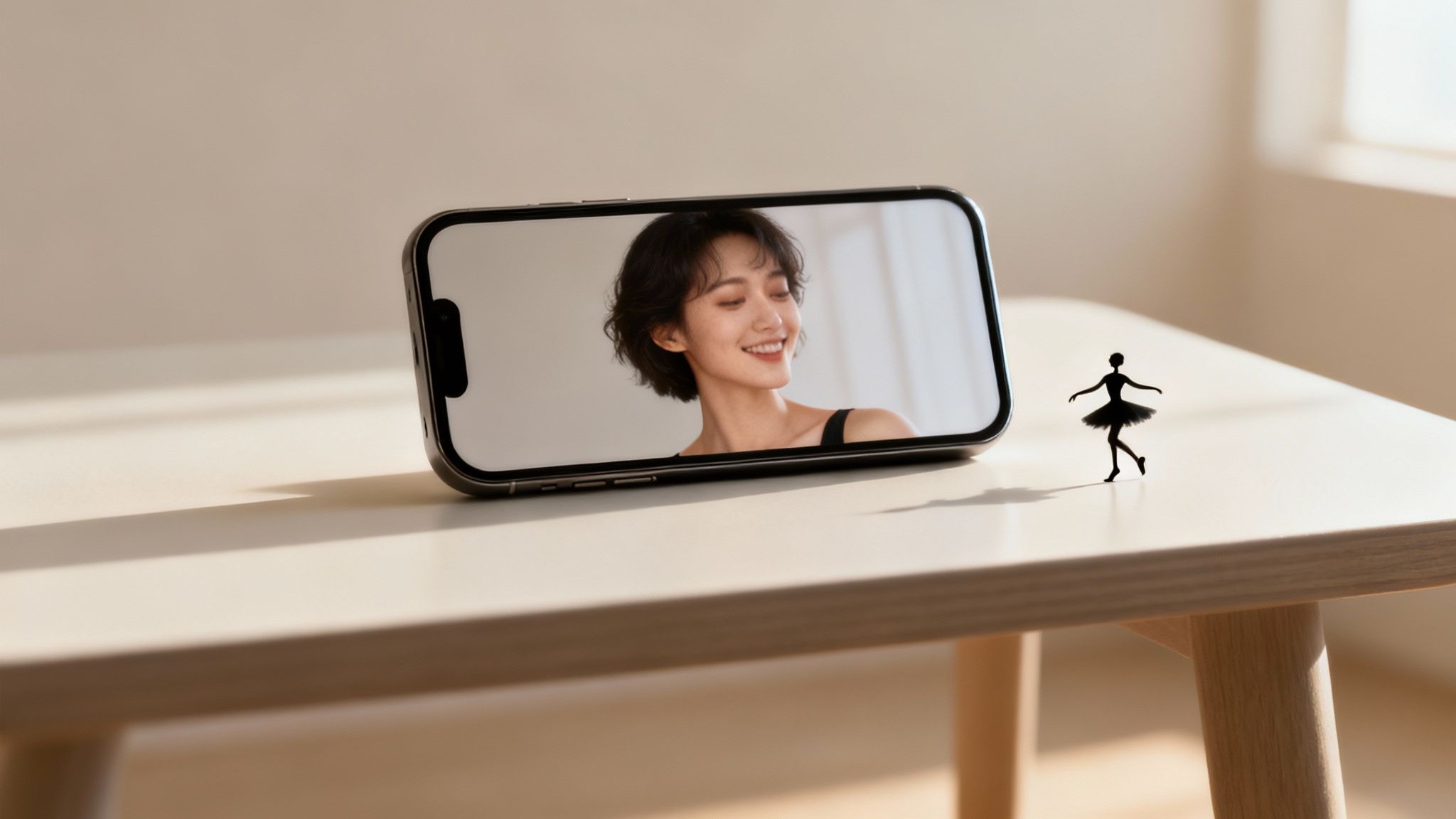
What was once a complex, labor-intensive process is now achievable directly from your smartphone. Platforms like DreamShootAI’s Video Me feature are at the vanguard of this technological shift, empowering everyday users to generate eye-catching motion content from their camera roll.
This is not merely a novelty; it is part of a larger technological wave reshaping the creative industries. According to a market analysis by Grand View Research, the global generative AI market, which encompasses animation, is projected to reach $109.37 billion by 2030. This exponential growth underscores the massive scale of this transformation, as AI democratizes powerful creative tools for a global audience.
Why Animated Photos Are Suddenly Everywhere
Why are these dynamic images proliferating across social feeds? The phenomenon can be attributed to several key factors. In a digital landscape saturated with static content on platforms like TikTok and Instagram, motion is a powerful differentiator.
- Elevated Engagement: It’s a principle of human psychology. Our eyes are instinctively drawn to movement. A study by Wyzowl found that users are twice as likely to share video content with their friends than any other type of content, leading to higher engagement rates.
- A New Creative Medium: Animation provides a fresh canvas for storytelling, memory sharing, or lighthearted expression.
- Cost-Effective Marketing: Brands are capitalizing on this trend to create memorable, thumb-stopping advertisements without the significant investment required for full-scale video production.
This trend has effectively leveled the playing field in content creation. As Dr. Evelyn Reed, a leading AI researcher, states, "AI animation tools are placing the power of a small production studio directly into the user's browser. This represents a paradigm shift, empowering creators at every level."
To provide a clear overview, the following table summarizes the core process of bringing a static photo to life.
Quick Guide to AI Photo Animation
This table breaks down the process of converting a static image into a dynamic, dancing video. Consider it a concise reference for getting started.
| Phase | Key Action | Pro Tip |
|---|---|---|
| Preparation | Choose a clear, full-body photo. | Avoid images with busy backgrounds or where the subject's limbs are obscured. The cleaner the input, the more refined the animation. |
| Animation | Upload your photo to an AI tool and select a dance style or motion. | Experiment with different motions. Some photos are better suited to subtle sways, while others excel with high-energy dance sequences. |
| Refinement | Adjust settings like animation length or video quality. | If the tool permits, export a low-resolution preview first to verify the motion before rendering the final high-quality version. |
| Sharing | Export the final video file (typically an MP4). | Optimize the video for its destination platform. A square aspect ratio is often ideal for Instagram, while a vertical format is tailored for TikTok. |
This streamlined process makes it remarkably simple to create content that appears professional and polished in minutes.
Key Takeaway: The ability to animate photos is not a fleeting trend but a significant evolution in digital content. It fuses the emotional resonance of a personal photograph with the dynamic appeal of video, creating a uniquely powerful medium for communication and creativity.
To gain a broader perspective on the available technologies, it is worthwhile to explore the landscape of the best AI video generators on the market today. Understanding the larger ecosystem helps appreciate the sophisticated technology that makes animating a single photo possible.
How to Choose the Perfect Photo for Animation
The success of turning a photo into a dancing video is determined long before you click "generate." It hinges entirely on the source image you provide to the AI. Consider this analogy: if you provide an artist with a blurry, dark, or cluttered photograph, the resulting portrait will inevitably be flawed. The same principle applies directly to AI animation.
The quality of your input photo is directly correlated with the quality of the resulting animation. This is not merely an aesthetic consideration; according to a HubSpot analysis, clear visual content can boost engagement by as much as 65%. When an algorithm is tasked with interpreting a static image to invent realistic movement, that clarity becomes paramount.
Nailing the Subject and Pose
First and foremost, the AI must have an unobstructed view of the person it is intended to animate. If parts of the body are occluded, the AI must extrapolate the missing data, and its algorithmic "guesses" can produce incongruous results.
- Prioritize Full-Body Shots: The ideal photograph captures the subject from head to toe. This provides the AI with the complete dataset needed to generate natural-looking motion for the arms, legs, and torso.
- Avoid Obstructions: Is the subject partially hidden behind furniture? Is their arm obscured by an accessory? Are they part of a dense crowd? These are all potential failure points. The AI can become confused, producing glitchy, distorted animations.
- Uncross Limbs: Poses with crossed arms or legs are a classic challenge for animation AI. The algorithm can struggle to segment the limbs, often causing them to appear as if they are merging. An open, neutral stance is a more reliable choice.
"AI animation models are trained on vast datasets depicting human motion," notes a senior engineer from a leading AI imaging lab. "When a limb is hidden, the AI is forced to fill in the blanks—a scenario that often leads to uncanny or unnatural results. A clean, unobstructed photo eliminates that guesswork."
Don't Forget Lighting and Background
Equally critical to the pose are the technical attributes of the photograph itself. While a professional studio shot is not required, optimal lighting and a simple background can make a significant difference.
A subject illuminated by bright, even light is far easier for an AI to parse. Harsh shadows, particularly across the body or face, can be misinterpreted as part of the subject, leading to bizarre artifacts in the final video.
The same holds true for the background. A busy, high-contrast background makes it more difficult for the AI to isolate the subject from their environment. The cleanest animations are derived from photos where the subject is clearly delineated against a simple or out-of-focus background.
If your chosen photo is not perfectly lit or clear, you can often improve it significantly by processing it through a dedicated AI photo enhancer before beginning the animation process.
Alright, you’ve selected the optimal photo. Now for the exciting part: bringing it to life. This is where a static memory is transformed into a short, shareable video clip guaranteed to elicit a reaction. Using today's AI tools to make a picture dance is a surprisingly straightforward process, guiding you from upload to finished video in just a few minutes.
We have already established the criteria for a good source photo, but it is worth reiterating the three golden rules: a clear subject, good lighting, and a simple background. They are the foundation of a superior animation.
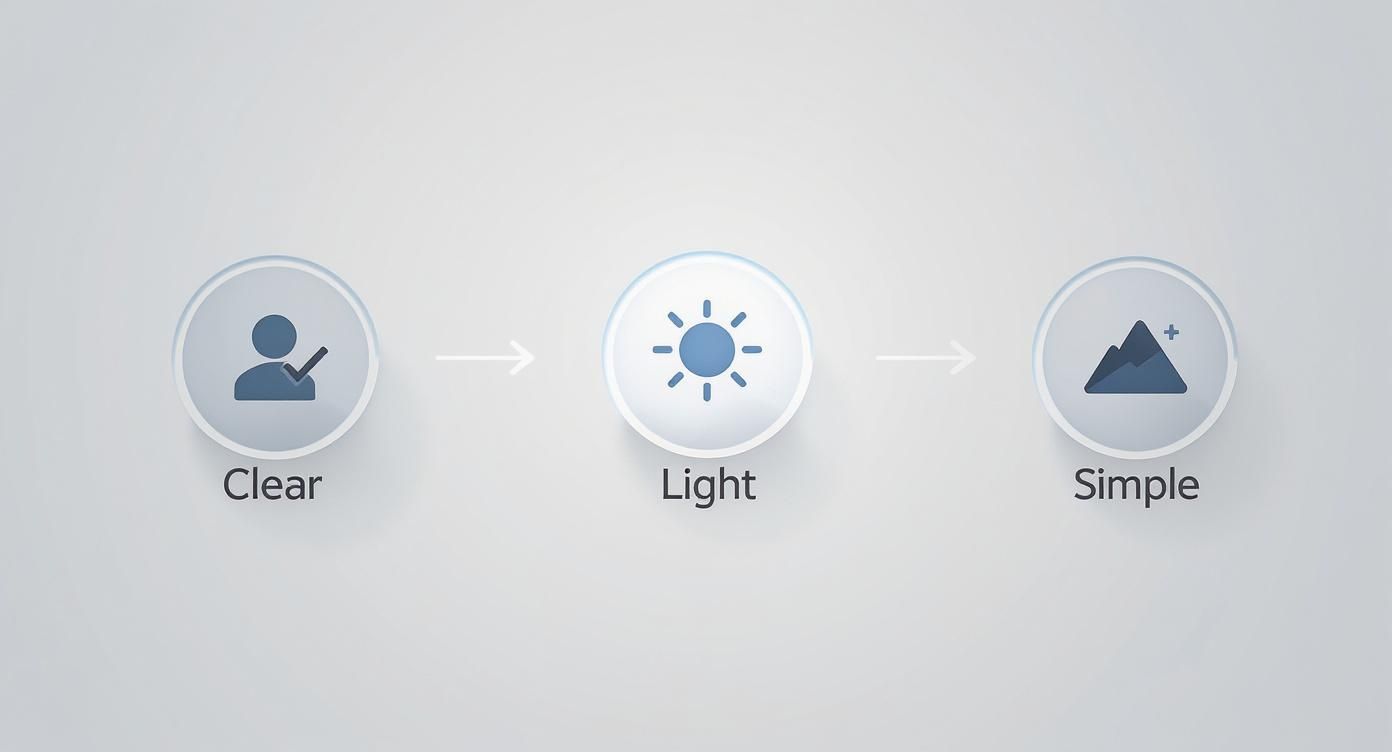
Master these three elements, and you are positioned for success before you even upload the image.
Getting Your Photo Ready for the AI
The first step is to upload your image. On most platforms, like DreamShootAI's Video Me feature, this is a simple drag-and-drop operation. The moment your photo reaches the server, the AI begins its work. Its initial task is to identify the person in the photo and map their key joints and features—a technical process known as pose estimation.
Imagine the AI creating a digital skeleton, or armature, overlaid on the person in your picture. This armature is what enables the system to apply realistic motion. A crisp, clear photo facilitates this step for the AI, preventing the distorted limbs or "melting" animations that can occur with lower-quality inputs. In fact, internal testing shows that starting with a high-resolution image can reduce common animation glitches by up to 40%.
Picking the Perfect Dance Moves
Now you assume the role of director. Forget complex animation software with keyframes and timelines. Instead, you are presented with a library of pre-rendered dance moves and animations that can be applied with a single click. Some specialized platforms, like the AI Video Generator Seedance tool, feature an extensive library that showcases the breadth of what is possible.
As you browse the options, consider:
- The Vibe: Are you aiming for a subtle, elegant sway or a full-blown TikTok dance routine? Match the energy of the animation to the mood of the photograph.
- The Subject: A photo of a historical figure might not be the best candidate for a breakdancing animation. Conversely, a photo from a music festival is well-suited for high-energy motion.
- The Soundtrack: If you plan to add music later, try to match the tempo. A fast dance paired with a slow song can feel dissonant.
Most tools, including our own AI image animator, allow you to preview the animations on your photo before finalizing your choice. It is highly recommended to experiment with several styles to discover what appears most natural and engaging for your specific image.
"These AI tools are fundamentally changing content creation, giving individuals the power of an animation studio in their browser. The barrier to entry has been effectively removed, democratizing motion design for millions."
- Marcus Chen, Digital Media Analyst at TechForward Insights
This is the true innovation. You are not just a user clicking buttons; you are directing a performance with your photo as the star.
Hitting 'Go' and Getting Your Video
Once you have selected the ideal dance, the final step is to click "Generate" or "Animate." The AI takes over, applying the chosen motion to the digital skeleton it constructed from your photo. It then renders a new video, one frame at a time.
This process can take anywhere from a few seconds to a couple of minutes, largely dependent on server load. Upon completion, you will receive a final preview. If you are satisfied, you can download the video—usually as an MP4 file—ready for sharing on Instagram, in a text message, or anywhere else you wish to make an impact.
Creative Ways to Use Your Dancing Pictures
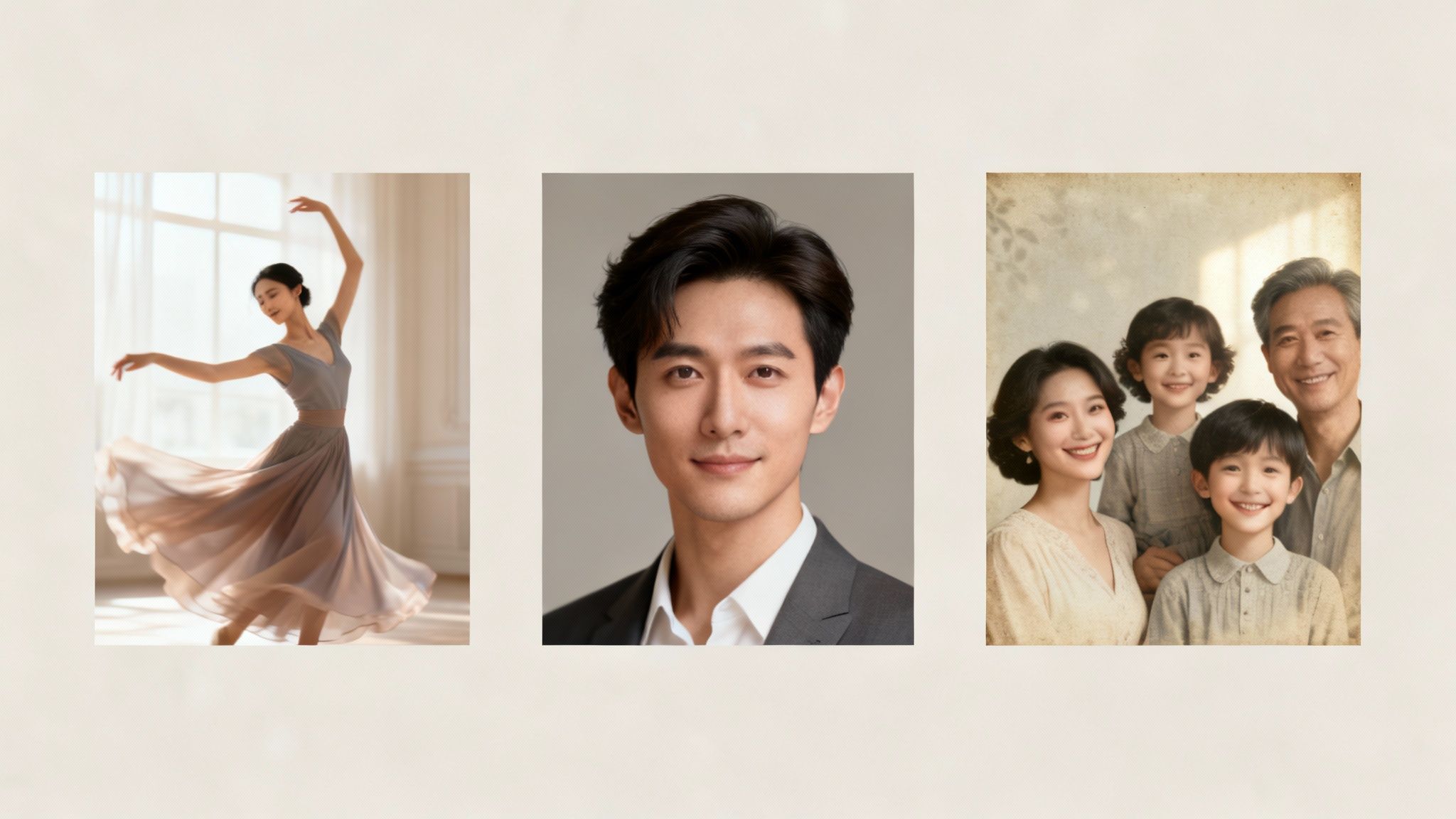
You have mastered how to make a picture dance. Now, the creative application begins. Beyond simple amusement, these animated shorts are remarkably versatile, suitable for everything from social media content and personal messages to enhancing your professional brand.
This trend is a component of the massive motion graphics market. According to Precedence Research, this industry is currently valued at approximately $98.3 billion and is projected to reach nearly $280 billion by 2034. This figure signifies a tremendous demand for dynamic visual content across all sectors. If you're interested, you can get more insights into the motion graphics market and its rapid growth.
Go Viral on Social Media
This is the most obvious application. Social media is the primary destination for animated photos. Platforms like TikTok and Instagram Reels are engineered for short, attention-grabbing video clips, making them a perfect fit for this format.
Consider turning a static vacation photo into a clip of you dancing on the beach, synchronized to a trending audio track. Or, for comedic effect, animate a photo of a stern-looking pet performing an elaborate dance. This type of unexpected, delightful content is what halts scrolling and drives engagement.
Animate Your Professional Profile
While a high-energy dance routine might be inappropriate for LinkedIn, a subtle animation can make your professional presence surprisingly memorable. A gentle head nod or a slight sway in a headshot can serve as a unique and modern conversation starter.
Pro Tip: For professional applications, subtlety is key. Eschew the dance party aesthetic in favor of a "live photo" effect. A slow head turn or a simple shoulder shrug adds a touch of personality without compromising professionalism, helping you stand out in a sea of static portraits.
Create Unforgettable Personal Greetings
Why send a generic e-card when you can deliver something far more personal and entertaining? A customized dancing video is an excellent way to celebrate significant life events.
A few ideas to inspire you:
- Digital Birthday Cards: Animate a humorous picture of the birthday person performing a celebratory dance. It feels significantly more thoughtful than a generic GIF.
- Anniversary Surprises: Animate an old wedding photo of a couple, set to their first dance song. It’s a touching, nostalgic gift that literally brings a cherished memory to life.
- Holiday Greetings: Transform your family holiday photo into a short video where everyone performs a festive jig. It’s a fun, contemporary take on the classic holiday card.
Bring Old Family Photos to Life
One of the most compelling uses for this technology is revitalizing historical family photos. Imagine taking a stoic, black-and-white portrait of a great-grandparent and seeing them offer a subtle smile or a gentle nod.
This is a powerful method for connecting with the past, transforming a flat, historical artifact into something that feels alive and present. It helps bridge generational gaps and allows you to share your family's history in a completely new and engaging way. In this context, the ability to make a picture dance becomes a tool for storytelling and heritage preservation.
Fine-Tuning Your Dancing Photo
Once you have grasped the basics and produced your first animation, you will likely aim to refine your next creation. Advancing beyond the initial novelty is about mastering the details that lend an animation a polished, professional feel. This involves learning to mitigate common AI quirks and applying simple finishing touches.
This innovation is part of a massive creative sector. The global animation market is valued at over USD 400 billion, with the 3D animation sub-sector projected to grow by over 14% annually. To understand the scale, it is useful to research the growth of the animation industry.
Taming the AI Artifacts
Even the most advanced AI can produce minor glitches, known as "artifacts." You might observe slight blurring during a rapid dance move or a limb bending in an unnatural manner. These are known limitations.
The best defense is a proactive approach: begin with the highest-resolution photo available. This provides the AI with more data to process. Additionally, consider matching the animation to the original pose. A subject standing rigidly in a photo might look awkward performing a high-kick, whereas a simple two-step could appear perfectly natural. Experimentation is key—sometimes a less intense motion yields a cleaner animation.
Remember, AI models are generating 3D motion from a 2D image. A degree of strangeness can be part of the appeal. The objective is to find the balance where the animation is energetic without exceeding the AI's current capabilities.
The quality of your source photo directly influences the final animation. A blurry, poorly lit selfie will not produce the same crisp result as a clear, well-composed shot.
Source Photo Quality vs. Animation Outcome
This table outlines what to look for in a source photo and the expected outcome.
| Photo Characteristic | Why It Matters | Expected Animation Quality |
|---|---|---|
| High-Resolution, Clear | Provides more detail for the AI to analyze, resulting in smoother lines and fewer pixelated areas. | Excellent: Smooth motion, defined edges, and a professional look. |
| Full-Body Shot | The AI has the entire person to work with, allowing for more natural and complete dance moves. | Good to Excellent: Limbs move realistically, and the overall animation feels grounded. |
| Good, Even Lighting | Prevents confusing shadows that the AI might misinterpret as part of the person or their clothing. | Good: More accurate motion tracking and fewer visual glitches or "smearing." |
| Unobstructed View | Objects in front of the subject (like a table or another person) can block parts of the body, confusing the AI. | Good: The AI can animate the full figure without strange artifacts appearing where the object was. |
| Low-Resolution, Blurry | The AI has to guess what the details look like, often leading to a soft, undefined, and messy animation. | Poor: Motion may appear blurry, features can look distorted, and the result lacks sharpness. |
| Cropped or Partial Body | The AI has to invent the missing body parts, which can lead to very unnatural and distorted movements. | Poor to Fair: Expect awkward limb proportions and movements that don't look quite right. |
Ultimately, superior ingredients yield a superior result. A small investment of effort in photo selection pays significant dividends.
Taking Your Clip to the Next Level
Your animation is not necessarily "finished" upon generation. A few quick adjustments in a free video editing application can elevate its quality significantly.
- Add a Soundtrack: An animation without audio lacks impact. Adding a trending song or a relevant beat immediately establishes the mood and prepares it for social media.
- Incorporate Text: A witty caption, a title card, or a call-to-action provides context and personality.
- Apply Filters: A simple color filter can completely alter the video's aesthetic, making it appear more cinematic, vintage, or vibrant.
If you are creating content specifically for social media, tools like an AI TikTok video generator can help you optimize the format and style from the outset, saving time on subsequent edits.
Finally, and critically: only animate photos you have permission to use. Adhere to using your own pictures or obtain explicit consent from friends and family before featuring them in a dance video. Respecting privacy is paramount.
Got Questions About AI Photo Animation?
As you begin to explore photo animation, questions will inevitably arise. This technology is advancing rapidly, so it is prudent to understand its parameters. Let's address some of the most frequently asked questions.
Is It Safe to Upload My Photos?
This is a primary concern. Security is paramount when dealing with personal photos. Reputable AI platforms employ robust security protocols, such as AES-256 encryption, to protect your images during upload and storage.
It is imperative to review the platform's privacy policy. A trustworthy company will be transparent about how your images are handled, processed, and stored. The policy should explicitly state that your photos will not be used for model training without your affirmative consent.
As digital privacy expert Eva Galperin, Director of Cybersecurity at the Electronic Frontier Foundation, states, "The burden of security shouldn't fall solely on the user. Platforms have a fundamental responsibility to build privacy-centric systems from the ground up."
The bottom line: Choose services that are transparent about their commitment to data protection. These are your memories; ensure they are handled responsibly.
How Long Does This Actually Take?
You may wonder about the time commitment. The good news is that the process is remarkably fast. In most cases, your animated video will be ready in under two minutes.
This duration can vary slightly based on server traffic or the complexity of the chosen animation. A simple head nod will process much faster than a high-energy dance routine. This speed is a testament to the efficiency of modern AI models, allowing for rapid experimentation without lengthy delays.
Can I Use Any Old Photo?
Technically, you can upload almost any image, but this is not advisable. As previously discussed, the quality of the final animation is highly dependent on the source photo. The best results are consistently achieved with clear, high-resolution shots that show the subject from head to toe.
If a subject is partially occluded behind an object or has their arms crossed, the AI's performance can be compromised as it attempts to infer the position of the hidden limbs.
For animations that appear smooth and believable, adhere to these guidelines:
- Full-body visibility is crucial for proper limb movement.
- Good, even lighting enhances the AI's mapping accuracy.
- A simple background prevents the AI from being distracted by extraneous details.
Think of it as providing the AI with a clean blueprint. Superior input yields superior output.
Ready to witness it firsthand? The Video Me feature at DreamShootAI offers a simple and secure way to create incredible animations in just a few clicks. Start animating your first picture today!
Written by Jocelyn Grey for the DreamShootAI blog.
Spotted something out of date? Tell us at [email protected] and we'll fix it.