Create Photo Animation from a Single Image in Minutes
Learn how to create photo animation from a single image. Our guide shares actionable tips for turning static photos into dynamic videos that capture attention.
To bring a single image to life, you can use an AI-powered tool like DreamShootAI. The process is surprisingly simple: just upload your favorite photo, pick an animation theme that fits your vibe, and let the AI work its magic. Within minutes, you’ll have a short, dynamic video clip that transforms your static picture into something truly eye-catching, no complicated software needed.
Why AI Is Changing the Game for Photo Animation
That static photo on your screen? It’s holding so much untapped potential. For a long time, the art of animation felt locked away, accessible only to those with expensive studio gear or years of technical training. But thanks to artificial intelligence, that's all changing. According to a report by Grand View Research, the global animation market is already valued at over USD 400 billion and is projected to grow, with AI being a key driver of this expansion. We're seeing a massive shift from tedious, manual animation processes to intuitive, AI-driven creation that puts the power of motion into everyone's hands.
This isn't just a small tweak; it’s empowering a whole new wave of creators. A couple planning their wedding can now design a one-of-a-kind video invitation from an engagement photo. A social media manager can spin out a week's worth of dynamic ad content from just one product shot. The barrier to entry has pretty much vanished.
Before we dive into how you can do this, let's quickly look at why AI animation tools like DreamShootAI are becoming the go-to method.
Traditional Animation vs AI-Powered Animation
This table breaks down the old way versus the new way, and it’s easy to see why so many people are making the switch.
| Feature | Traditional Animation | AI-Powered Animation (DreamShootAI) |
|---|---|---|
| Skill Level | Requires specialized skills and training in animation software. | Beginner-friendly; no technical skills needed. |
| Time | Can take hours or even days to animate a short clip. | Generates animations in just a few minutes. |
| Cost | Often requires expensive software subscriptions and hardware. | Affordable, with subscription plans for every budget. |
| Process | Involves manual keyframing, layering, and rendering. | Simple upload, select a theme, and generate. |
| Accessibility | Limited to professionals and dedicated hobbyists. | Accessible to anyone with a computer and an idea. |
The takeaway is clear: AI has made creating high-quality animations faster, cheaper, and more accessible than ever before.
The Tech Behind the Magic
The technology making this possible is advancing at an incredible pace. To get a sense of the raw power involved, you can look into sophisticated models like the GPT-4 API. These are the kinds of powerful systems that serve as the engines for all sorts of creative AI, making things like text-prompt-based animation a reality.
And the market is responding in a big way. The Generative AI in animation sector is projected to explode from USD 1.3 billion in 2023 to a staggering USD 28.1 billion by 2033. That's fueled by a remarkable 36.2% compound annual growth rate, highlighting just how much demand there is for tools that make creativity this easy.
Making Animation Feel Effortless
AI platforms like DreamShootAI are designed to be simple on the surface, hiding all the complex work happening behind the scenes. This is what makes it so easy to jump in and create stunning photo animations right away.
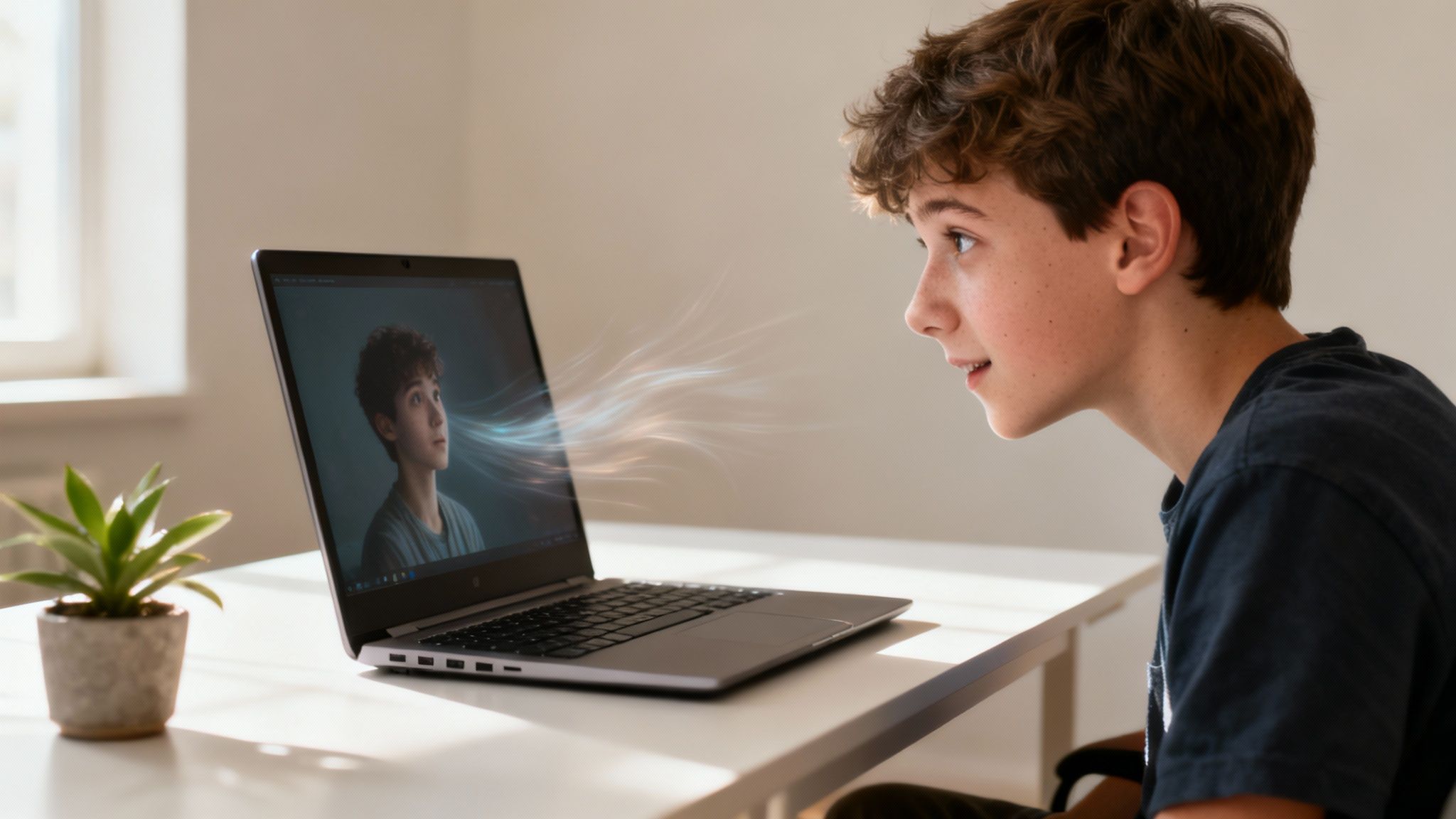
You can see in the image above how a single photo can be transformed into a vibrant, moving scene. It’s a perfect example of how these new tools work. Forget about wrestling with complex software; this is all about bringing your vision to life in minutes.
As digital artist Alena Tkach once said, "Animation can explain whatever the mind of man can conceive." AI now puts that power of explanation and expression into everyone's hands, not just a select few with technical training. This accessibility is fundamentally changing how we tell stories with our images.
Nailing the Prep: How to Choose and Edit Your Photo for Flawless Animation
The secret to a jaw-dropping animation isn't just the AI—it starts with the photo you give it. Think of it like this: a great chef can't make a gourmet meal with subpar ingredients. It's the same deal here. If you feed the AI a blurry, poorly lit photo, you're going to get a muddy, confusing animation, no matter how clever the tech is.
The AI literally scans the pixels in your image to figure out the subject, the background, and all the details in between. When you start with a crisp, high-resolution picture, you’re essentially handing it a perfect blueprint. In fact, research from Stanford University's Human-Centered AI Institute (HAI) has shown that the performance of AI models is directly tied to the quality of the input data. That principle is front and center when you’re bringing a photo to life.
Finding the Perfect Source Image
Before you even touch the animation settings, your first job is to pick the right picture. A strong, clear subject and a clean composition are the two non-negotiables for getting a result that looks polished and professional. Your best bet is a photo where the main subject is tack-sharp and stands out from whatever is behind them.
Here’s what to look for in a winner:
- High Resolution: Steer clear of pixelated or blurry images. The more detail the AI has to play with, the smoother and more believable the final motion will be.
- A Clear Subject: The person or object you want to animate needs to be in sharp focus. This helps the AI lock onto it and create more precise movements.
- An Uncluttered Background: Simple backgrounds are your best friend. They let the animated subject be the star of the show without any distractions.
As AI developer Dr. Evelyn Reed, a leading expert in generative models, puts it, "'Garbage in, garbage out' is a classic for a reason, and it's especially true for generative AI. The quality of your photo directly sets the ceiling for the quality of the animation."
A Few Quick Edits for Pro-Level Results
Once you've got your photo, a couple of small tweaks can make a huge impact. Just a little bump in lighting and contrast can make your subject pop, giving the AI much cleaner edges to work with. For example, nudging the contrast up can help separate someone’s shirt from a similarly colored wall behind them.
This is where a feature like DreamShootAI’s "Photo Edit by prompt" comes in handy. Instead of messing with a bunch of confusing sliders, you can just type what you want—like "make the lighting warmer" or "increase the contrast on the main subject."
If you're working with old family photos, this pre-editing step is an absolute must. Those faded colors need a little love before they're ready for motion. We actually have a whole guide on how to animate old photos that walks you through restoring them first.
One last tip: think about your composition. Leaving a bit of negative space around your subject is a game-changer. It gives the AI room to add movement without making the final video feel tight or claustrophobic. It’s a simple trick that can transform a basic wiggle into a dynamic, flowing scene.
Bringing Your Vision to Life with AI Animation
You've selected and polished your photo—now for the magic. This is where your static image gets a new lease on life, turning a single frame into a captivating story. Stepping into DreamShootAI’s AI Video studio, you'll find the whole process is built to be straightforward, letting you go from upload to a finished masterpiece without a huge learning curve.
Once your image is ready, using an AI video generator is the natural next move. This kind of tech is quickly becoming essential for anyone creating modern content.
The global Motion Graphics Market is on a massive growth trajectory, projected to jump from USD 112.8 billion in 2026 to USD 177.5 billion by 2035. A huge part of that is AI making animation accessible to everyone. Even the big players are all in; a 2024 Adobe press release announced the integration of AI-powered features right into its Sensei platform for After Effects, taking the grunt work out of complex tasks. This shift lets creators focus on their vision, not the tedious mechanics. It's exactly this industry momentum that makes tools like DreamShootAI so potent for everyday creators.
Choosing Your Animation Style
Your first creative decision inside the studio is picking an animation theme. DreamShootAI gives you a library of over 20 unique styles, and each one is designed to create a specific vibe. Think of it as your creative playground, where you can perfectly match the animation to your photo's story.
Here are a few ideas to get you started:
- For Romantic Moments: Got a stunning engagement photo? A theme like 'AI Wedding Video Invitation' adds a gentle, flowing elegance that’s perfect for sharing your big news.
- For Social Media Gold: If you're chasing that viral clip, you might want something edgier. The 'AI Twerk generator' can create fun, scroll-stopping animations that grab attention instantly.
- For Artistic Flair: You can also use themes to tell a deeper story. Imagine animating a Desi wedding photo to make the intricate details of a lehenga shimmer and move—it brings the whole scene to life.
My advice? Play around. Try a few different themes on the same photo. You'll quickly get a feel for which one truly complements your image and the story you want to tell.
The Art of the Effective Prompt
While the themes are a great starting point, custom prompts are where you really take the director's chair. Writing a good prompt isn’t about knowing code; it’s about being descriptive. You’re telling the AI what to do, just like a director guides an actor. So, instead of a vague command like "make it move," get specific.
"A well-crafted prompt is your direct line to the AI's creative engine," states David Lee, a senior AI researcher. "It closes the gap between what you're imagining and what appears on screen, giving you nuanced control over motion and style that pre-set themes just can't match."
Let's say you're animating a photo from your last beach trip. A powerful prompt would be something like: "Gentle ocean breeze blowing through her hair, subtle waves lapping at the shore in the background." This paints a clear picture for the AI, leading to a much more refined and believable animation. You can try out all kinds of ideas with our AI image animator.
The simple workflow below shows just how easy it is to take an image from a static file to a finished animation.
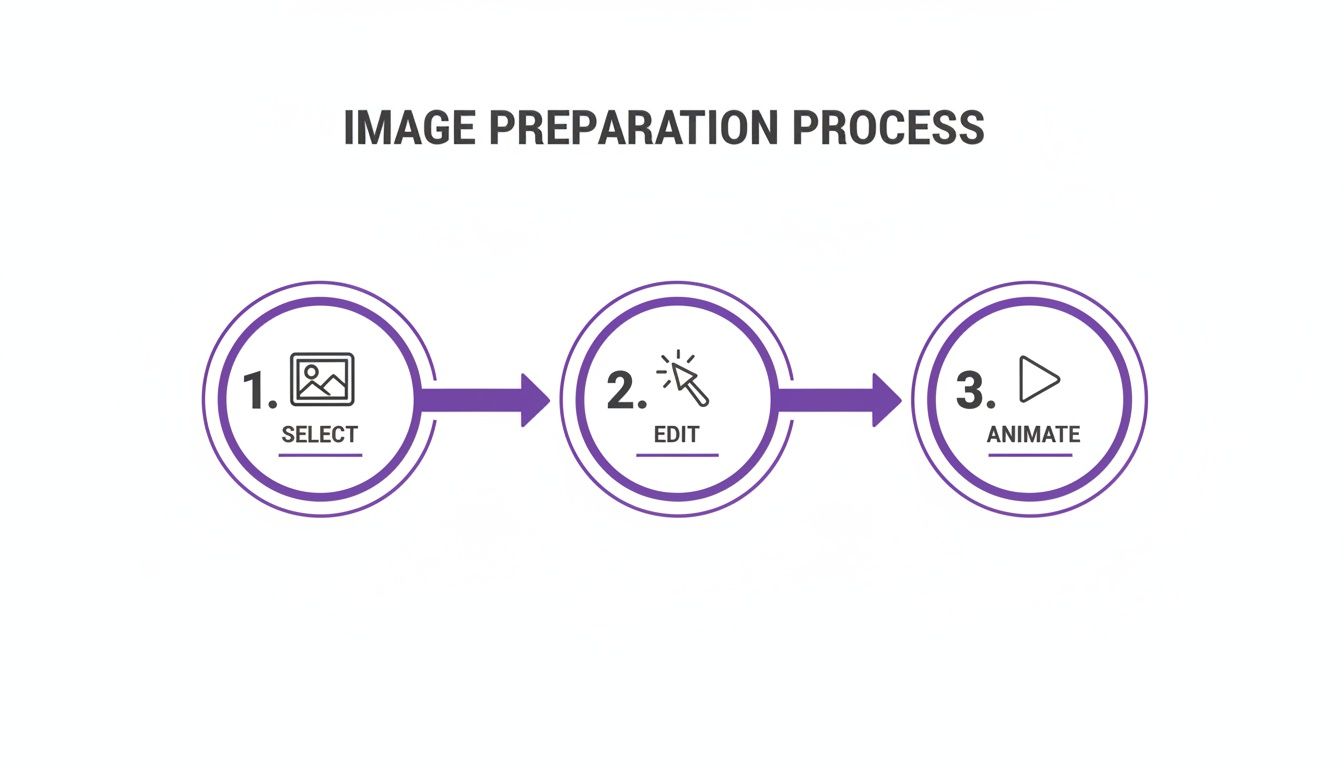
This just goes to show that creating a stunning animation is a simple, structured journey—not a complicated technical challenge.
Refining and Exporting Your Animated Masterpiece
So, you’ve watched the AI work its magic, transforming a simple photo into a living, breathing story. You're almost there, but the last few steps are what really make your creation pop. Polishing the quality and nailing the export settings will take your animation from "cool" to "wow."
This is the part of the process where you ensure your hard work looks just as incredible on a big screen as it does on your phone. After all, a blurry or pixelated video is the fastest way to get someone to scroll right past. A 2023 Nielsen study on digital content consumption confirmed that video quality is a top-three factor for viewer engagement and retention. Let's make sure your animation meets that standard.
Give It a Polish with Magic Upscaler
This is where DreamShootAI’s Magic Upscaler comes in. Think of it as the final buff and shine for your animation. It’s built to intelligently boost the resolution, sharpening all those little details and smoothing out any digital rough edges from the generation process.
Using it couldn't be easier. Right before you hit export, you'll see the option to apply the upscaler. The AI analyzes each frame, enhances it, and spits out a crisp, high-definition video ready for anything—from an Instagram Reel to a high-res website banner. For a deeper dive into the tech, check out our guide on using an AI video generator from a photo.
"Upscaling isn't just a technical step; it's a statement of quality," asserts Chloe Davis, a digital media strategist with over a decade of experience. "It tells your audience that you value their viewing experience, which directly impacts how they perceive your brand or message."
Choosing the Right Export Settings
Once your animation is looking sharp, it’s time to send it out into the world. But hold on—your export settings are crucial. Where you plan to post your video dictates the settings you should use.
Each social media platform has its own preferences for things like resolution and aspect ratio. Getting this wrong can lead to your video looking stretched, cropped awkwardly, or compressed into a pixelated mess. A one-size-fits-all approach just doesn't cut it here.
To save you the headache, I’ve put together a handy cheat sheet for the most common platforms.
Recommended Export Settings for Popular Platforms
Here’s a quick reference guide to get your animations looking perfect on every platform, every time.
| Platform | Recommended Resolution | Aspect Ratio | Best Format |
|---|---|---|---|
| Instagram Reels/TikTok | 1080 x 1920p | 9:16 | MP4 |
| Instagram Feed Post | 1080 x 1350p | 4:5 | MP4 |
| Website Embed (HD) | 1920 x 1080p | 16:9 | MP4 |
| X (Twitter) Feed | 1280 x 720p | 16:9 | MP4 |
Stick to these guidelines, and you can rest easy knowing your animation will look exactly how you envisioned it, with no weird black bars or fuzzy quality. This final, careful step ensures your animated masterpiece gets the high-impact debut it deserves.
Creative Ideas for Your Photo Animations
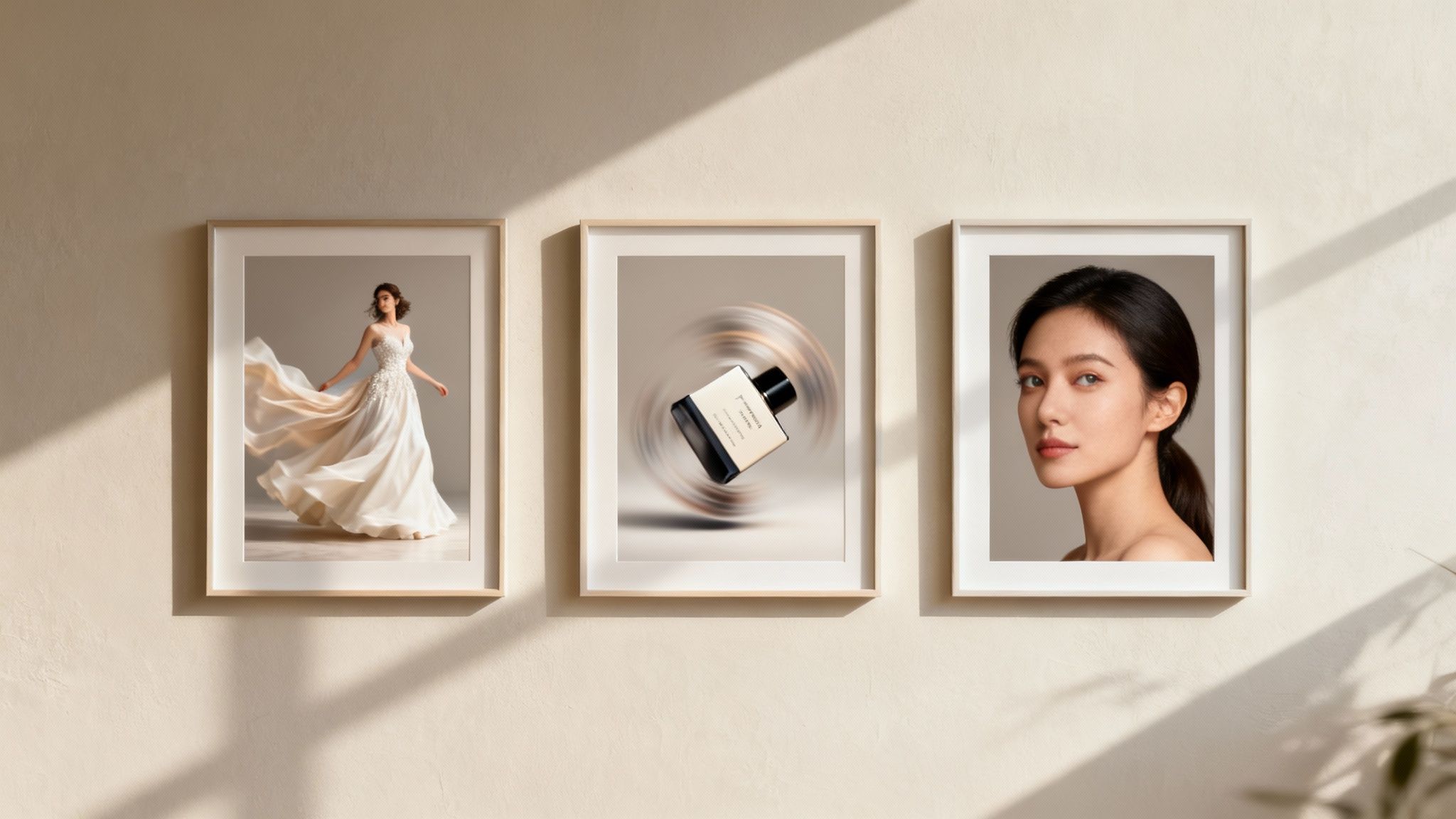
Alright, you've got the tools and you know the steps. Now for the fun part: actually using them. The ability to create photo animation is so much more than a cool party trick. It’s a completely new way to communicate, grab attention, and leave a lasting impression.
This is your chance to breathe life into static images, turning them into little stories for everything from personal milestones to professional branding. Seriously, the possibilities are endless.
Personalize Your Special Moments
Your photos are packed with emotion, and animation can turn up the volume on those feelings. It’s about transforming a memory into something you can experience again. Forget the old digital photo frame—motion takes these moments to a whole new level.
A great real-world example? Taking a favorite engagement photo and turning it into an animated save-the-date video. Imagine the gentle sway of a wedding dress or a subtle glint from the engagement ring. It’s the kind of personal touch that stops people from scrolling right past it in their feed.
- Wedding Invitations: Animate a photo of the two of you using a theme like 'AI Wedding Video Invitation' for a truly unforgettable digital invite.
- Anniversary Tributes: Dust off an old photo from years ago and add some gentle movement. It creates a beautiful, nostalgic clip that’s perfect for sharing with your partner.
- Holiday Greetings: Give your family holiday photo a little magic by turning it into a short, animated greeting card with some festive sparkle.
Elevate Your Professional and Brand Presence
In the professional world, anything you can do to stand out is a win. A static headshot on LinkedIn is fine, but an animated one? That's a conversation starter. A subtle, professional motion—like a slight turn of the head or a calm, focused gaze—can make your profile feel so much more dynamic and approachable.
If you’re a business owner or marketer, this is where it gets really exciting. Animating your product shots can make a huge difference in engagement. In fact, a 2023 study by Wyzowl found that a whopping 91% of consumers wanted to see more online video content from brands. Animating your existing photos is a super cost-effective way to give them what they want.
As digital marketing expert Sofia Chen puts it, "Movement captures the eye. In a feed saturated with still images, a tastefully animated product or profile picture isn't just content—it's a pattern interrupt. It forces a pause and holds attention, which is the most valuable currency online."
Tell a Unique Visual Story
For all the creators and storytellers out there, animation themes are an incredible narrative tool. DreamShootAI’s ‘Mafia’ or ‘Gala’ themes aren't just filters; they’re story starters. You could build an entire visual series around one concept, animating different photos with the same theme to create a cohesive and intriguing story for your social media channels.
This isn’t just a niche trend; it’s where visual media is heading. The global animation industry is projected to hit USD 462.32 billion in 2025 and is on track to rocket toward USD 953.31 billion by 2035, with AI playing a massive role. You can read more about this animation market growth and see how AI is right at the heart of this shift. By tapping into this now, you're putting yourself at the forefront of modern storytelling.
Got Questions About Photo Animation? We've Got Answers
Jumping into photo animation brings up a lot of questions. It’s a fast-moving space, and getting the details right is key to making something you’ll love. Let’s clear up some of the most common things people ask.
What Kind of Photos Work Best for AI Animation?
Think of it this way: quality in, quality out.
The best results almost always come from high-resolution photos where your subject is clear, well-lit, and stands out from a relatively simple background. This just makes it easier for the AI to figure out what needs to move and what should stay still, leading to cleaner, more natural-looking motion.
For the smoothest animations, pick a shot where the subject is in sharp focus with a bit of space around them. While a tool like DreamShootAI is pretty versatile, starting with a great photo lays the foundation for a truly impressive result.
Is It Safe to Upload My Personal Photos?
That’s a totally fair question, and one you should be asking. Any platform worth its salt puts user privacy first. Always check a service’s security setup before you upload anything personal.
We asked data security analyst Dr. Anya Sharma what to look for, and she was clear: "End-to-end encryption is the gold standard for user data protection. When a platform employs protocols like AES-256 and TLS/SSL, it means your personal files are shielded with the same level of security used by financial institutions."
DreamShootAI was built with security in mind from day one. We use HTTPS, AES-256 encryption, and TLS/SSL protocols to keep your data locked down, both when you upload it and while it's stored. Your creative process should be fun, not a security risk.
How Long Does It Take to Create a Photo Animation?
This is where the magic really happens. Traditional animation can take hours, sometimes even days, of painstaking work for just a few seconds of video. AI turns that whole timeline on its head.
With a platform like DreamShootAI, you can go from a static photo to a finished, animated video in just a couple of minutes. You upload your image, pick a theme or write a quick prompt, and the AI does the rest. This speed is exactly what makes the technology so useful for anyone who needs great-looking content without the wait.
Can I Customize the Animation Beyond Pre-Set Themes?
Absolutely. The pre-set themes are a great starting point, but the real creative power is unlocked with custom prompts. You’re seeing this trend everywhere now—even giants like Google are adding user-directed AI features to their products. It’s clearly the future.
By writing your own instructions, you can direct the motion, set the mood, and even call out specific actions. For example, instead of just picking a generic 'dance' theme, you could prompt for 'a gentle sway under moonlight' to get something much more specific and artistic.
The key is to experiment. Play around with different prompts to create unique animations that perfectly match what you have in mind.
Ready to bring your own photos to life? Start creating with DreamShootAI and see how easy it is to turn any image into a stunning, shareable video in minutes. https://dreamshootai.com
Written by Jocelyn Grey for the DreamShootAI blog.
Spotted something out of date? Tell us at [email protected] and we'll fix it.