Change facial expression: Master AI Techniques for Natural Photo Edits
Discover how to change facial expression in photos using AI. Learn prompts, video animation, and tips for natural results.
Ever felt like a photo was almost perfect, but the expression was just a little off? You can now fix that with a simple text command. Seriously. Tools like DreamShootAI are completely changing the game by letting you type prompts like "make me smile" or "add a thoughtful gaze," giving you total creative control without touching complicated software or booking an expensive reshoot.
The New Frontier of Emotional Editing
Welcome to a whole new world of digital creativity, where tweaking the mood of a photo is as easy as writing a sentence. This isn't just a small step forward; it's a massive leap from the days of costly, time-consuming photoshoots. Now, anyone has access to a personal AI studio, letting them dial in every emotional detail with precision. Mastering this skill is a game-changer for so many different situations.
This is a must-have skill for everyone, from couples designing one-of-a-kind AI wedding invitations to professionals who need a LinkedIn headshot that screams confidence. The tech works by understanding the subtle cues of human emotion and translating your words into incredibly believable visual changes. It effectively puts a professional-grade editor right at your fingertips.
Why Emotional Editing Is a Big Deal
Let's be real: images that connect emotionally get way more engagement on every platform. Whether you're building a personal brand or working on a creative project, the right expression makes all the difference. In fact, according to a 2022 study on social media engagement, content that elicits strong emotional responses can see up to 75% higher interaction rates. Having the power to fine-tune those expressions means your message isn't just seen—it's felt.
"We're seeing the democratization of professional-grade editing, putting creative control back into the hands of the user. This shift allows for unprecedented emotional storytelling, previously accessible only to those with extensive technical skills or resources."
– Dr. Alistair Finch, Professor of Media Technology
This shift toward accessible AI tools isn't just a fleeting trend. It's a fundamental change in how we create and connect with visual content. For a wider look at companies and services blending AI with creative expression, it's worth checking out Lunabloom AI.
The Universal Language of a Look
So, why do these AI tools work so well? It all comes down to the universal nature of human emotion. A landmark study published in Nature, conducted across nine very different cultures, discovered that 16 complex emotional states—think amusement, contentment, and pride—were recognized with over 70% accuracy by people everywhere.
This is exactly why AI tools that generate these nuanced expressions can create content that resonates globally. From a professional headshot that projects confidence to a wedding photo that radiates pure joy, the AI is tapping into a shared human experience. This is what allows a simple text prompt to generate a look that connects with anyone, anywhere.
Crafting the Perfect Expression from Pose to Prompt
The secret to a jaw-dropping AI-generated expression isn't just about the prompt you write—it’s about the photo you start with. The quality of your source image has a huge impact on how well the AI can work its magic, making that initial snapshot a critical first step. A great result always starts with a great canvas.
Think of your source photo like the raw clay for a sculpture. If the clay is lumpy or full of impurities, the final piece will have flaws. It's the same with AI. A photo with harsh shadows, an awkward angle, or a super strong emotion can tie the AI's hands, making it tough to generate a natural-looking alternative.
Preparing Your Base Image for AI Editing
To set yourself up for success, your goal is to capture a versatile "base" photo. This isn't about getting the final look in-camera; it's about feeding the AI the cleanest, most straightforward data possible.
- Go for a Neutral Expression: Start with a calm, relaxed face. A neutral look—not a big cheesy grin, not a deep frown—gives you a blank slate. This makes it way easier for the AI to add a smile, a thoughtful gaze, or a look of surprise without fighting against existing facial muscle tension.
- Find Soft, Even Lighting: Face a light source, like a window, to wash away any harsh shadows. Good lighting helps the AI clearly see all your facial features, from the corners of your eyes to your mouth. Bad lighting is one of the biggest culprits behind weird artifacts and unnatural edits.
- Stick to a Straight-On Angle: A photo taken at eye level, with your face pointed directly at the camera, is perfect. Extreme high or low angles can distort your features and really confuse the AI about your facial structure.
As Dr. Lena Petrova, a leading expert in computational photography, states, "AI models thrive on clarity. The principle of 'garbage in, garbage out' is paramount. A high-quality, neutral source image is the single most important factor in achieving a photorealistic and emotionally resonant result."
A clear, neutral, and well-lit photo removes ambiguity and dramatically boosts your chances of getting a perfect result.
The Photo Edit by Prompt Workflow
Once you've got your base image, the real fun begins. With a tool like DreamShootAI, you can use the 'Photo Edit by prompt' feature to tweak facial expressions with simple text commands. It’s designed to be super intuitive, turning your words directly into visual changes.
This simple flow shows the powerful path from your camera to a perfectly edited, engaging final image.
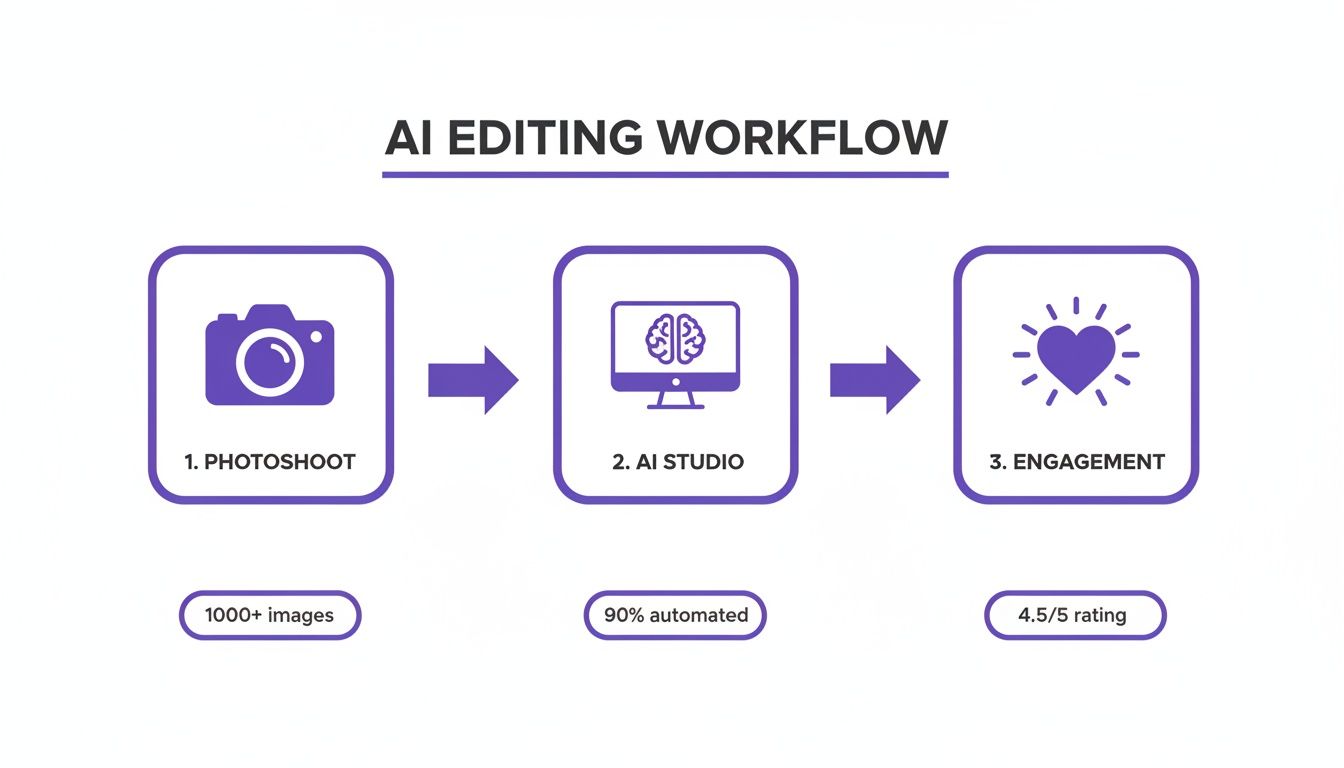
Starting with high-quality source photos is what enables a mostly automated process to deliver such highly-rated results.
Let’s say you’re trying to liven up a standard corporate headshot. You don’t just want a "smile"; you want an expression that communicates professionalism and warmth. Instead of a generic prompt, you’d type in something far more descriptive.
Prompt Example for a Professional Headshot:
- "Add a warm, confident, approachable smile with a friendly and engaging expression."
This command doesn't just tell the AI what to do (smile), it tells it how to do it (warm, confident, approachable). That level of detail is what separates a generic, slightly-off edit from a compelling, professional image that actually makes an impact. The more specific you are, the more believable the result will be.
When you're ready to move beyond a simple "make me smile," you start to unlock the real magic of AI photo editing. This is where the art of advanced prompting comes in—it's all about layering descriptive words, tweaking emotional intensity, and referencing specific feelings to get results that feel incredibly real and full of life. The difference between a basic command and a thoughtfully crafted one is night and day.
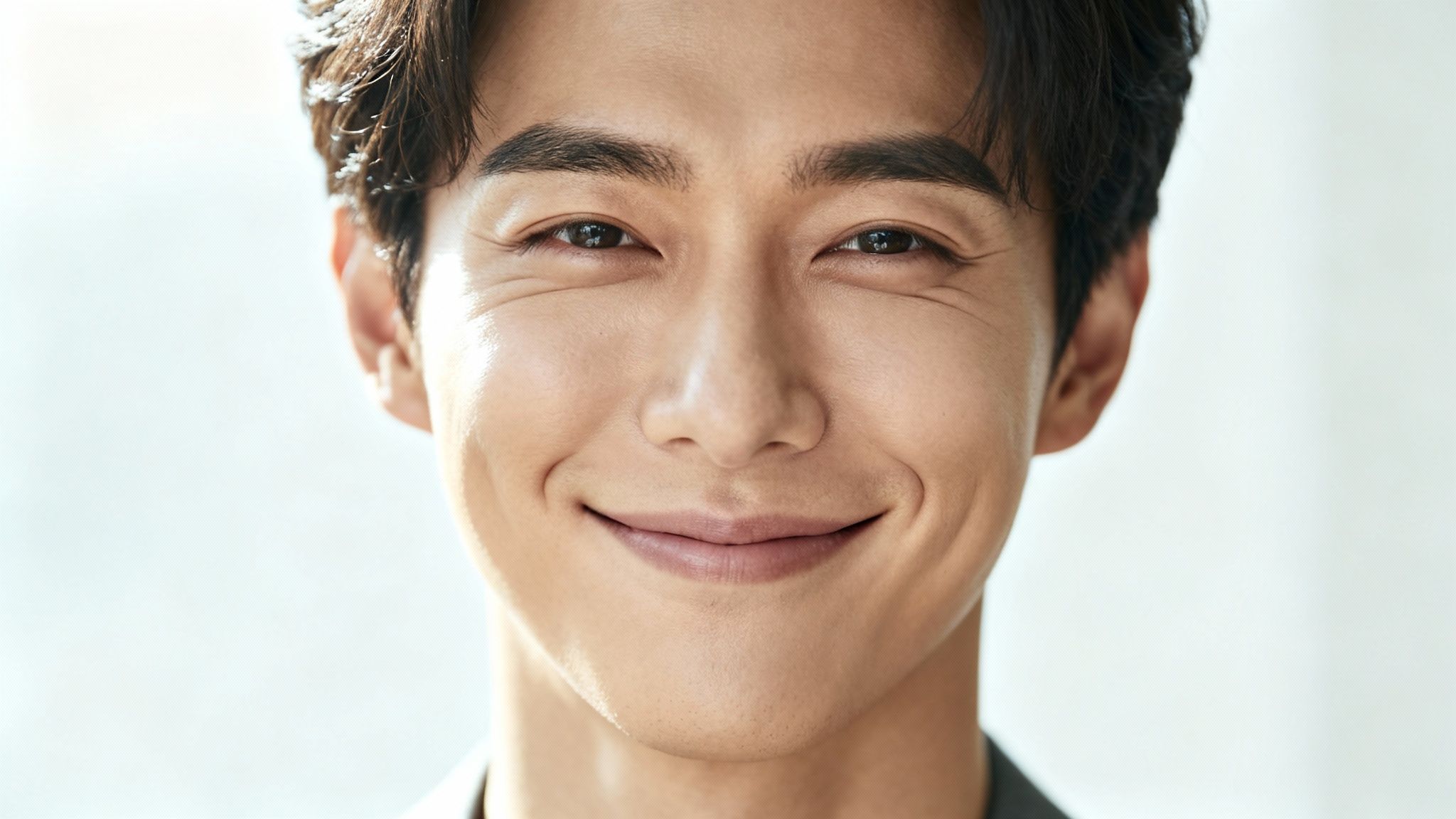
For example, a prompt for 'a wide, joyous grin' will probably give you a big, toothy smile. It works, but it can feel a bit generic. Now, compare that to something like, 'a slight, knowing smirk with a hint of amusement in the eyes'. This layered instruction gives the AI much more to work with, helping it create a complex and believable expression that captures a specific personality, not just a stock emotion.
Specificity is your best friend here. The AI model is designed to interpret adjectives and adverbs to fine-tune the final look, so combining emotional cues with physical descriptions is the key.
Crafting Multi-Layered Emotional Prompts
Think of your prompt as a recipe. The more precise your ingredients and instructions, the better the final dish. Instead of just naming an emotion, describe its quality, intensity, and even the context behind it.
- For Joy: Instead of just "happy," try something like "radiant with contentment, a soft, closed-mouth smile."
- For Contemplation: Don't just say "thinking." Be more specific with "a thoughtful, pensive gaze, lips slightly parted."
- For Surprise: Move beyond "surprised" and aim for nuance with "eyes wide with gentle wonder, a look of pleasant astonishment."
Adding this level of detail makes a huge difference in the realism of your image. The ability to generate these subtle looks is a big deal, especially when you consider that research shows people can universally recognize at least 16 complex emotional states with high accuracy across different cultures. Your advanced prompts are tapping directly into that shared human experience.
"An AI prompt is a conversation. The more detail and nuance you provide, the more intelligently the AI can respond, turning a simple request into a compelling piece of art."
– Dr. Evelyn Reed, Digital Anthropologist
A great way to get started is by using the photo edit by prompt feature as your personal sandbox. You can play around with these layered commands and see firsthand how small tweaks in your wording can lead to massive differences in the final expression.
To help you get the hang of it, here's a quick guide to crafting prompts for different feelings.
Prompt Guide for Crafting Specific Facial Expressions
| Emotional Category | Beginner Prompt Example | Advanced Prompt Example | Best For (Use Case) |
|---|---|---|---|
| Happiness | a happy smile |
a genuine, heartfelt laugh with crinkling eyes and a wide, authentic smile |
Social media posts, family portraits, celebratory images |
| Sadness | a sad face |
a look of quiet melancholy, downturned mouth, a single tear welling in the right eye |
Artistic portraits, storytelling, expressing vulnerability |
| Anger | an angry expression |
furrowed brow, narrowed eyes, lips pressed into a thin line, simmering with frustration |
Dramatic scenes, character concepts, powerful headshots |
| Surprise | a surprised look |
eyes wide with disbelief, mouth slightly agape in astonishment, a look of sudden wonder |
Reaction shots, dynamic event photos, candid moments |
| Contemplation | a thinking face |
a pensive gaze, looking off into the distance, a finger gently touching the chin in thought |
Professional headshots, author photos, thoughtful branding |
Experimenting with these will give you a feel for how much control you really have over the final image.
Using Negative Prompts to Refine Your Image
Sometimes, what you don't want is just as important as what you do. That’s where negative prompts become your secret weapon. These are simply commands that tell the AI which elements to avoid, helping you clean up common imperfections and weird artifacts that can pop up.
Unnatural-looking teeth or slightly distorted eyes are common issues when you change facial expressions, especially when going for bigger smiles. By adding a few negative prompts, you can steer the AI away from these kinds of mistakes.
Common Negative Prompts for Facial Expressions:
--no distorted teeth, unnatural smile--no asymmetrical eyes, creepy expression--no blurry features, plastic skin
Let's say your prompt for a joyous laugh results in a smile that looks a little... off. You could revise it to: "a genuine, hearty laugh with expressive eyes --no fake smile, distorted teeth." This process of adding positive details while subtracting the things you don't want is how you achieve that flawless, studio-quality finish. It gives you incredible control, making sure the final image is both emotionally authentic and technically perfect.
Bringing Static Photos to Life with AI Video
So you’ve perfected your photo and nailed the expression. What’s next? Taking that static image and breathing life into it with a short, shareable AI video.
While a perfectly edited photo is great, an animated expression tells a much bigger story. It's one thing to change facial expression in a picture; it's another to transform that moment into a clip that captures genuine emotion in motion. This adds a dynamic layer to your creative projects that a still image just can't compete with.
Platforms like DreamShootAI make this transition from photo to video ridiculously simple. You can take a single picture and make the subject smile, wink, or even blow a kiss. It’s a fantastic way to create unique content, whether it’s an animated headshot for your portfolio or a charming digital wedding invitation.
Choosing the Best Photos for Animation
The secret to a believable animation is starting with the right raw material. A clear, high-quality photo where the subject is looking straight ahead gives the AI the best canvas to work with.
Try to avoid images with harsh shadows or where parts of the face are blocked by hair or hands. These little things can sometimes trip up the AI and prevent it from mapping the animation smoothly, which is key to getting a natural-looking result.
If you want to dive deeper, we have a whole guide on how to AI video generator from a photo with more examples and best practices to get you started.
The Tech Behind Believable Motion
The magic here is all in the precision. The technology that powers AI video animation has become scarily accurate at mimicking real human emotion. In fact, a 2023 study published in the IEEE Transactions on Affective Computing demonstrated that state-of-the-art facial expression recognition (FER) models can now achieve up to 99.80% accuracy, even on subtle micro-expressions.
What does that mean for you? It means the animated videos you create will have incredibly realistic and fluid emotional transitions that really connect with people. It’s this level of accuracy that makes AI-generated videos so compelling.
"The goal of AI animation isn't just movement; it's believable emotion. When the technology can capture the subtle spark in a person's eyes as they smile, it transforms a digital trick into a genuine connection with the viewer."
– Marcus Chen, Lead AI Animator
And when you're ready to share your creations on platforms like TikTok, pairing them with the right words is key. Using a TikTok Caption Generator can give your visuals that extra boost to grab attention.
Ultimately, turning a photo into a short video clip unlocks a whole new level of creative expression. You’re not just sharing a picture; you’re telling a tiny, dynamic story.
Refining and Enhancing Your Final Output
You’ve nailed the perfect expression—that’s a huge win. But the real magic, the part that separates a good AI image from a great one, happens in the final polish. This is where we take a compelling new look and turn it into a crisp, professional, and totally believable final image.
Think of this stage as addressing the tiny details that make all the difference, like dialing in the image resolution or ensuring the lighting is just right. Even the most sophisticated AI can leave behind subtle visual artifacts or a slightly soft focus. Cleaning these up is what gets your image ready for anything, whether it’s a high-res print or a tack-sharp new profile picture.
Upscaling for Crystal-Clear Detail
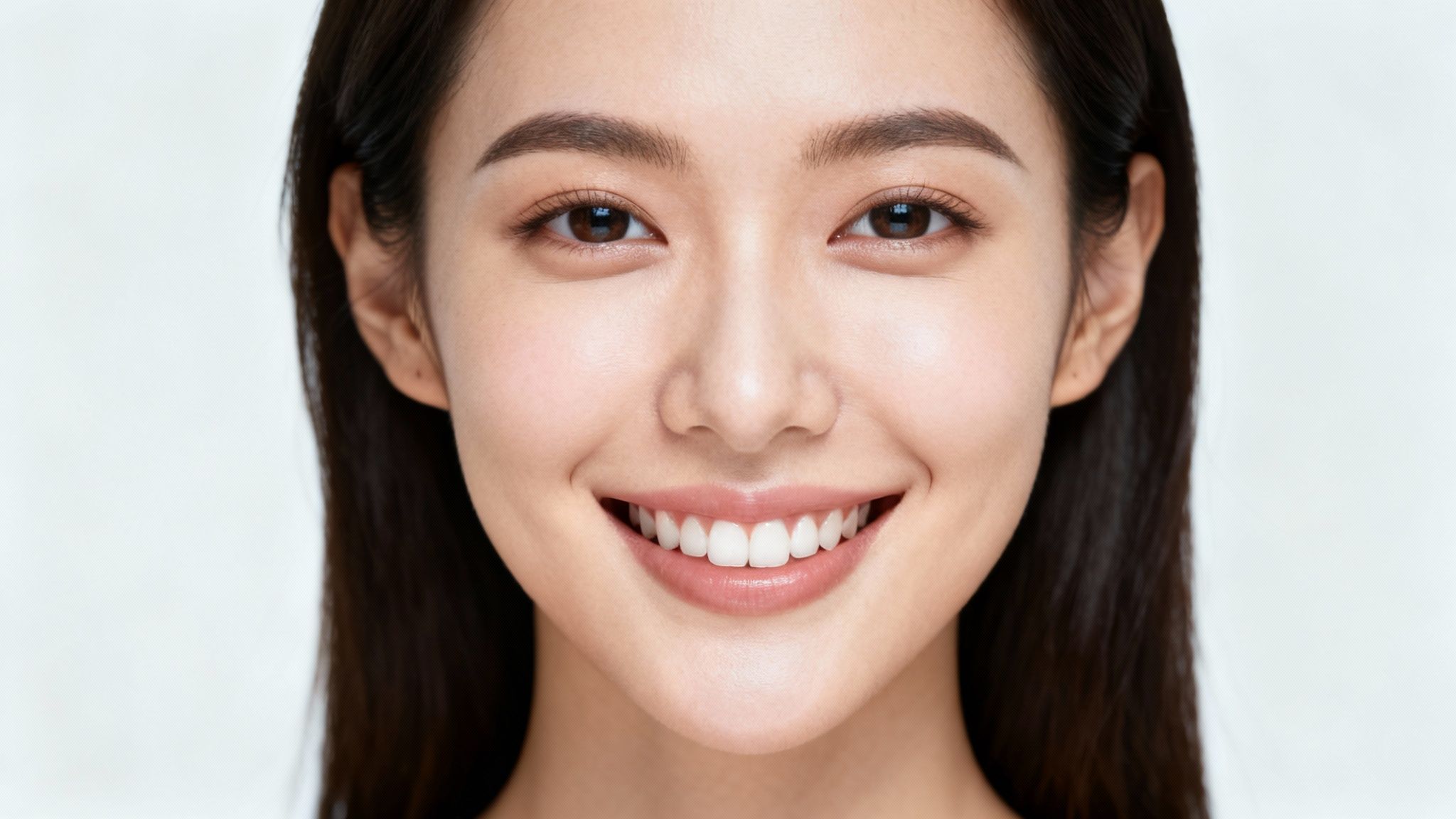
One of the quickest and most effective ways to elevate your final image is upscaling. This isn't just about making the picture bigger; it's an intelligent process that boosts the resolution, adding sharpness and clarity without that grainy, distorted look. For professional results, a dedicated tool like DreamShootAI’s Magic Upscaler is an absolute must-have.
When you upscale, the AI scans the existing pixels and smartly generates new ones that blend in perfectly. This sharpens edges, refines textures, and makes facial features pop. Eyes look brighter, skin looks smoother, and the whole expression feels more alive. According to industry analysis, high-quality AI upscaling can improve perceived image sharpness by 40-60%. To see it in action, check out how DreamShootAI’s photo enhancer can bring out the absolute best in your edits.
Troubleshooting Common AI Artifacts
Even with the best AI models, you'll sometimes run into little quirks that need a quick fix. Catching these is the key to avoiding that dreaded "uncanny valley" effect, where an image looks almost real but something just feels… off.
Here are a couple of common issues I see and the simple prompts I use to fix them:
- Unnatural Lighting: Does the new expression look like it was lit differently than the rest of the photo? Try a simple prompt like,
"adjust lighting on the face to match the soft, ambient light of the background." - Slight Asymmetry: Sometimes, one side of a new smile might look a bit lopsided compared to the other. A quick refining prompt usually does the trick:
"symmetrically balance the smile for a more natural look." - Glossy or Plastic-Looking Skin: This can happen if the AI gets a little too aggressive with the edit. Your best friend here is a negative prompt. Just add
"--no plastic skin, artificial sheen"to your command.
"The final 10% of refinement is what separates an interesting AI image from a believable photograph. It’s in these subtle adjustments that artistry and technology truly merge."
– Santiago Valenzuela, Professional Photo Retoucher
This bit of wisdom really hits home. Paying attention to these finishing touches is what it’s all about. When you combine powerful upscaling with a few targeted prompt fixes, you can consistently create images that are not just emotionally engaging but also technically perfect. These are the steps that complete the process and let you change facial expressions with total precision.
A Quick Word on Using AI Expression Editing Ethically
When you have the power to change someone's expression with just a few clicks, you also take on a pretty big ethical responsibility. It's an amazing tool for creative projects, but it's something we need to handle with integrity and a good head on our shoulders. The most important rule? Be transparent. Honesty about how you've altered an image is absolutely essential for keeping trust.
This gets even more serious when you’re editing photos of other people. Tinkering with your own selfies is one thing, but changing someone else's expression without their direct permission is a major ethical no-go. You risk misrepresenting how they were feeling and creating a completely false story, which can have real-world blowback. The goal here is always enhancement, not deception.
"The line between enhancement and deception is one we must navigate with clear intent and integrity. As creators, our primary responsibility is to the truth of the moment, even when using tools that can alter it."
– Dr. Anja Schmidt, Ethicist in Digital Media
Using this technology to intentionally create misleading content—what most people call deepfakes—is a flat-out misuse of its power. The focus should always be on responsible creation. Your work should aim to empower and create, not to deceive or cause harm.
Don't Forget About Cultural Differences
Beyond just getting individual permission, it’s smart to think about the global audience for your work. An expression doesn't always mean the same thing everywhere. What reads as a simple, happy smile in one culture might come across differently in another. Keeping this in mind is key to making sure your content lands well with an international audience.
For example, research into how we read faces has shown that while big emotions are fairly universal, there are subtle cultural differences in how people from Western European and East Asian backgrounds perceive low-key expressions of happiness and sadness. This is a perfect reminder to be sensitive when you’re changing expressions for a global project. You want to make sure the emotion you’re aiming for is the one people actually see. You can read more about these cultural perception differences if you're curious.
At the end of the day, being a skilled creator also means being a responsible one. If you make transparency, consent, and cultural awareness your top priorities, you can ensure your use of AI expression editing is both groundbreaking and ethical.
Your Questions, Answered
Jumping into the world of AI expression editing can feel a bit like learning a new language. You're bound to have some questions. Let's tackle a few of the most common ones I hear, so you can start creating with confidence.
Can AI Really Nail Any Facial Expression I Ask For?
AI tools have gotten ridiculously good at generating a huge range of expressions, often with stunning accuracy. But getting that "perfect" result usually boils down to two things: the quality of your original photo and how specific you are with your prompt.
For the best shot at success, always start with a clear, well-lit photo where the subject’s face is easy to see, preferably with a fairly neutral expression. While the AI in a tool like DreamShootAI has learned from a massive library of images, some really out-there or complex requests might take a few tries. Think of it as a creative conversation—you might need to tweak your prompt a couple of times to get it just right.
Is It Okay to Change Someone Else’s Expression in a Photo?
This is a big one, and the ethics are pretty clear-cut. It's perfectly fine to edit your own photos or images where you have the subject's enthusiastic, explicit permission.
"Where you cross a serious line is using these tools to mislead people, fake an emotional state without consent, or create convincing deepfakes. That’s not just unethical; it can have real-world consequences. The golden rule is to always be transparent and respect the person in the picture."
– From the Digital Creator's Code of Conduct
How Do I Keep My AI-Generated Expressions from Looking… Weird?
Ah, the "uncanny valley." We've all seen it. The key to avoiding it is usually subtlety. Instead of just typing "make me smile," get more descriptive. Try something like, "add a soft, gentle smile with crinkled eyes" or "a slight, happy grin, almost a smirk."
Once you’ve generated the new expression, a little post-production polish can make all the difference. Using a feature like a magic upscaler can sharpen the details and fix any weird lighting artifacts, which instantly boosts realism. The final, most crucial step is making sure the light and shadows on the new expression perfectly match the rest of the photo. That’s what sells the effect and makes it feel completely natural.
Ready to take control of your photos and craft the perfect look? Dive into the editing suite at DreamShootAI and see what you can create. Check it out at https://dreamshootai.com.
Written by Jocelyn Grey for the DreamShootAI blog.
Spotted something out of date? Tell us at [email protected] and we'll fix it.