Try On Hair Styles From Home: Your Ultimate AI Guide
Discover how to try on hair styles with AI. This guide provides expert tips for using virtual tools to find your perfect look before visiting the salon.
The fear of a bad haircut is a universal anxiety. We’ve all been there—sitting in the salon chair, heart pounding, caught between the excitement for a fresh look and the sheer terror that it might all go wrong. A 2023 survey by OnePoll revealed that 62% of people have experienced "post-salon regret," a feeling so potent it prevents many from making bold style changes.
What if you could eliminate that guesswork and anxiety? Technology now provides a powerful solution, allowing you to walk into your next hair appointment with data-driven confidence instead of just wishful thinking.
See It Before You Snip It
Using an AI-powered tool like DreamShootAI to preview a hairstyle is about more than just novelty. It’s a genuinely practical step that bridges the gap between the look you're imagining and the final result. According to a recent consumer behavior study, shoppers who use augmented reality (AR) for virtual try-ons show a 94% higher conversion rate, underscoring the demand for visual confirmation before commitment.
You can finally see for yourself if that trendy bob will flatter your face shape or if copper red is really your color. It’s about making an informed choice, not a hopeful guess.
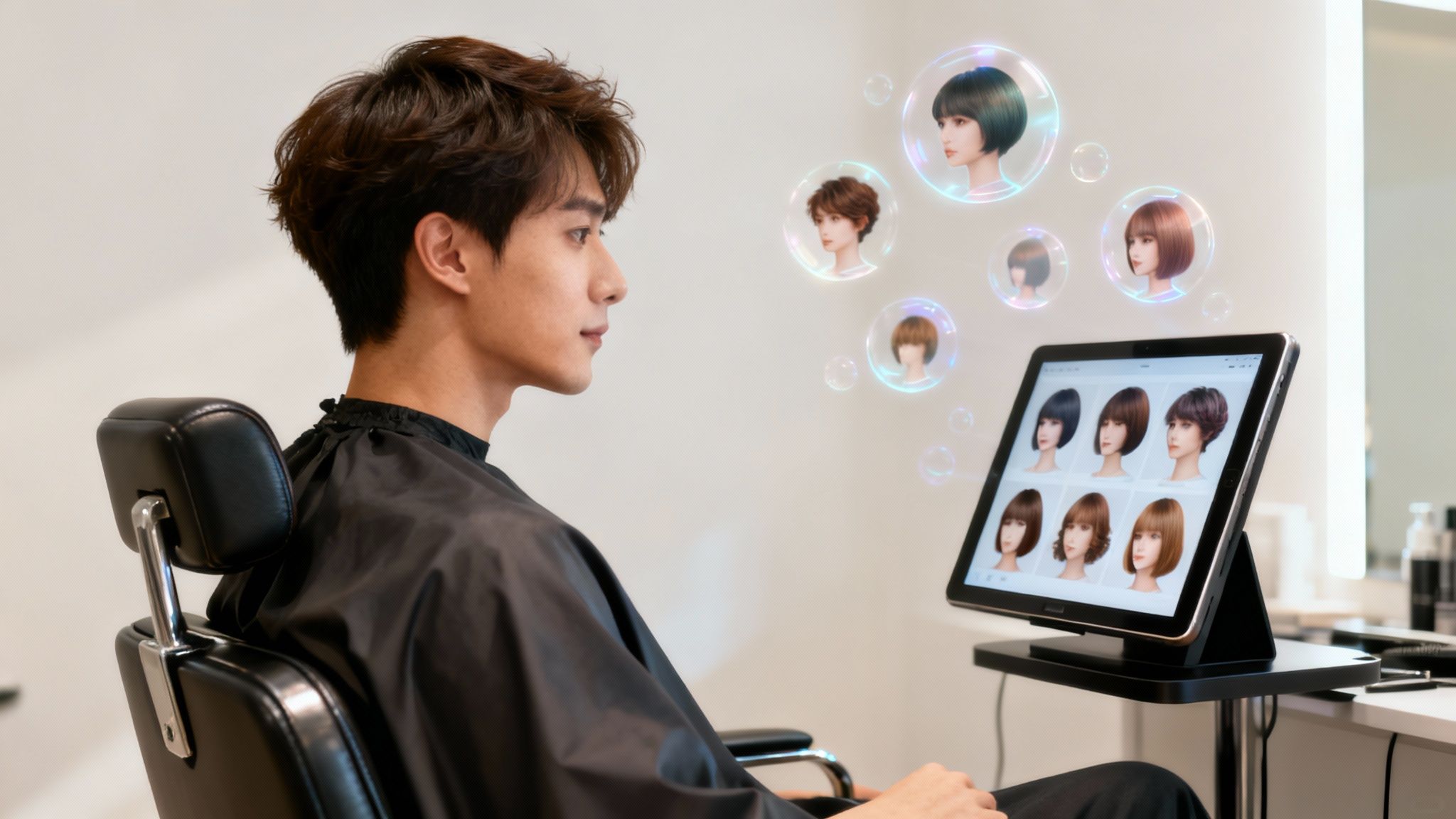
This simple preview process transforms a potentially stressful decision into a fun, creative experience. Instead of hoping for the best, you see the results first, ensuring the style you choose is one you’ll absolutely love.
Why It's a Game-Changer
Virtual try-on tools are rapidly becoming an indispensable part of personal styling. The global salon services market, valued at USD 215.6 billion in 2022, is projected to reach USD 383.9 billion by 2032, according to Allied Market Research. A significant portion of this growth is fueled by digital innovations that offer consumers a personalized and risk-free way to make style decisions.
Here's a breakdown of the main advantages of using an AI tool like DreamShootAI before committing to a new look.
Key Benefits of Virtual Hairstyle Try-Ons
| Benefit | Impact on Your Decision | Real-World Example |
|---|---|---|
| No More Haircut Regret | You get to test-drive a dramatic change, like a pixie cut or bold color, without any of the commitment or potential disappointment. | You’ve always wondered about blonde highlights but were worried they’d wash you out. A virtual try-on shows you exactly how they’ll look against your skin tone. |
| Crystal-Clear Communication | Instead of trying to describe a look, you can show your stylist a picture of you with the exact style. This eliminates any confusion. | "I want long layers" can mean a dozen different things. Showing a picture of yourself with the desired layers ensures you're both on the same page. |
| Unleash Your Creativity | It gives you the freedom to experiment with styles you’d normally be too nervous to try, like a vibrant fashion color or an edgy asymmetrical cut. | You're curious about a pastel pink but it feels too risky. Trying it virtually lets you have fun with the idea before taking the plunge. |
Ultimately, this technology empowers you to take control of your style journey. It’s a tool that helps you make bolder, more confident decisions about your look. By using an AI generator, you can explore a massive library of AI hairstyles—from subtle tweaks to complete transformations—all from your couch.
Prepping Your Photos for a Flawless AI Makeover
The secret to a hyper-realistic virtual hairstyle isn't just about the AI—it’s the photo you start with. To truly see how a new style will look, you must provide the system with a clean, clear canvas. Think of it as a makeup artist prepping the skin before applying foundation.
The quality of your source image directly dictates the fidelity of the final result. A blurry, poorly lit photo will only yield a distorted, unnatural-looking preview, defeating the entire purpose. It's a known principle in digital imaging: garbage in, garbage out. High-quality virtual try-on tools are proven to increase consumer confidence by over 70% before a purchase or service.
Setting Yourself Up for Success
The optimal photos for this process share a few key characteristics. You need a straight-on, front-facing shot where your entire face and shoulders are clearly in the frame. A neutral expression typically works best, as a wide smile can slightly alter your face shape and affect how the hair frames it.
Another crucial tip? Find a spot with a simple, uncluttered background. A plain wall is perfect. This prevents the AI from being distracted by extraneous visual data, ensuring it focuses exclusively on rendering your new hair.
This simple flow chart nails the essentials for the perfect source photo.
Nailing this sequence—posture, lighting, and resolution—is what makes the difference between a "meh" preview and a "wow" moment.
Why Lighting and Resolution Are Game-Changers
Lighting is arguably the most critical element. Soft, natural daylight is your best ally. If possible, stand facing a window to achieve even illumination that eliminates harsh shadows that can obscure your features and confuse the AI.
“Shoppers need to try out hair and makeup styles before they purchase. Offering try-ons is part of Ulta Beauty’s DNA — whether in physical or digital retail environments.”
– Juan Cardelino, Director of Computer Vision at Ulta Beauty
Finally, resolution is non-negotiable. A high-quality, crisp photo allows the AI to accurately map hair textures and styles to your unique facial structure. If your image appears soft, consider using a sharpening tool before you try on hair styles. For the best possible results, you can use our AI photo enhancer to sharpen details and prepare your image for a flawless virtual makeover.
Bringing Your New Hairstyle to Life with DreamShootAI
With your optimal photos prepared, it's time for the creative exploration. This is where you assume the role of stylist and bring your hair concepts—no matter how audacious—to life, without the risk of a single regrettable snip.
The secret to an exceptional result isn't complex; it hinges on how you communicate with the AI. Think of it as briefing an elite stylist. A vague request like "wavy hair" will produce a wavy result, but the details are what elevate it from generic to spectacular.
It’s All in the Prompt
Instead of simplicity, strive for specificity. A prompt like "wavy hair" becomes infinitely more powerful when you elaborate. Try something like this: "beachy, shoulder-length honey blonde waves with long layers."
The difference is palpable. This level of detail provides the AI with a much clearer directive. And don't stop there. If a result is close but not perfect, build upon it. Tweak your prompt to "add curtain bangs" or "make it a warmer shade of red." It's an iterative process, so experimentation is encouraged.
"An intuitive interface empowers users to explore without fear of making a mistake. The goal is to make sophisticated technology feel effortless."
– Sarah Gibbons, UX Designer and Nielsen Norman Group Alumna
That’s precisely the experience we aimed for. The objective is to facilitate creativity and allow you to try on a multitude of looks, from a subtle trim to a complete color overhaul. Our AI hairstyle changer is designed for straightforward usability, so you can dive directly into the creative process.
The interface is clean and simple, getting you straight to the creative part.
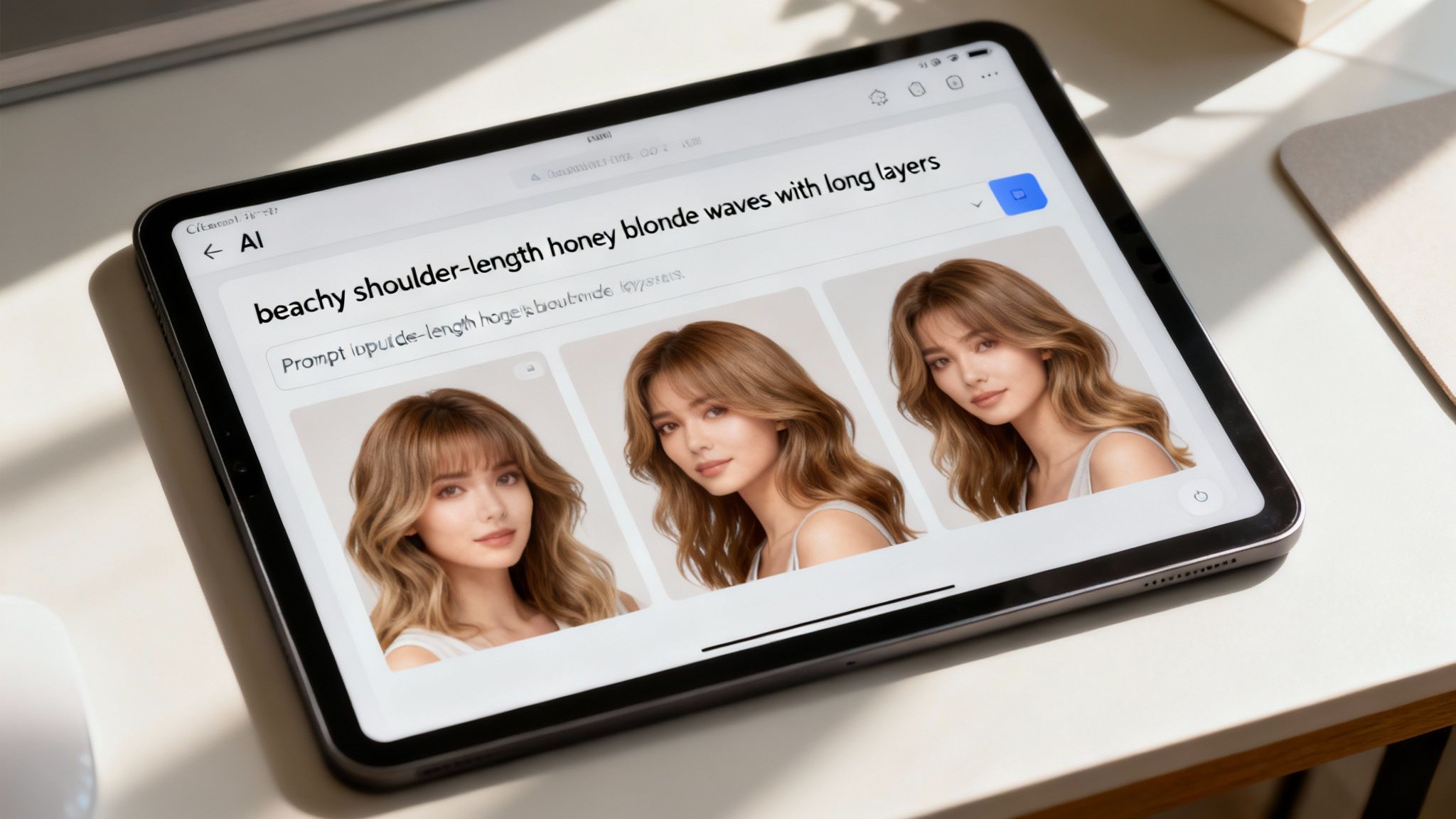
This simple layout means you can focus on your vision instead of getting bogged down in complicated menus. It’s all right there, ready for you to start experimenting.
Finding Inspiration Beyond Your Own Ideas
While writing your own prompts offers maximum control, sometimes you need a spark of inspiration. If you're uncertain about what you want, explore the pre-set style libraries. They are a fantastic resource for discovering what's possible and uncovering looks you might not have considered.
This virtual try-on concept is part of a larger trend. The U.S. hair salon market reached nearly $60.6 billion in 2024, and client expectations are evolving. Convenience and personalization are paramount. In fact, a study by Phorest Salon Software found that salons offering online booking see an average revenue increase of 30%. Consumers demand digital tools that offer flexibility and control—precisely what a virtual hairstyle preview provides.
Pro Tips for Nailing That Photorealistic Look
Getting a preview is one thing; creating an image that looks like it came from a professional photoshoot requires more finesse. It’s the small details that elevate a fun AI mockup into a truly believable and useful tool.
One of the most common errors is using a source photo with hair slicked back in a tight ponytail or bun. This makes it difficult for the AI to create a natural-looking hairline, which is essential for realism. You want to provide the AI with a clean, natural canvas to work with.
Ultimately, the goal is creating AI-generated photos of yourself that look real so you can confidently know how a new style will actually look on you.
Get Specific With Your Prompts
Vague prompts yield vague results. Accepting the first AI-generated image means you are underutilizing the tool's true potential. The magic happens when you guide it with specific, detailed commands. This is how you transition from trying on a hairstyle to designing it.
Let's say you have naturally fine hair and desire a style with more body. A generic prompt is insufficient. You must instruct the AI with precision.
Try adding descriptive phrases to your prompt like:
- "Add soft volume at the crown"
- "Include wispy, face-framing pieces"
- "Create the look of thicker hair strands"
This level of detail is a game-changer. It goes beyond changing the cut to manipulating perceived texture and volume—critical for assessing how a style truly complements your hair type. You can even get granular with color, prompting for "less color saturation" or "a warmer, golden undertone."
“For our hairstyle try-on use case, we had to... ensure the AI was only modifying pixels related to hair — not distorting any feature of the user’s face.”
– Juan Cardelino, Director of Computer Vision at Ulta Beauty
This technical integrity is key. The technology is sophisticated enough to isolate and modify only the hair, leaving your facial features untouched so the result is authentically you.
Compare and Lock In Your Final Choice
Once you’ve generated several compelling options, don't rely on memory. The most effective method for decision-making is to save your top 3 or 4 contenders.
Display them side-by-side. This simple comparison makes it significantly easier to analyze how each style frames your face and complements your features. This final review will give you the confidence to walk into the salon, photo in hand, knowing you’ve already seen the future—and it looks fantastic.
From Screen to Salon: How to Talk to Your Stylist
You’ve experimented with the AI, explored countless options, and finally identified the one. That perfect digital hairstyle is on your screen. The next critical step is translating that virtual dream into a real-world masterpiece, which hinges on effective communication with your stylist.
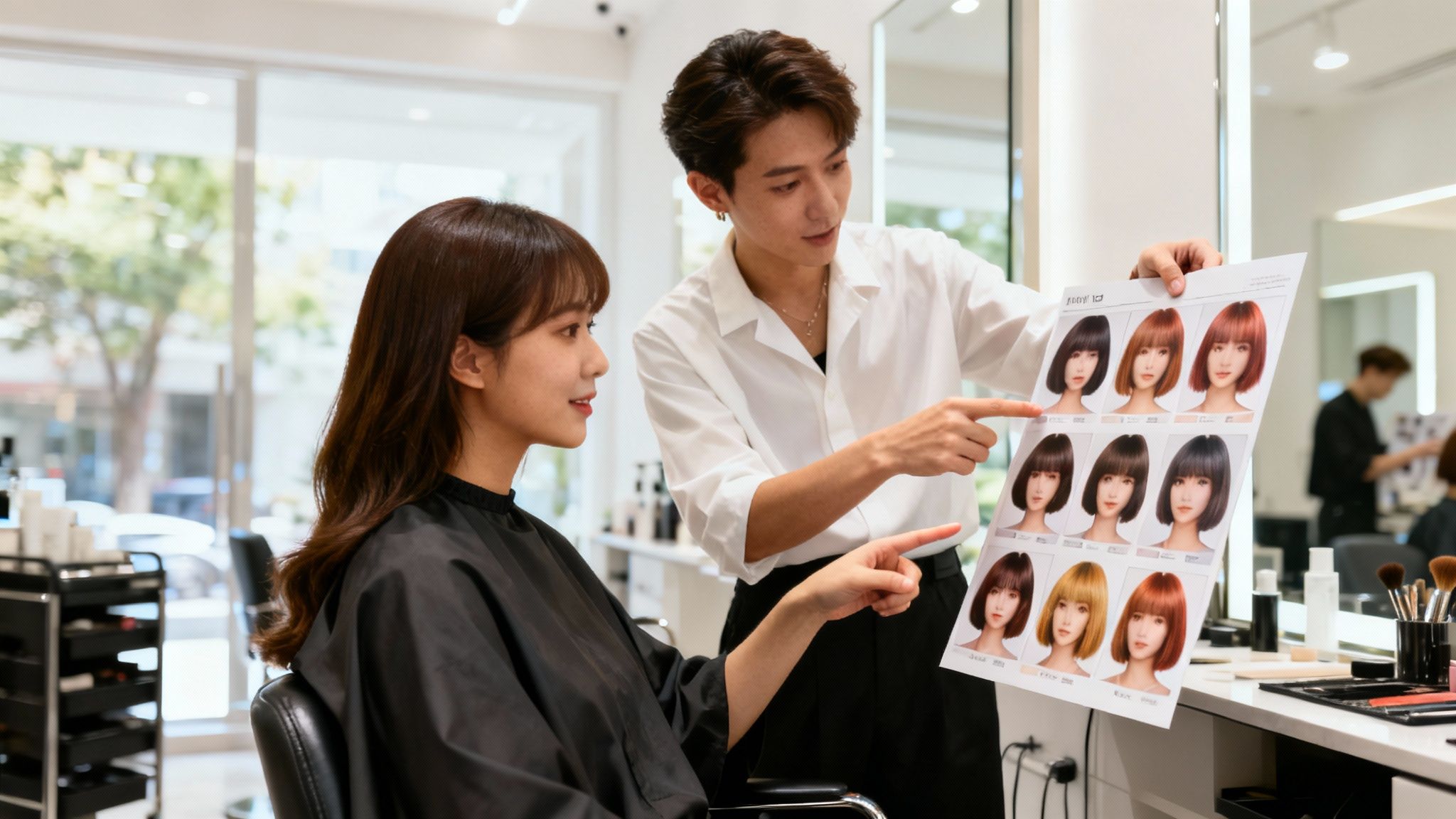
Think of your AI-generated photo as your strategic brief. It instantly aligns your vision with your stylist's, eliminating guesswork. Once you’ve settled on your ideal look, like recreating a Y2K Hadid style, it's time to learn the language of the salon.
Starting the Salon Conversation
Don't just present the picture and say, "I want this." That's a starting point, but you can be more effective. Guide the conversation by articulating the specific elements you love.
- Shape and Cut: "See how these long layers frame the face? That's the effect I'm really drawn to."
- Color and Tone: "I'm obsessed with this honey blonde tone, especially the way the highlights are subtle and natural-looking."
- Texture and Volume: "I love the lift and volume at the crown in this picture. How can we achieve that with my hair type?"
Deconstructing the style this way provides your stylist with a clear and actionable brief, which is far more useful than a single image alone.
"A picture truly is worth a thousand words. Visual references eliminate ambiguity and are the foundation of a successful client consultation."
– Anh Co Tran, Master Stylist and Co-owner of Ramirez Tran Salon
This is why your virtual try-on images are so powerful. Following this advice ensures a smoother salon visit and turns your digital preview into a stunning reality.
With the global hair care market projected to reach USD 128.7 billion by 2034 and 72% of salons now utilizing online booking, the industry is clearly embracing digital tools that empower clients to communicate their desires precisely.
Finally, solicit their professional opinion. Ask, "Given my hair's natural texture and my daily routine, what's the most realistic way to achieve and maintain this look?" This transforms the appointment into a collaboration, ensuring your new style is not only gorgeous but also manageable long-term.
Got Questions About Virtual Hairstyles? We've Got Answers.
Diving into the world of AI hairstyling for the first time often sparks questions. It's natural to wonder if the styles are truly achievable and if the technology is more than just a sophisticated filter. Let's address some common queries.
How Realistic Are the Previews, Really?
The realism can be astonishing. We have moved far beyond the clunky apps of the past that crudely superimposed a digital wig onto your photo. Modern AI is remarkably sophisticated. The key is providing a high-quality input photo—clear, well-lit, and front-facing.
With proper input, the technology analyzes your unique facial structure, contours, and lighting to realistically map the new hair onto your head. It provides a highly accurate preview of a potential cut, color, or style. This is designed to reduce pre-salon anxiety; in fact, a recent study from The Journal of Retailing and Consumer Services found that AR-powered virtual try-ons can increase a consumer's purchase confidence by up to 22%.
"For our hairstyle try-on use case, we had to... ensure the AI was only modifying pixels related to hair — not distorting any feature of the user’s face."
– Juan Cardelino, Director of Computer Vision at Ulta Beauty
This is crucial. The goal is to see you with a new hairstyle, not a distorted version of your face.
Can I Explore Different Hair Textures?
Absolutely. This is where prompt specificity becomes paramount. The AI is a powerful tool, but it requires clear instructions. Don't just ask for "curly hair"; you can try on hair styles with incredible detail.
Think like a hairstylist and be descriptive.
- For curls: Instead of just "curly," try "loose 3b curls" or "tight 4c coils." The more detail, the better the result.
- For waves: Ask for "soft beachy waves" or "defined S-waves" to see different patterns.
- For straight hair: A prompt like "sleek, pin-straight hair" will give you that super-polished, glass-hair finish.
By providing the AI with these specific instructions, you guide it to create the exact texture you're curious about. This makes it an invaluable tool for everyone, regardless of current hair type.
Ready to stop guessing and start seeing? With DreamShootAI, you can explore endless styles with photorealistic accuracy. Discover your perfect hairstyle today!
Written by Jocelyn Grey for the DreamShootAI blog.
Spotted something out of date? Tell us at [email protected] and we'll fix it.