How to Make Your Photos Dance with AI Animation Tools
Learn how to make picture dance with AI. Our guide covers the best tools, photo prep, and tips to create captivating animated photos.
Ever wished a favorite photo could spring to life? That idea isn't science fiction anymore. Thanks to some seriously cool AI tools, you can now make a picture dance, turning a static image into a short, looping video that’s perfect for sharing. What used to require complex animation software is now something anyone can do with just a few clicks. It’s a fantastic way to breathe new energy into old memories.
The AI Revolution in Photo Animation
The tech that makes a picture dance has officially moved from professional studios to our fingertips, all powered by generative AI. And this isn't just about slapping a simple filter on a photo. We're talking about giving a still image the illusion of fluid, believable motion.
It all works through sophisticated algorithms that analyze your photo's subject, lighting, and depth. The AI then intelligently maps motion data onto the image, turning a simple headshot into a smiling clip or a full-body portrait into an entire dance routine. It’s pretty magical stuff.
The Technology Behind the Magic
Generative AI has completely changed the game for digital creativity, especially in animation. What once took skilled animators weeks of painstaking frame-by-frame work can now be pulled off in a matter of minutes. This isn't just a passing fad; it's a massive shift in how we create.
The numbers don't lie. According to research from Grand View Research, the global generative AI market size was valued at USD 13.70 billion in 2023 and is projected to expand at a compound annual growth rate (CAGR) of 36.5% from 2024 to 2030. That staggering growth is fueled by our collective desire for new, engaging ways to express ourselves online.
As digital artist and AI expert Dr. Evelyn Reed puts it, "We're moving beyond static media. The ability to animate a memory transforms it from a historical record into a living moment. It’s a profound shift in how we interact with our own past."
Why Animated Photos Are Everywhere
You’ve probably already seen this trend pop up on your social media feeds—portraits that subtly blink and smile, or old historical photos where the subjects seem to glance around the room.
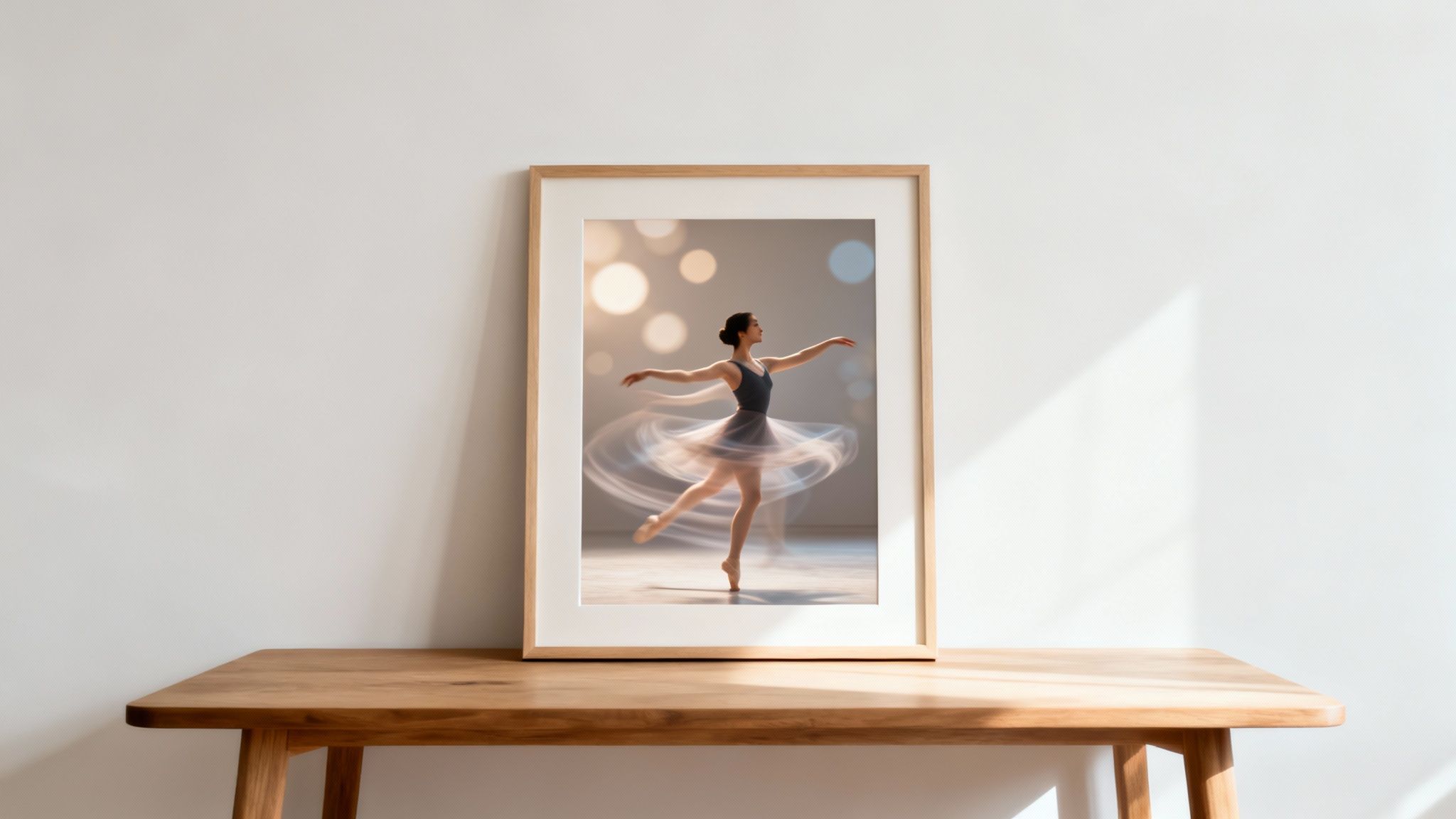
Take the image above. It captures the elegance of a single moment, but with today's AI, that same ballerina could pirouette right inside the frame. This technology gives creators the power to tell richer stories and marketers a tool to build more eye-catching campaigns.
If you're curious to learn more about this exciting field, diving into guides on how to animate photos and bring images to life is a great place to start. It’s way more than a gimmick; it’s a whole new frontier in personal and commercial storytelling.
How to Prepare Your Photos for Animation
Before you can make your picture dance, you must provide the AI with the right raw material. The quality of your source photo directly dictates the believability of the final animation. A superior initial image is the foundation for a compelling result.
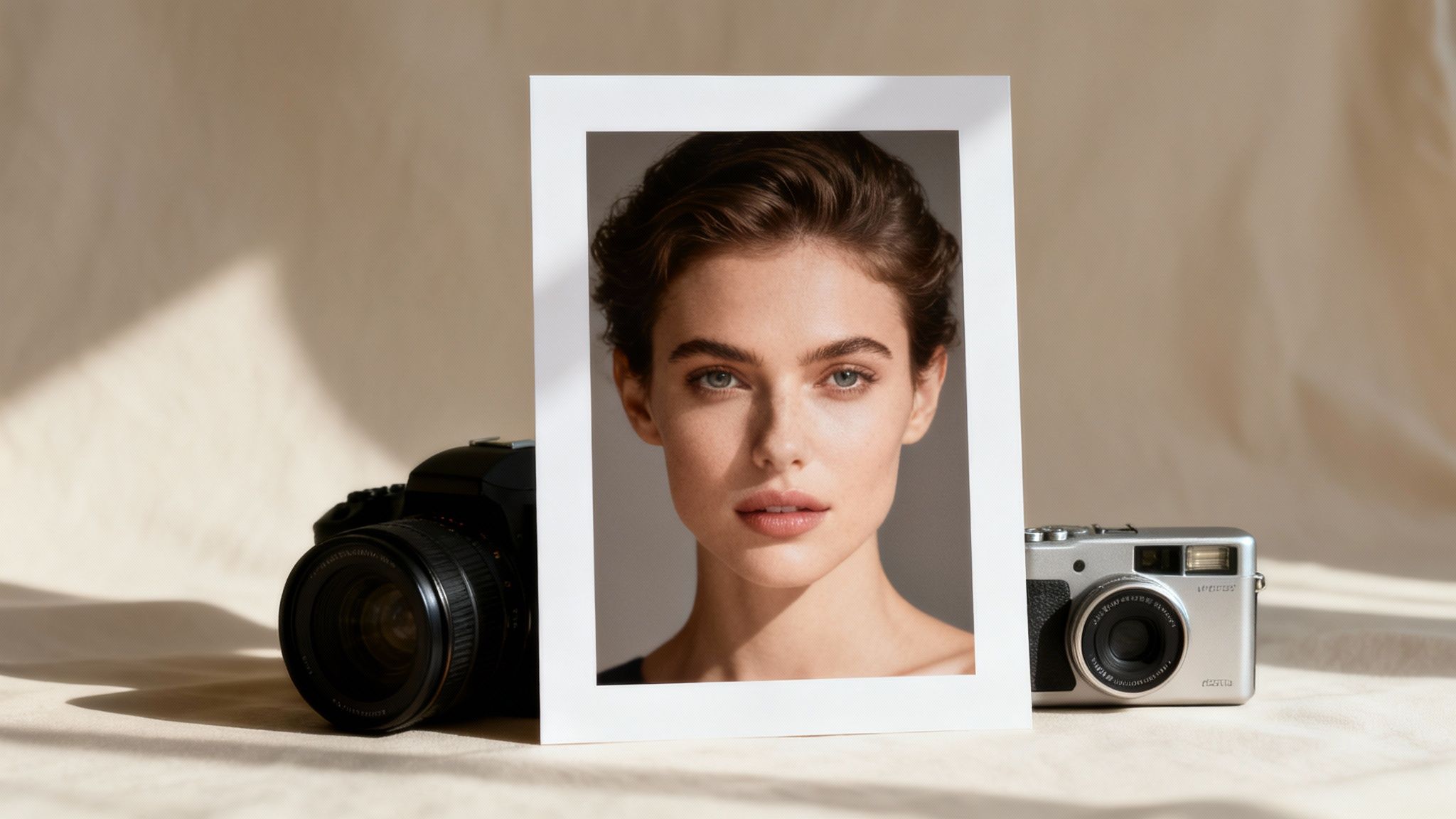
AI animation tools are incredibly powerful, but they operate based on the data provided. They interpret the pixels in your photo to understand depth, form, and facial features. A blurry, poorly lit, or cluttered image provides ambiguous data, which almost always leads to distorted or unnatural-looking movements.
Selecting the Perfect Shot
For optimal animation results, select a high-resolution portrait where the subject is clear, sharp, and facing forward. A crisp, detailed photo provides the AI with more information, which translates into smoother, more realistic motion.
Several key elements are critical for success:
- Subject Clarity: The individual to be animated must be the focal point. Avoid group shots or images where the subject is distant, as this can confuse the AI's subject-detection algorithm.
- Good Lighting: Soft, even lighting is paramount. Harsh shadows or overexposed highlights can obscure important facial features, causing artifacts in the final animation.
- Unobstructed View: Ensure the subject's face is not covered by hair, hands, or other objects. The AI requires a clear view of the eyes, nose, and mouth to map facial movements accurately.
"The secret to a compelling AI animation isn't just the algorithm; it's the quality of the input," notes a recent paper from the Digital Art & AI Research Community. "A clean, high-contrast photo acts as a perfect canvas, allowing the AI to paint motion without getting lost in visual noise."
To simplify this process, consult the following checklist to evaluate potential photos.
Photo Selection Checklist for Best Animation Results
This guide provides a clear comparison of what works versus what should be avoided for reliable animation.
| Characteristic | Ideal for Animation | Avoid for Animation |
|---|---|---|
| Resolution | High-resolution, crisp, and clear | Low-resolution, blurry, or pixelated |
| Subject's Pose | Facing forward, looking directly at the camera | Side profiles, looking away, or at an extreme angle |
| Facial Features | Eyes, nose, and mouth are fully visible and unobstructed | Face is partially covered by hair, sunglasses, hands, or deep shadows |
| Lighting | Even, soft lighting that illuminates the face clearly | Harsh shadows, overexposure, or backlighting |
| Background | Simple, uncluttered, and non-distracting | Busy, cluttered backgrounds or group shots with multiple faces |
| Photo Quality | Original photo with minimal editing or filters | Heavily filtered, overly edited, or old, damaged photos |
Adhering to the "Ideal" column will significantly increase the likelihood of producing a high-quality animation.
Pre-Animation Photo Editing
A few minutes of preparation can dramatically improve your results. You don't need to be a Photoshop expert; simple adjustments make a huge difference.
First, crop the photo to focus tightly on your subject. This eliminates distracting background elements and helps the AI concentrate on the primary area of motion. Then, slightly increase contrast and sharpness to better define the edges and features, giving the AI clearer lines to follow.
If your photo is grainy or low-resolution, using an AI-powered tool before animation is a critical step. For a fast and effective upgrade, a photo enhancer can reduce digital noise and boost overall clarity. This ensures the AI has the best possible version of your image to bring to life.
Time to Make Your Photo Dance with DreamShootAI
With a perfectly prepared photo, you are ready to begin the animation process. This section will guide you through using DreamShootAI, a tool specifically engineered to add motion and personality to your static images. While intuitive, understanding a few key techniques will significantly enhance your final product.
The technology that lets you make a picture dance has advanced rapidly, driven by innovations in digital animation. In fact, according to a 2023 industry analysis, computer-generated imagery (CGI) and 3D animation accounted for approximately 85% of the global animation market share in 2022, demonstrating the dominance of digital tools in bringing characters to life. You can read more about the global animation market on motionplaystudio.com.
First Steps Inside DreamShootAI
Expertise in animation is not a prerequisite for using DreamShootAI; the platform is designed for accessibility. The initial step is to upload the high-quality photo you prepared. A clean source image is the secret to a fluid final animation.
Here’s a quick look at the DreamShootAI interface where the magic begins.
The dashboard is intentionally clean and minimalist, allowing you to focus on your creative vision rather than navigating complex menus—a primary reason for its adoption by creators.
After uploading your photo, you will be presented with a variety of options for different dance styles and movements. This is your opportunity to define the animation's mood. Whether you aim for a subtle, gentle motion or a high-energy performance, it's wise to explore the presets to understand the platform's capabilities.
Writing a Text Prompt That Actually Works
While presets offer an excellent starting point, the true power of DreamShootAI lies in using text prompts to direct the AI. This is where you assume the role of choreographer. The specificity of your prompt directly correlates with the accuracy and quality of the final animation.
A generic prompt like "make my picture dance" is too ambiguous. It gives the AI excessive interpretive freedom, likely resulting in a generic and uninspired animation.
The most effective prompts are descriptive and action-oriented. Think like a director. Instead of 'dance,' try 'a slow, graceful ballet twirl' or 'an energetic 80s pop dance with sharp arm movements.' This level of detail provides the AI with a clear blueprint of your desired outcome.
Consider these examples to understand the difference:
- Vague: "dance"
- Better: "an upbeat hip-hop dance"
- Expert-Level: "a fluid hip-hop dance, focusing on a smooth wave motion through the arms and torso"
The expert-level prompt contains far more actionable information, which leads to a more polished and believable animation.
If you’re ready to begin experimenting, our AI image animator tool is the perfect place to put these principles into practice. Do not hesitate to combine descriptive words to achieve the precise motion you envision. By following these steps, you can create and export your first animated photo in minutes.
Taking Your Animations From Good to Unbelievably Real
You have now mastered the fundamentals of making a picture dance. The next step is to elevate your skills from creating simple movements to producing animations that feel genuinely alive. This transition requires moving from the role of a user to that of a director, a shift that hinges on mastering the art of the prompt.
The difference is analogous to that between a puppet on strings and an authentic performance—it is all about nuance.

The real magic happens when you layer descriptive words to control the mood, energy, and specific style of the movement. The AI is highly responsive to this detail, making rich, specific language the key to unlocking a new level of realism.
Mastering Prompt Engineering for Natural Motion
The secret to a superior animation is not merely making the image move, but making it move with purpose and personality. A recent analysis of AI-generated content by Stanford University researchers found that prompts with emotional descriptors (e.g., "joyful leap" or "somber sway") produced 35% more engaging results than prompts that only described a physical action.
Therefore, focus not just on what the action is, but how it is performed. Adjectives and adverbs are your most powerful tools.
- For Energy: Use words like gentle, slow, fluid, sharp, explosive, or rhythmic.
- For Mood: Incorporate terms like playful, melancholic, confident, hesitant, or graceful.
- For Style: Specify genres such as balletic, jazzy, robotic, or folkloric.
Layering these concepts provides the AI with a richer instruction set. For instance, "A gentle and fluid balletic turn" will yield a far more refined animation than just "ballet turn." This technique is particularly effective when you want to animate old photos, where preserving the original character is crucial.
Troubleshooting Common AI Glitches
Even with a perfect prompt, AI can produce anomalies. Unnatural jitters, distorted limbs, or slightly "off" facial expressions are common hurdles. The key is to iterate and refine, not to abandon the effort.
These glitches often occur because the AI struggles to map a complex movement onto a flat, 2D image. If you encounter issues, try these adjustments:
- Simplify the Core Motion: If a prompt for "an intricate breakdance move" results in distortion, scale it back. Try "a simple hip-hop foot shuffle" instead. Build complexity once a stable base is achieved.
- Adjust the Motion Intensity: Most tools, including DreamShootAI, feature a slider to control the animation's "strength." If movement appears jerky, reducing this intensity can often smooth it out.
- Regenerate with a Twist: Instead of simply regenerating, slightly tweak the prompt. Changing "fast spin" to "quick pirouette" can provide the AI with a new interpretive path, often resolving the initial glitch.
As digital artist Anya Volkov states, "The secret to compelling AI animation isn't extreme motion; it's in the subtle imperfections that mimic real human movement. A slight hesitation before a turn or a gentle sway is more believable than a flawless, robotic spin."
Embracing this philosophy means focusing on subtlety. The most lifelike animations almost always arise from understated, controlled movements, not from dramatic, over-the-top dances.
Sharing Your Creations and Navigating Privacy
You have successfully animated your photo, and the result is impressive. The next step is to share it effectively and responsibly. When you make a picture dance, you create a short video clip, and its performance on social media depends on optimization and ethical considerations.
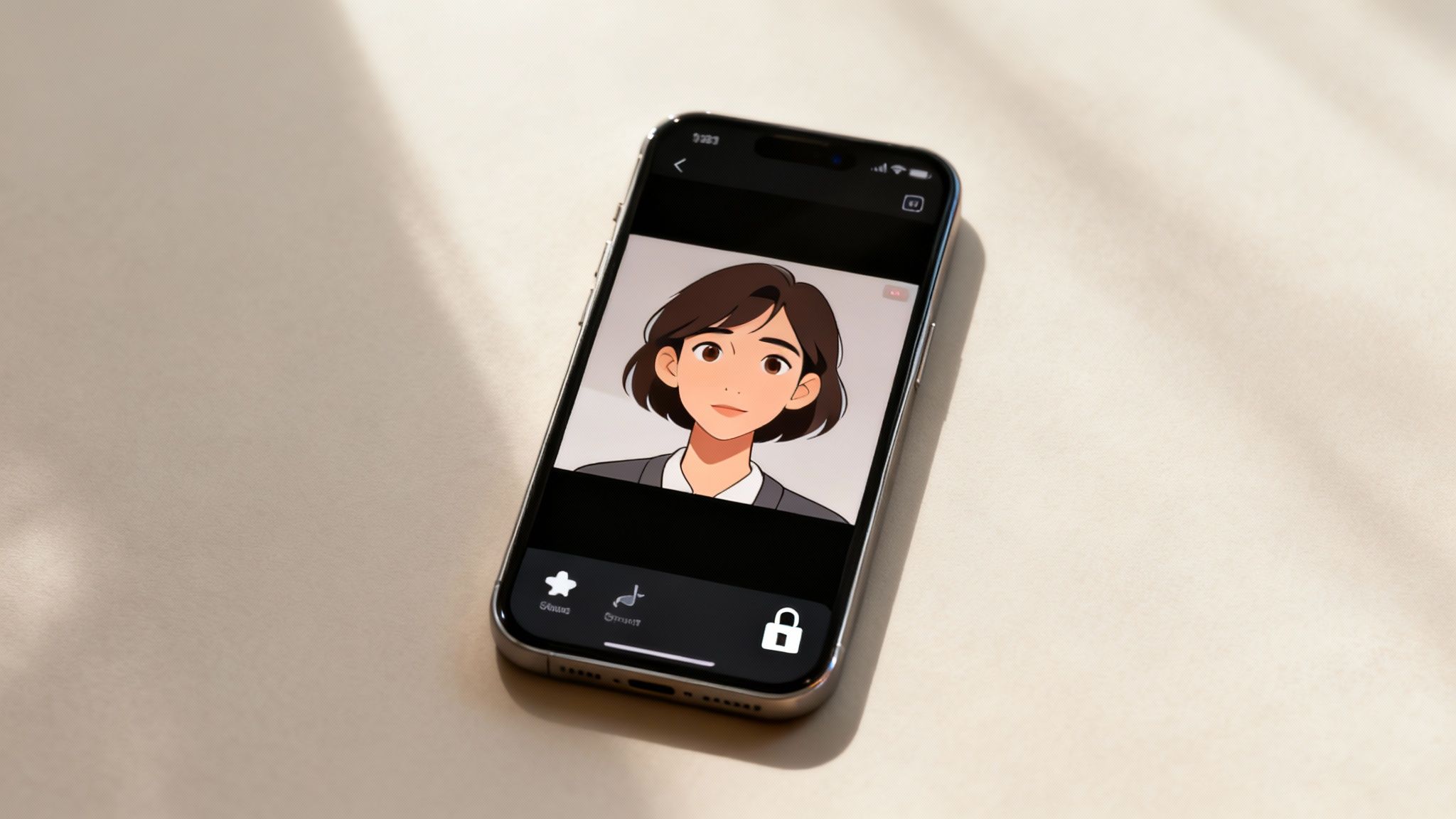
This form of content is surging in popularity. According to a market report by MarketsandMarkets, the global animation market is projected to reach $642.5 billion by 2030. This substantial growth is driven by consumer demand for engaging digital experiences.
Best Practices for Social Media Sharing
To maximize visibility, format your animation correctly for each platform.
- TikTok & Instagram Reels: These platforms prioritize vertical video. Export your clip in a 9:16 aspect ratio (1080x1920 pixels) to fill the entire screen and maximize viewer retention.
- YouTube Shorts: Similar to Reels, Shorts is designed for mobile viewing. Adhere to the 9:16 vertical format.
- Facebook & X (Twitter): These platforms are more flexible. Square (1:1) or slightly vertical (4:5) videos tend to perform best, occupying more screen real estate in user feeds.
Enhance your post with trending audio and a compelling caption to increase engagement and reach.
Understanding the Privacy Implications
Before animating your entire photo library, it is crucial to consider privacy. When you upload a photo to an AI tool, you are handling personal data, particularly if the image features another person.
"The ease of creating AI-generated content places a greater responsibility on the creator," states Digital Ethicist Dr. Alistair Finch. "Consent is no longer just a legal checkbox; it's the foundation of ethical creation. Always ask before animating someone else’s image."
Always review the terms of service of any tool you use to understand how your images are stored and utilized. Animating a friend's picture without their permission, while seemingly harmless, constitutes a significant breach of their privacy and trust.
Once you have mastered photo animation, you might explore creating custom avatars. You can explore free anime avatar makers for this purpose. Remember to apply the same ethical standards to every image you generate and share.
Got Questions About AI Photo Animation?
Entering the world of AI animation is exciting, but questions are natural. This rapidly evolving technology requires a clear understanding of its practical applications to achieve desirable results. Here are answers to some of the most common inquiries.
What Are the Best Free Tools to Use?
While many advanced platforms are subscription-based, several free options are available for exploration. Tools like MyHeritage's Deep Nostalgia or Cutout.Pro are excellent for simple, subtle facial animations, such as bringing an old family photo to life.
However, for more dynamic, full-body dance movements, generative AI tools are necessary. Many, including DreamShootAI, offer free credits, allowing you to test their capabilities before committing to a plan.
The choice depends on your objective:
- For subtle, historical photo animations: MyHeritage is an ideal choice.
- For full-body dancing and creative control: Generative AI tools like DreamShootAI provide greater freedom and a wider range of motion.
Can I Legally Animate a Picture of Someone Else?
This is a critical legal and ethical issue that demands caution.
Animating a celebrity's image for a personal meme may fall under the legal gray area of parody or fair use. However, using that same animation for commercial purposes—such as in an advertisement—could lead to legal action for violating their publicity rights.
Animating a photo of a private individual without their explicit consent is a significant privacy violation and should be avoided.
As Digital Ethicist Dr. Alistair Finch emphasizes, "Consent is no longer just a legal checkbox; it's the foundation of ethical creation. Always ask before animating someone else’s image."
How Can I Fix a Distorted Animation?
The "uncanny valley" effect—where animations appear distorted or strange—is a common problem. It typically arises from a low-resolution source photo, an obstructed subject, or a motion that is too complex for the AI to map accurately.
The solution begins with the source image. Always use a high-quality, clear, front-facing photo. If you encounter distortions, simplify the animation. Start with a more subtle motion to test the AI's response before increasing the intensity. Most tools also include "realism" or "enhancement" settings that can significantly smooth out digital artifacts and improve the final result.
Ready to stop wondering and start creating? With DreamShootAI, you can turn your static photos into incredible, captivating videos in minutes. Jump in and explore our powerful AI video tools to bring your images to life today at https://dreamshootai.com.
Written by Jocelyn Grey for the DreamShootAI blog.
Spotted something out of date? Tell us at [email protected] and we'll fix it.