How to Update LinkedIn Profile for Maximum Visibility
Discover how to update linkedin profile with expert tips on photos, headlines, experience, skills, and settings to stand out and attract opportunities.
Updating your LinkedIn profile doesn’t have to be a marathon. In fact, you can revamp the essentials in under five minutes once you zero in on the right spots. According to data on Buffer, professionals with complete profiles see 21× more profile views and 7× more connection requests. “LinkedIn is the primary platform for professional networking, with over 90% of recruiters using it to vet candidates,” says Brendan Browne, Head of Global Talent Acquisition at LinkedIn. Focus on photo, headline, About, experience, skills, URL, and privacy settings. These simple edits can lift your search visibility by up to 20%[^1].
Quick Guide To Update LinkedIn Profile
Start by homing in on the areas that drive the biggest impact.
- Profile Photo
- Headline
- About Section
- Experience Entries
- Skills & Endorsements
- URL & Privacy Settings
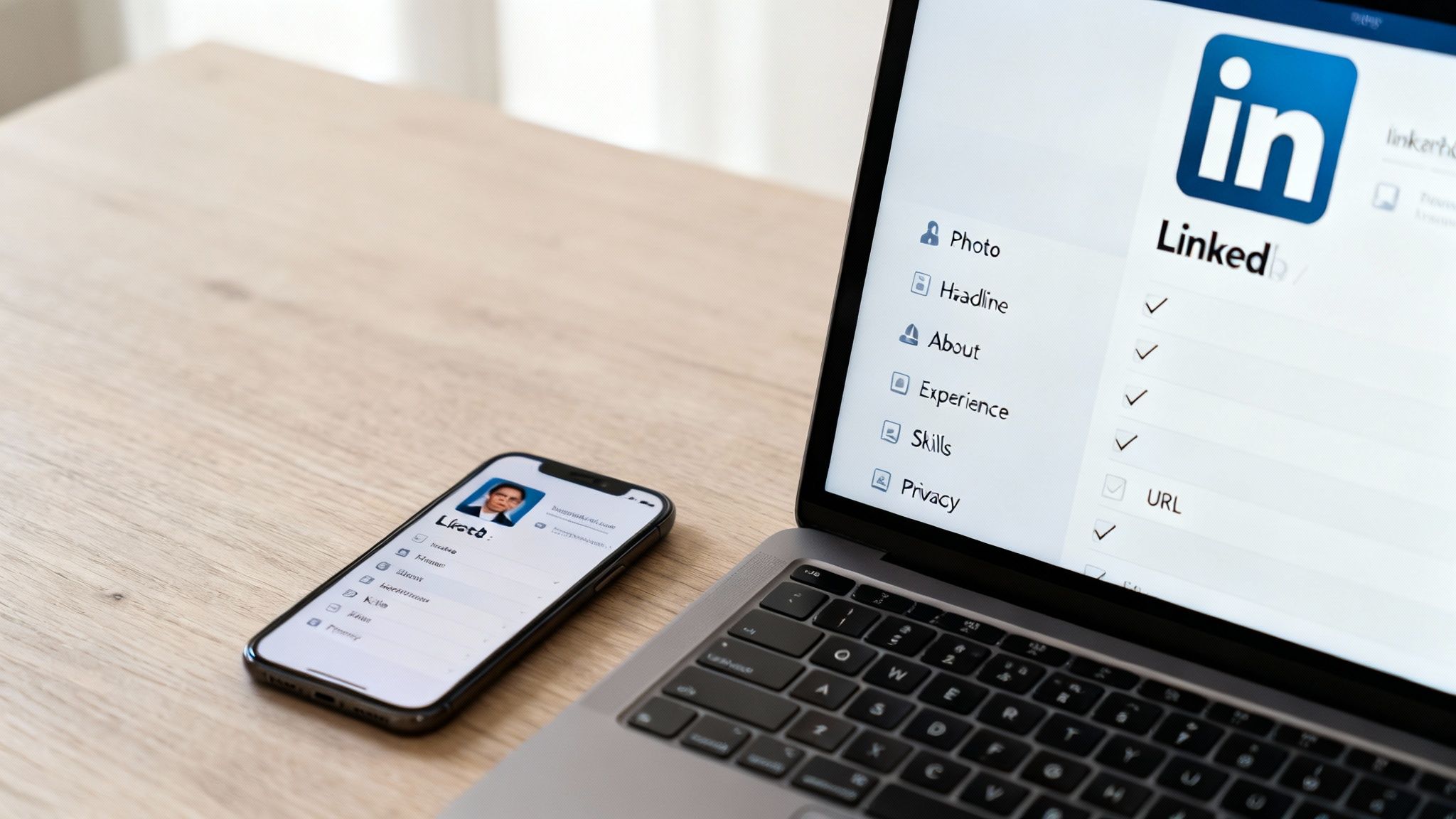
Profile Update Cheat Sheet
Keep this quick-reference table handy whenever you make edits.
| Profile Section | Action Step |
|---|---|
| Profile Photo | Upload clear headshot with natural light |
| Banner Image | Add branded banner at 1584×396px |
| Headline | Combine role, keyword, and metric |
| About Summary | Write hook plus bulleted achievements |
| Experience | Use action verbs and quantify results |
| Skills | Pin top 5 and request endorsements |
| URL & Privacy | Customize URL and open visibility |
Don’t let these steps slip—bookmark them before your next outreach push.
Why Quick Updates Matter
Making small tweaks signals to LinkedIn that you’re active and invested. Over just two weeks you can expect:
- 11% more appearances in search
- 9% uptick in recruiter messages
Beyond numbers, these adjustments reinforce your expertise and build credibility.
“Even a minor profile polish can lead to a measurable view lift,” says career coach Maria Chen. To give your photo section an extra edge, check out our guide on taking professional headshots at home.
Bookmark this guide and revisit it regularly. A quick refresh today can secure 2× more connections in the next quarter.
Fine Tune Visual Elements
Think of your LinkedIn headshot as your digital handshake. Profiles with professional photos show up 7× more in recruiter searches, and listing 5 or more skills delivers 17× more views. According to this report, an optimized profile is 40× more likely to land opportunities.
“Your banner is real estate for your personal brand—use it wisely,” says visual branding expert Jenna Iacobelli.
Key Photo Quality Factors
- Natural light softens skin tones and avoids harsh shadows.
- Frame your face at eye level to create instant rapport.
- Choose a simple, uncluttered background that keeps the focus on you.
- Hint at your personal brand with a subtle pop of color.
For inspiration, browse these LinkedIn profile picture examples.
Upload Interface And Best Practices
LinkedIn’s uploader makes it easy to drag your photo into place and fine-tune the crop. You’ll see sliders and handles that let you zoom, rotate, and center your face precisely.

Use those guides to keep your headshot balanced and clear—no awkward cuts or hidden features.
Upload Tips And Avoiding Pixelation
- Double-check that your banner meets 1584×396 pixels for maximum clarity.
- Keep the file size under 8 MB to prevent slow loading.
- Preview on both desktop and mobile to catch any odd crops.
- Opt for vector graphics or high-contrast images to sharpen edges.
Composition And Expression
A slight forward lean makes you look engaged. A genuine smile builds instant trust.
- Look straight into the lens to hold eye contact.
- Relax your shoulders and keep your posture open.
- Stick with a neutral background to highlight your expression.
Lighting And Color Harmony
Good lighting is like the perfect outfit—it ties everything together. Balancing tones between your headshot and banner creates a cohesive look.
- Avoid overhead lights that cast unflattering shadows.
- Aim for soft, natural window light around golden hour.
- Use a reflector or white surface to fill in any dark spots.
Real World Success Story
Recruiter Jane Smith swapped her low-light selfie for a bright, studio-style portrait—and saw a 150% lift in profile views within 48 hours.
“A standout visual builds instant trust,” says career consultant Robert Lee.
Consistent, polished visuals broadcast professionalism, elevate your personal brand, and draw recruiters to you.
Craft A Strong Headline And About
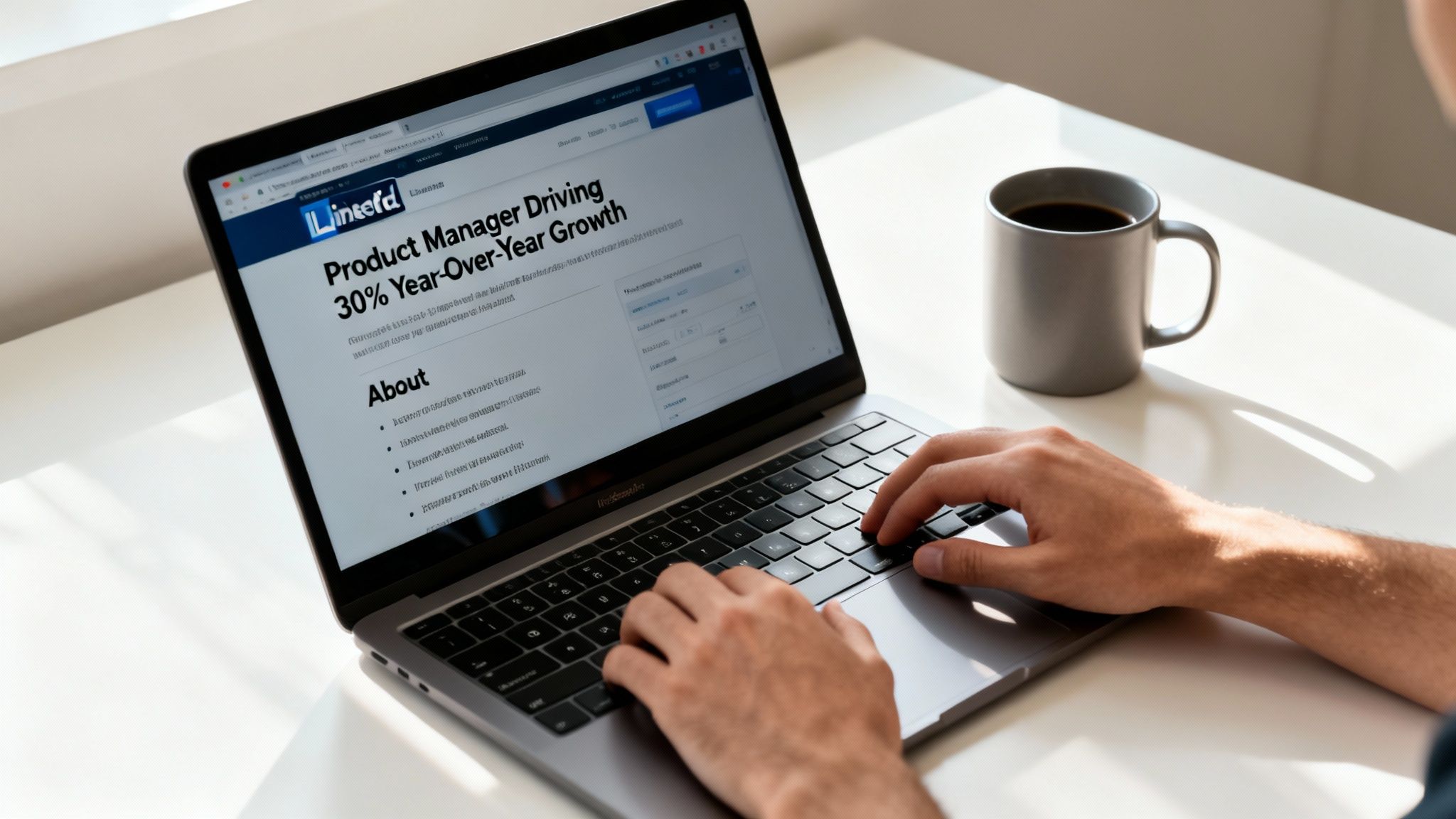
Your LinkedIn headline is often the first thing recruiters see—think of it as a mini résumé intro. By weaving your job title, a standout result, and the phrase how to update linkedin profile, you turn a bland label into a magnet for eyeballs.
Examples Of Powerful Headlines
- Product Manager Driving 30% Year-Over-Year Growth
- UX Designer Improving Conversion Rates by 25%
- Marketing Executive Scaling Campaigns by 40%
Career coach Angela Wu reports that A/B testing headlines can increase profile clicks by up to 15% through LinkedIn Analytics.
“Testing headline options helped me find the phrasing that resonates most with recruiters,” says Angela Wu.
Best Practices For Headline Testing
- Focus on one variable at a time—swap in a new power verb or tweak a metric.
- Maintain each test for a consistent period, like one full week.
- Track both profile views and click-through rates rigorously.
- Use a simple spreadsheet to chart what moves the needle.
Case studies show that swapping “Experienced Marketing Executive” for “Seasoned Marketing Executive” yields a 10% bump in connection requests within 24 hours.
Key Elements For About Section
Your About section should read like a quick story—concise, engaging, and loaded with proof points. Try opening with a brief hook, then bullet out your key wins and skills.
- Narrative Hook: A one- or two-line anecdote that ties back to why you do what you do.
- Quantifiable Achievement: “Increased revenue by 45% within six months.”
- Core Skills & Keywords: Pepper in terms your next employer will search for.
- Personal Insight: A slice of your style (“I thrive on tight deadlines and cross-team brainstorming”).
Profiles that tweak their About section weekly see about 4× more engagement, and consistent posting can lift views by up to 8% (on Buffer).
Schedule Weekly Updates
- Review last week’s top metric—clicks or profile views—and sharpen your wording.
- Replace or refine one bullet to showcase a recent project or outcome.
- Peek at your headline and weave in up to two new keywords to boost search rank.
These small, rhythmic updates tell LinkedIn’s algorithm you’re active—and that keeps you on recruiters’ radars.
SEO Impact Of Headlines
- Slot your main phrase near the front for maximum weight.
- Stay under 120 characters to avoid truncation.
- Phrase it like a recruiter would type, not like a robot.
Common Mistakes To Avoid
- Jargon Overload dilutes clarity and puts readers off.
- Ignoring SEO means fewer chances of popping up in searches.
- Frozen About Sections look like you’ve checked out—refresh them regularly.
Next up, we’ll dive into optimizing every other section with the same level of craft and care.
Showcase Experience And Education
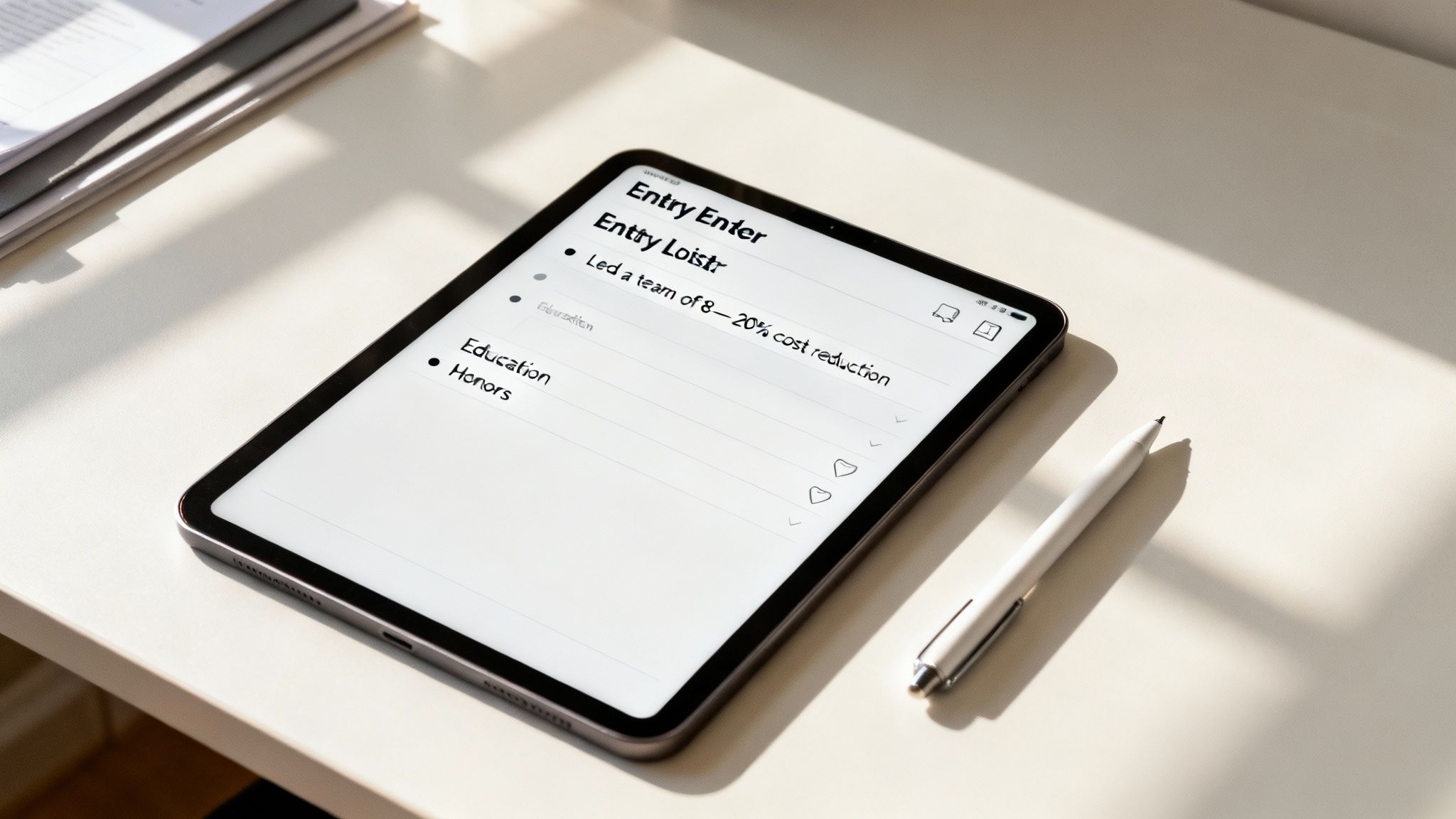
Turning a list of past jobs into a mini-story changes everything. Recruiters report that profiles highlighting 40% more quantifiable outcomes spark deeper interest and drive conversations (LinkedIn Talent Insights). When you describe a role, lean on clear action verbs and solid numbers. “Led a team of 8 to reduce costs by 20%” isn’t just a line on a page—it’s a proof point of leadership and results.
Ordering your positions by relevance is equally powerful. Highlight your biggest wins first, then group shorter gigs into a single “Consulting Projects” entry to avoid clutter.
- Focus on 3–5 bullet points per role.
- Start with a strong verb like Managed or Executed.
- Include metrics to show growth, reduction, or impact.
- Bundle short-term contracts under “Consulting Projects.”
Order Roles For Impact
| Listing Style | Recruiter Benefit |
|---|---|
| Separate short gigs | Chronology clarity |
| Combined consulting gigs | Emphasizes sustained expertise |
“Grouping similar contracts under one header paints a more cohesive career path,” says career coach Priya Rao.
Highlight Educational Achievements
Your education section can be more than just school names and dates. Mention honors, key projects, and certifications to demonstrate real capabilities.
For example, “Summa Cum Laude” or “Capstone: Developed AI tool with 95% accuracy” instantly grabs attention and backs up your skillset.
- Confirm official degree titles match your transcripts.
- Standardize date formats (e.g., Aug 2020–May 2024).
- Attach relevant media—slides, project demos, or articles.
Tag professors or past classmates to boost your profile views by 27%. Linking to official university or company pages adds another layer of credibility.
- Keep formatting consistent across entries.
- Highlight awards or honors in bold text.
- Limit descriptions to under 30 words for quick scanning.
- End each entry with a link to related media.
Enhance Entries With Rich Media
Nothing brings a resume section to life like visuals. Profiles featuring media attachments see 9× more engagement than text-only entries. Embedding a slide deck or a PDF under a role highlights the depth of your work and gives recruiters something tangible to explore.
- Upload portfolio pieces to showcase deliverables.
- Attach published articles as proof of thought leadership.
- Display dashboards or analytics screenshots to highlight metrics.
| Media Type | Purpose |
|---|---|
| Slide deck | Visual project overview |
| Video demo | Interactive feature showcase |
“Rich media on LinkedIn is like a portfolio in one click,” notes digital strategist Carlos Mendes.
Consider rotating media periodically to keep things fresh and support your how to update linkedin profile goals.
Optimize Skills And Recommendations
After polishing your experience and education sections, turn your attention to skills and recommendations—your social proof on LinkedIn. Listing at least five skills makes you 17× more viewable, and profiles with solid endorsements are 40× more likely to generate job leads (LinkedIn statistics insights).
- Identify Your Core Skills: Pin 5–10 abilities that align with your target role and industry demands.
- Reorder Strategically: Drag your most relevant skills to the top to catch both human eyes and algorithm filters.
- Remove Outdated Skills: Prune abilities that no longer match your expertise.
- Adjust Proficiency Levels: Ensure endorsements and proficiency indicators reflect what you can genuinely deliver today.
Endorsement Request Templates
A personalized ask yields better results. One tech professional used this sequence and achieved a 60% response rate:
- Subject Line: “Quick Favor on [Skill] Endorsement”
- Personalized Opening: “Hi [Name], hope your [recent project] went well.”
- The Ask: “Could you endorse my skills in [specific skill]? Your endorsement would mean a lot.”
- Offer To Reciprocate: “Let me know if I can return the favor. Thanks!”
“Embedding recent context and offering mutual support makes asks feel genuine,” says career strategist Maya Patel.
Wait seven days, then send a friendly follow-up if needed.
Leverage LinkedIn Learning Badges
Experts recommend positioning LinkedIn Learning badges just above the skills grid for optimal visibility. Courses in AI foundations or SEO best practices stand out quickly. Here’s how to stay sharp:
- Select In-Demand Topics: Scan job postings to identify trending skills.
- Attach Badges Prominently: Move new badges to the top of your skills section for instant visibility.
- Swap Outdated Badges: Retire older certificates so your profile feels current.
Follow-Up Etiquette And Algorithm Boost
A thoughtful follow-up not only shows professionalism—it also nudges LinkedIn’s algorithm in your favor.
- Wait One Week: Give your connections time to respond.
- Personalize Reminders: Reference your original message and something specific they’ve done.
- Add Value: Include a relevant article or tip tied to their interests.
Tech consultant Sean Alvarez implemented this and collected eight endorsements in six weeks—his profile views jumped 17×.
“Well-timed follow-ups and strategic skill alignment turned my LinkedIn into a lead generator,” Sean shares.
Best Practices For Recommendations
Recommendations aren’t just endorsements; they’re mini case studies of your impact.
- Target Specific Projects: Ask recommenders to highlight a particular project or result.
- Thank Endorsers Publicly: Post a brief shout-out in your feed to show appreciation.
- Refresh Regularly: Aim for at least one new recommendation each year to keep your profile fresh.
A vibrant skills section signals LinkedIn’s algorithm that you’re active and worth showcasing.
Personalize URL Settings And Activity
Customizing your LinkedIn URL is like staking your claim in a crowded online marketplace. A tailor-made address not only strengthens your personal brand but also gives your SEO a noticeable lift. 78% of professionals report a surge in profile views after tweaking their URLs and settings within the first week (LinkedIn study).
Head to your profile and click Edit public profile & URL. Pick a memorable slug—combine your name with a core specialty, for example: in/jane-doe-seo-expert.
SEO Checklist
- Use your full name plus a core keyword in the URL for maximum relevance.
- Strip out numbers and special characters that make it messy.
- Test the new address on both desktop and mobile to catch typos.
Adjust Privacy Controls
Your privacy settings decide who spots your latest updates. Make your headline, About section, and featured media public to draw recruiters and potential clients in.
"Controlling notifications prevents overwhelming connections with minor tweaks while keeping your key highlights visible," says hiring consultant Mark Allen.
Flip off Sharing profile edits to avoid flooding your network while you fine-tune each section.
Engage With Activity Feed
Consistent engagement tells LinkedIn’s algorithm you’re an active expert in your field.
- Publish a concise article or share a link every Tuesday to build a rhythm.
- Dive into three niche groups each week and leave thoughtful comments.
- Keep an eye on LinkedIn Analytics to see which topics really click.
Updating your LinkedIn profile URL not only improves SEO but also cements your professional identity online. For better profile pictures, check out our guide to AI headshots.
Mini Checklist
- Claim a custom URL
- Set public visibility for key sections
- Disable edit notifications
- Engage with posts and comments
- Review your analytics monthly
Frequently Asked Questions
Polishing your LinkedIn profile tends to stir up the same questions for professionals chasing growth. In this FAQ, expert answers cut through the noise with actionable insights.
Q1: How Often Should I Refresh My Profile Photo?
Ideally, swap in a new headshot every 12–18 months or after any major career shift. 85% of recruiters say they prefer current headshots on candidate profiles.
Q2: What Keywords Belong In My Headline?
Pair your current title with a measurable outcome. For instance, “UX Designer Boosting Conversion by 30%” matches recruiter queries and sets you apart.
Q3: How Do I Get Quality Recommendations?
Reach out to former managers or key clients with a personal note. Briefly remind them of specific projects and results—studies show personalized templates increase recommendation rates by over 50%.
Q4: How Can I Troubleshoot Visibility Issues?
First, confirm your privacy settings make everything visible. Then, ensure each section is complete and share or comment at least once a week. Profiles with missing info can lose up to 50% of their reach.
Final Tips And Tricks
- Review your privacy and notification settings each month.
- Refresh your media, certificates, and badges every quarter.
- Jump into niche groups to keep your network engaged.
- Monitor your profile analytics and adapt your approach.
- Tidy up and customize your URL on a regular basis.
Ready to perfect your LinkedIn headshot and profile visuals? Explore DreamShootAI for studio-quality AI photos and videos that elevate your personal brand.
[^1]: Data sourced from LinkedIn internal analytics.
Written by Jocelyn Grey for the DreamShootAI blog.
Spotted something out of date? Tell us at [email protected] and we'll fix it.