How to Edit Photos Like a Professional
Learn how to edit photos like a professional with our definitive guide. Discover the mindsets, tools, and advanced techniques used by top photographers.
If you want to learn how to edit photos like a pro, the first step has nothing to do with software. It's a shift in mindset. The real work begins long before you touch a single slider; it’s about capturing the best possible data in-camera, being ruthless when you cull your images to find the shot, and always protecting your original files with a non-destructive workflow.
This foundational approach is what turns editing from a reactive fix-it process into an intentional, creative one.
Adopt a Professional Editing Mindset
Let's get one thing straight: professional photo editing isn't a rescue mission for a bad photo. It's the final, deliberate step in bringing a creative vision to life. It’s all about enhancing the story you already framed in the camera.
Pros know that editing doesn't create a great photo—it reveals one.
This entire philosophy is built on a few core principles that separate truly impactful images from simple snapshots. Before any presets, filters, or AI tools enter the picture, a professional workflow respects the integrity of the original image. As the legendary photographer Ansel Adams, a master of darkroom manipulation, famously stated, "You don't take a photograph, you make it." That assertion is more relevant than ever in today's digital darkroom.
The Foundational Workflow
The professional approach is systematic. It’s a deliberate process that starts with capturing as much information as you possibly can, which gives you maximum flexibility down the line.
Shoot in RAW: JPEGs are convenient, but they compress and discard crucial image data. RAW files, in contrast, contain all the uncompressed, unprocessed information directly from your camera's sensor. A 2023 survey by Shotkit revealed that over 95% of professional photographers consistently shoot in RAW for client work. The reason is unequivocal: the superior dynamic range and color depth are non-negotiable for high-stakes editing. It is your ultimate safety net for recovering details previously thought lost in blown-out highlights or crushed shadows.
Cull with Purpose: Professionals do not edit every photo they take. They engage in culling—the rigorous but essential process of reviewing an entire shoot and selecting only the most compelling images. This disciplined curation saves an immense amount of time and concentrates creative energy where it will have the greatest impact. It is standard practice for a professional to capture hundreds of frames and select only five to ten for final post-production.
Work Non-Destructively: This is a critical discipline. A non-destructive workflow ensures your original RAW file is never permanently altered. When you utilize software like Adobe Lightroom or Capture One, you are essentially creating a set of instructions for how the image should be rendered. These instructions can be modified, refined, or completely reset at any time. This methodology preserves your master file, affording you the creative latitude to experiment and revisit an image with fresh perspective weeks, months, or even years later.
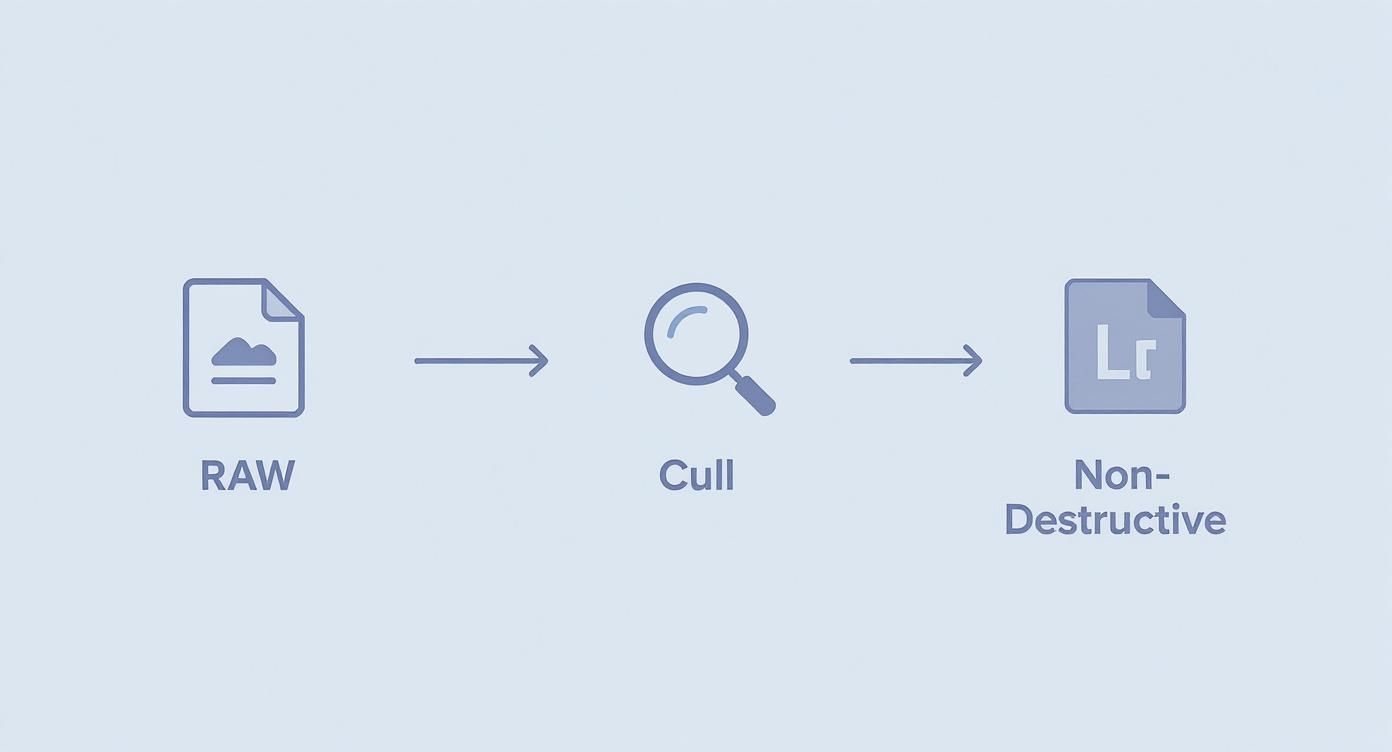
This diagram breaks down the essential flow of a professional editing mindset. It starts with capturing maximum data (RAW), carefully selecting the best shots (Culling), and protecting the original image (Non-Destructive Workflow).
To really drive these ideas home, let's look at the core principles that separate the pros from the amateurs.
Core Principles of a Professional Editing Workflow
These aren't just steps; they're the foundational concepts that ensure every edit you make is purposeful and powerful.
| Principle | Why It Matters for Pro Results | Quick Actionable Tip |
|---|---|---|
| Shoot in RAW Format | It provides the maximum amount of image data, giving you far more flexibility to adjust exposure, white balance, and color without degrading quality. | Go into your camera settings right now and switch the image quality from JPEG to RAW (or RAW+JPEG if you want a quick preview file). |
| Cull Your Images Ruthlessly | Editing only your best shots saves massive amounts of time and focuses your creative energy. It forces you to be a better self-editor. | Use a star rating or color-coding system in your software. Your first pass should be quick: just mark the definite keepers and reject the obvious misses. |
| Work Non-Destructively | This protects your original file from permanent changes, allowing you to experiment freely and always return to the starting point if needed. | Always use software that supports non-destructive editing, like Lightroom or Capture One. Never edit your original RAW files directly in a destructive editor. |
| Start with a Vision | Know what you want to achieve before you start editing. Are you going for a dramatic, moody look or something light and airy? | Before opening your editor, take a minute to think about the story or feeling you want the final image to convey. Write down 2-3 keywords to guide you. |
Ultimately, this methodical approach ensures that by the time you actually start adjusting those sliders, you're not just randomly pushing pixels around. You're working with the highest quality asset and a clear creative direction, ready to make a great photo even better.
Getting the Foundation Right with Global Adjustments
Every incredible photo starts with a solid foundation. Before you delve into creative, detailed refinements, you must establish the big picture—the global adjustments. This is where you set the overall tone and feel of your image, creating a clean, balanced canvas for subsequent work.
Consider it priming a canvas before painting. Master these initial steps, and every subsequent action will be exponentially more effective. This is less about arbitrary slider adjustments and more about a deep understanding of why you are manipulating light and shadow across the entire frame.
The Big Four: Core Global Adjustments
Before deploying advanced filters or detailed edits, every professional masters the tools that govern the entire image. These adjustments work in concert to establish the mood and correct technical flaws from the outset.
- Exposure: This is your initial and most critical adjustment. Is the image fundamentally too bright or too dark? A precise tweak here can fundamentally alter the image's impact. For an underexposed portrait, for instance, a careful boost in exposure can lift your subject from the shadows, revealing the nuanced details in their expression that convey the narrative.
- Contrast: This is the engine of drama. Contrast defines the separation between your lightest and darkest tones. Increasing it makes an image “pop” and imparts a sense of depth. Conversely, reducing it can create a softer, more ethereal aesthetic.
- Highlights & Shadows: These sliders are your precision instruments for light management. Is the sky in your landscape completely blown out? Lowering the highlights will recover the vibrant blues and intricate cloud details you assumed were lost. Is your subject mired in a dark corner? Lifting the shadows can bring them into focus without compromising the overall exposure integrity.
- Whites & Blacks: These controls set the absolute brightest and darkest points of your image, known as the white and black points. Pushing your whites adds a clean, energetic feel. Pulling your blacks down establishes deep, rich tones that give a photo a polished, professional finish and prevent it from appearing faded.
As celebrated landscape photographer Michael Yamashita advises, "Get the basics right, and the creative part becomes effortless." Your global adjustments are those basics—the anchor for everything that comes next.
Putting It All Into Practice
Imagine you have captured a stunning landscape during harsh midday sun. The sky appears nearly white, and the foreground trees are rendered as indistinct silhouettes. The professional solution begins here.
You would first reduce the highlights to restore the azure tones in the sky. Next, you would lift the shadows to unveil the texture and detail within the trees. Finally, a touch of contrast would be applied to restore the scene's natural depth. Simple, deliberate, and profoundly effective.
This hands-on approach is the industry standard. An estimated 90% of professional photographers worldwide rely on digital editing, but the tools are changing fast. While pros in North America and Europe have long used desktop software, there's been a 40% global jump in smartphone photography, driving a massive shift toward mobile and cloud-based editors in emerging markets. The Asia-Pacific region, for example, has seen software sales climb by 18% year-over-year, a clear sign that client expectations are evolving.
If you want a head start on these foundational edits, our AI-powered photo enhancer can be a huge time-saver. It analyzes your image and applies these global adjustments intelligently, giving you a perfectly balanced photo in seconds. This frees you up to spend more time on the fun part—adding the creative touches that make the photo uniquely yours.
Sculpting Your Image with Color and Tone
With a solid, clean foundation established, it is time to engage with color. This is where you infuse life and emotion into your image, where you begin to cultivate your signature style. This is not about achieving mere "correctness"—it is about making deliberate choices that dictate the viewer's emotional response.
Color grading is not a final step; it is pure storytelling. As acclaimed fine art photographer Craig Boehman articulates, "Post-processing isn’t just a step in my workflow—it’s an integral part of my creative process. I enjoy the editing stage as much as taking the photos themselves." This is the professional mindset.
Mastering the HSL Panel
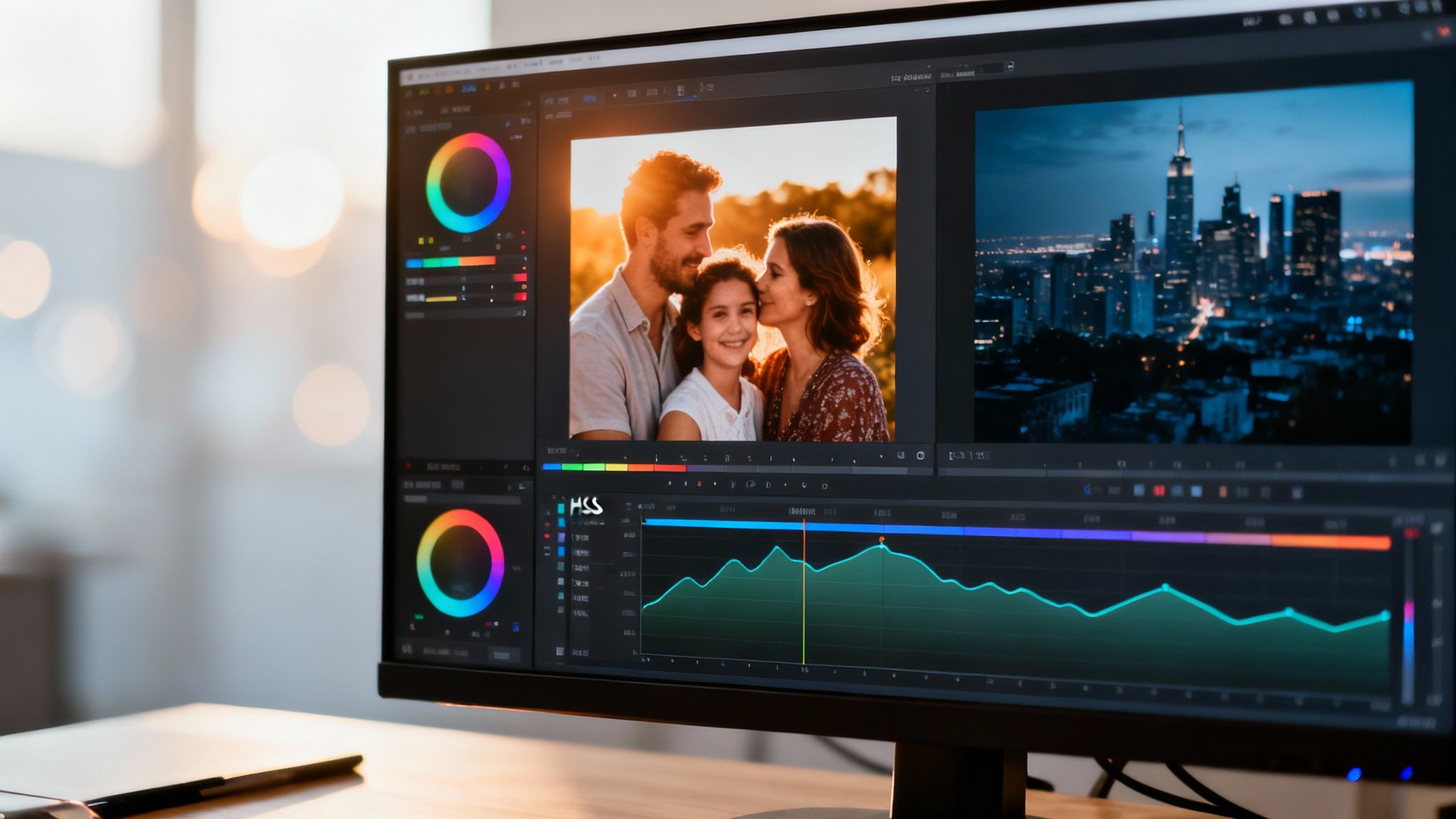
For surgical-level control over color, the HSL (Hue, Saturation, Luminance) panel is your most essential tool. Rather than applying a single, global adjustment, HSL allows you to isolate and modify specific colors. This is the technique professionals use to create the rich, nuanced color palettes that define their work.
Here’s the breakdown:
- Hue: This slider shifts the actual shade of a color. A forest photo where the greens are pushed toward a moody, cinematic teal is a classic example of a Hue adjustment.
- Saturation: This controls color intensity. You can desaturate distracting background colors to make your subject prominent, or you can amplify the oranges in a sunset to add dramatic impact.
- Luminance: This is the brightness of a specific color. Brightening the blues can make a sky feel vast and open, while darkening the reds in a brick wall can accentuate its texture.
Consider a portrait where the subject's bright blue shirt commands undue attention. With the HSL panel, you can isolate the blues and subtly decrease their saturation or luminance. The viewer's focus immediately returns to the person's face, which is the intended focal point.
If you’re just starting out and want a great jumping-off point, our guide on AI-powered color correction can give you a solid baseline edit in seconds.
Shaping Mood with the Tone Curve
While HSL manages individual colors, the Tone Curve is your master control for overall mood and contrast. It governs the relationship between shadows, midtones, and highlights.
Though it may appear intimidating, the Tone Curve's concept is straightforward. The horizontal axis represents the input tones (from pure black to pure white), and the vertical axis represents the output. One of the most common and effective techniques is creating a gentle "S-curve."
By lifting the highlights and pulling down the shadows in a subtle 'S' shape on the curve, you add depth and a classic, film-like contrast that instantly elevates an image. It’s a technique used by an estimated 90% of photographers to add a professional polish.
For a warm, sun-kissed family photo, you could lift the midtones and add a soft S-curve for gentle contrast. For a moody, cinematic cityscape, you might "crush the blacks" by dragging the bottom-left point of the curve horizontally, creating deep, inky shadows reminiscent of a film noir. Mastering this tool is a significant leap toward creating images that resonate emotionally.
Applying Advanced Local Adjustments and Retouching
This is where true mastery is demonstrated. Once you’ve laid a solid foundation with global color and exposure edits, it’s time for the delicate, local adjustments that separate a good photo from a breathtaking one. These targeted edits are all about guiding the viewer’s eye, creating depth, and making your subject the undeniable star of the show.
Global adjustments build the structure, but local adjustments furnish and decorate the interior. Each small, intentional change contributes to the final, polished atmosphere.
Sculpting Light with Dodging and Burning
Dodging and burning is a classic darkroom technique that’s more powerful than ever in the digital world. The concept is simple: you selectively brighten (dodge) and darken (burn) specific areas to build dimension and focus. These are not drastic, obvious alterations, but rather subtle sculpting maneuvers.
For a landscape, you might gently burn the frame's periphery to create a natural vignette, drawing attention toward the center. In a portrait, a soft dodge on the cheekbones can add definition and a touch of glamour.
"The best retouching is the retouching you don't see," states high-end retoucher Pratik Naik. This industry maxim underscores the goal: to enhance, not overpower. Your edits should feel completely natural and intentional.
Precision Tools for Targeted Enhancements
Modern editing software provides unparalleled control for making these selective changes. Instead of applying an effect globally, you can paint adjustments precisely where they are needed.
- Adjustment Brushes: Perfect for intricate work. You can "paint" brightness into a subject's eyes to make them sparkle or add a touch of sharpness to specific details to make them pop.
- Gradient Filters: A landscape photographer's essential tool. These allow you to apply an adjustment that fades gradually across an area. Use a linear gradient to darken a bright sky without affecting the foreground, balancing the exposure perfectly.
- Radial Filters: Ideal for spotlighting a subject. You can draw a circle or oval around your focal point and then apply changes—like slightly darkening and desaturating—to everything outside that area.
An Ethical Approach to Portrait Retouching
In professional photography, particularly in lucrative sectors, portrait retouching is a non-negotiable skill. The global portrait photography market is valued at $20.6 billion annually, and even with the rise of AI, a recent industry study shows 80% of clients still prefer professional studios. Furthermore, a remarkable 60% of high-end clients specifically request bespoke, hand-edited files, confirming the premium placed on a skilled retoucher's touch.
This is precisely why an ethical framework is paramount. Your objective is to remove temporary distractions, not to alter a person's fundamental appearance. A great first step is often using a dedicated tool for minor fixes. For example, DreamShootAI's blemish remover can handle small imperfections in an instant, giving you a clean slate for more nuanced work.
From there, it's all about enhancements that honor the subject. This might mean subtly softening skin texture while preserving natural pores, taming a few stray hairs, or giving teeth a slight whitening. These final, careful adjustments are that last 10% of polish that defines a truly professional image.
Weaving AI into Your Professional Workflow
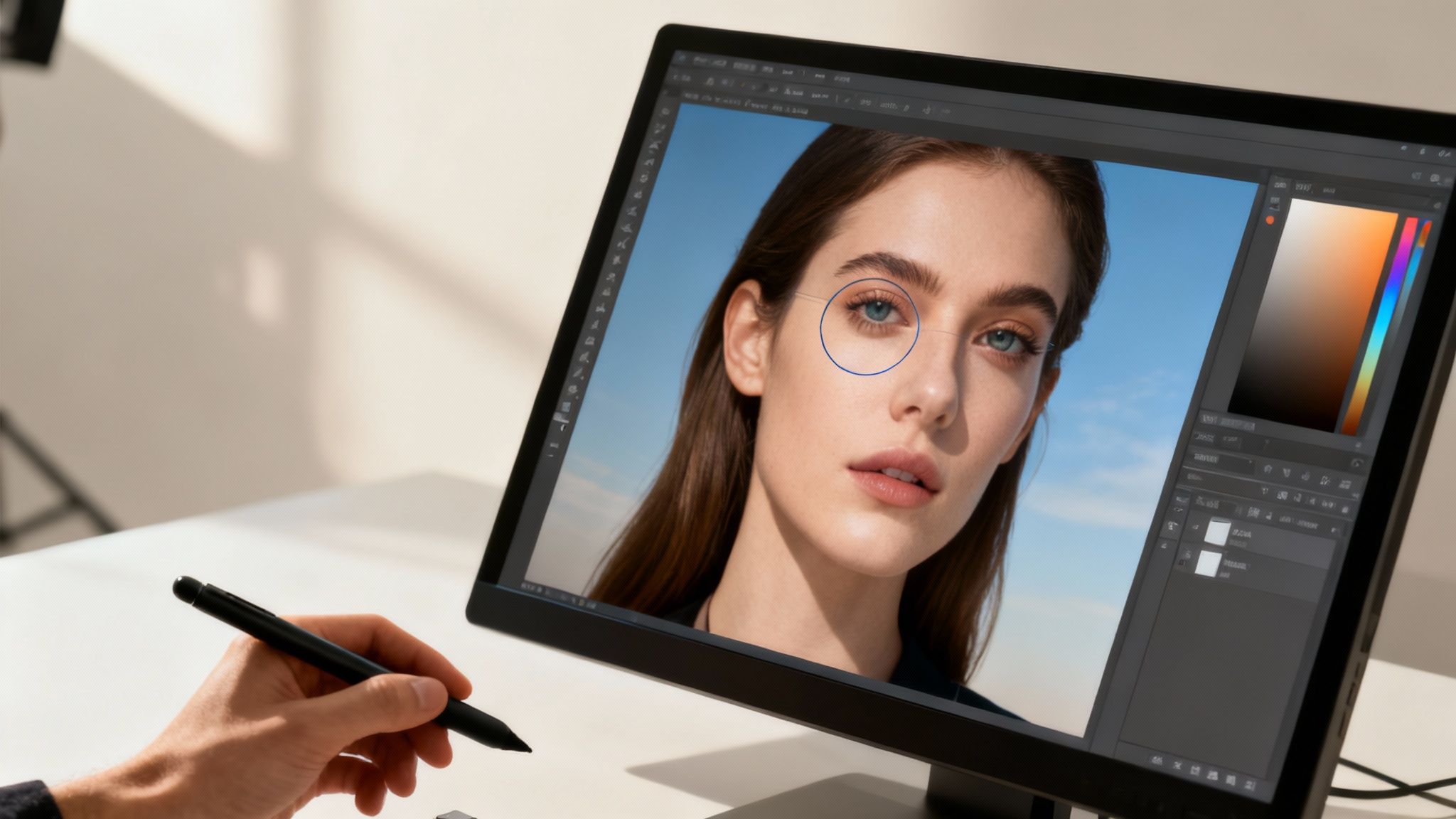
The landscape of photo editing is undergoing a seismic shift, and artificial intelligence is at its epicenter. The most forward-thinking photographers are leveraging AI as a powerful assistant, not as a creative replacement.
The key is to strategically integrate these tools into an existing workflow. By delegating time-consuming, repetitive tasks to AI, you can dedicate your energy to what truly matters—your unique artistic vision. This is not about relinquishing creative control; it is about working smarter. Features like intelligent masking, AI-powered noise reduction, and one-click sky replacements can now accomplish in seconds what once required hours of painstaking manual effort.
Think of AI as an Accelerator, Not the Artist
The primary value of AI in a professional workflow is speed. It excels at accelerating the initial, often mechanical, stages of an edit. Think of AI as the world's most efficient intern. It completes the prep work, allowing you, the creative director, to apply the final, defining touches.
For a deeper look at how the tech is evolving, there are some great resources on AI integration in professional post-production that are worth a read.
The data confirms this trend. According to a 2023 market report by Grand View Research, AI editing platforms can automate up to 70% of routine tasks like initial color correction or complex background removals, drastically reducing editing time. A job that once demanded 2–3 hours of meticulous work can now be ready for final review in as little as 20 minutes.
Crucially, however, the same report found that 85% of professional editors still perform the final manual adjustments. They are the ones perfecting composition, dialing in the mood, and refining the narrative. This proves the human eye remains the most vital tool in the kit.
Practical Ways to Fold AI into Your Workflow
Integrating AI does not require a complete overhaul of your current process. It is about strategically deploying smart tools where they will yield the greatest impact.
Here are a few scenarios where AI has become a game-changer for professionals:
Intelligent Culling: Wedding photographers, who often sort through thousands of images, find this invaluable. AI culling tools can scan an entire shoot, group similar photos, flag out-of-focus shots, and even detect closed eyes, reducing initial selection time by over 50%.
Perfecting Selections: Masking complex subjects like flyaway hair or foliage used to be a tedious ordeal. Now, AI tools like "Select Subject" or "Select Sky" generate a near-perfect mask with a single click, which can then be quickly refined.
Consistent Batch Editing: When editing a large set from the same session, AI can analyze a "hero" image and apply a similar look across the entire batch, intelligently adjusting for minor variations in lighting and exposure between shots.
The goal isn’t to automate creativity—it's to automate the mundane. When you let AI handle the technical heavy lifting, you save your creative energy for the subjective calls—the color grade, the mood, the crop—that define your style and make an image truly yours.
Burning Questions About Pro-Level Photo Editing
Diving into the world of high-end photo editing can feel like a maze. As you start leveling up your skills, a few key questions always seem to surface. Let's tackle them head-on and clear up what really separates a good image from a truly professional one.
What’s the Real Difference Between Amateur and Pro Editing?
If it must be distilled to a single word, that word is intentionality.
An amateur often opens a photo and randomly adjusts sliders, hoping to stumble upon something that looks "better." A professional, conversely, edits with a clear vision from the outset.
Every adjustment—from a subtle color shift to a major contrast correction—is a deliberate choice designed to strengthen the narrative, establish a specific mood, or guide the viewer’s eye. Photographer Craig Boehman put it perfectly: "Post-processing isn’t just a step in my workflow—it’s an integral part of my creative process." This shift in mindset elevates editing from a corrective chore to an art form.
Another hallmark of a professional is unwavering consistency. They deliver an entire gallery of images for an event or a product launch where every photo feels cohesive. That unified, polished aesthetic is the signature of professionalism.
Do I Really Need to Shell Out for Expensive Software?
Here's the truth: while powerhouse tools like Adobe Photoshop and Lightroom are the industry standard for a reason, the software is never as important as the artist using it. The core principles of light, color theory, and composition don't change whether you're using a free app or a pricey subscription.
Numerous affordable—and even free—programs offer professional-grade features. A skilled editor with a deep understanding of fundamentals can create a masterpiece with basic tools, while a novice with the most expensive software will still produce mediocre results.
Your knowledge is the real tool here. Focus on mastering why an adjustment works, not just which button to click. That understanding is far more valuable than any piece of software.
How Can I Develop My Own Unique Editing Style?
A signature style isn't discovered; it is built, one deliberate decision at a time. It emerges from a combination of inspiration, imitation, and extensive repetition.
The most effective starting point is to reverse-engineer the work of photographers you admire.
- Deconstruct their color palettes. Do they favor warm, moody earth tones, or do they utilize cool, cinematic blues?
- Analyze their use of contrast. Is it punchy and dramatic, or are the images soft, airy, and ethereal?
- Examine their treatment of light. Do they employ deep, crushed shadows for drama, or is everything bright and evenly illuminated?
Your initial mission is to replicate these techniques. The goal is not to become a mere copycat, but to internalize the process behind the aesthetics you admire. Through this experimentation, your own preferences will naturally begin to assert themselves. You will retain the elements that resonate with you and discard the rest.
Eventually, a consistent pattern will emerge in your work. That is your voice, your signature style, taking shape—a style built upon thousands of small, deliberate decisions.
Ready to put your editing journey on the fast track? DreamShootAI gives you a powerful suite of tools that takes care of the technical grunt work, from initial enhancements to fine-tuned retouching. This lets you skip the boring stuff and focus entirely on your creative vision. Create breathtaking, studio-quality images in minutes at https://dreamshootai.com.
Written by Jocelyn Grey for the DreamShootAI blog.
Spotted something out of date? Tell us at [email protected] and we'll fix it.