A Practical Guide to Fixing Blurry Photos Online for Free
Learn how to fix blurry photos online free with our guide. We test top AI tools and share pro tips to instantly sharpen your images for professional results.

Yes, you can absolutely fix blurry photos online for free, and the tools available today are nothing short of remarkable. They leverage sophisticated artificial intelligence to intelligently reconstruct details, sharpen soft edges, and clarify those frustrating out-of-focus spots in mere seconds. This isn't just a minor tweak; it's a fundamental shift in how we approach photo recovery.
Why Your Photos Are Blurry and How AI Fixes Them
We've all been there. You believe you've captured the perfect moment, but upon closer inspection, the image is soft, lacking the crisp definition you expected. While a shaky hand is a common culprit, the reasons for blur are often more complex. Understanding the cause is the first step to appreciating the sophistication of the AI-driven solution.
Fundamentally, blurriness stems from a few key issues:
- Missed Focus: The camera's autofocus system prioritized the background over your subject, leaving the critical part of the photo fuzzy.
- Motion Blur: A classic problem where either the subject moved too quickly or the camera wasn't held perfectly steady, resulting in streaky, indistinct edges.
- Digital Compression: Every time an image is saved as a JPEG or uploaded online, it undergoes compression. This process can introduce blocky artifacts and degrade the photo's overall clarity.
This is where AI-powered tools completely change the game. A traditional sharpening filter simply increases contrast along edges, often creating harsh, unnatural-looking halos. Modern AI enhancers, by contrast, deconstruct the image at a pixel level.
"AI enhancers analyze pixels in context, making educated guesses to rebuild texture and edges in a way that traditional sharpening simply can't." - Alistair Berg, Professional Photographer, Getty Images Contributor
The AI-Powered Restoration Process
This growing demand for crystal-clear images has fueled significant growth in the photo editing sector. According to a market analysis by Verified Market Research, the global photo editing software market is projected to reach $1.5 billion by 2030. This boom is largely thanks to the new wave of accessible tools that can fix blurry photos online for free, highlighting just how vital high-quality images have become in both personal and professional spheres.
Take a look at the image below. You can see how even subtle motion blur and digital artifacts can compromise an otherwise excellent photo.
This is the precise type of problem that modern AI models are trained to solve. They are designed to identify and correct these minor imperfections, restoring the professional quality your photo deserves.
Let's Fix a Blurry Photo: A Real-World Walkthrough
Theory is one thing, but practical application is another.
Imagine you have a cherished family photo from a recent gathering. The smiles are perfect, the moment is priceless... but a slight camera shake has left the faces marginally soft. It’s a classic problem and the perfect scenario for a free online tool to demonstrate its capabilities.
We will walk through the process using a tool like DreamShootAI. The objective is not just to blindly click a button, but to understand how to make the right adjustments for a result that looks sharp and authentic, not artificially manipulated. It all begins with a simple upload. After all, a study by CanvasPop found that a staggering 85% of people consider photos essential for preserving life's most important memories, so saving these moments is critically important.
Getting a Feel for the AI Interface
Once your picture is uploaded, the AI begins its analysis almost instantly. Most of these tools feature a clean, straightforward interface, often with a few key sliders or options. This is where you step in to fine-tune the automatic enhancement and take creative control.
You will typically be presented with something like this—a side-by-side comparison that makes it incredibly easy to see the changes as they happen.
This kind of immediate visual feedback is invaluable. It allows you to dial in the exact amount of sharpening required without accidentally pushing the effect too far. You can watch as the AI brings back crisp edges and restores textures that were lost in the blur.
How to Fine-Tune Your Image Like a Pro
The initial AI pass is usually impressive, but the real artistry is in the small, manual tweaks. Instead of simply maxing out the main "Enhance" slider, adopt a more delicate approach. If you see settings like 'Clarity' or 'Denoise,' focus on those first.
- Clarity: This is your secret weapon. It boosts contrast in the mid-tones, making details pop without creating the unsightly glowing halos that plague over-sharpened images. It's brilliant for enhancing the texture in fabric or restoring the sparkle in someone's eyes.
- Denoise: Sharpening a blurry photo can sometimes exacerbate existing digital noise or grain, especially in shadow areas. The denoise slider helps smooth this out, yielding a final image that is both sharp and clean.
As renowned portrait photographer Sue Bryce notes, "The moment an image looks 'retouched,' you've failed." This principle is paramount when working on faces. Pushing the settings too high can create a plasticky, unnatural appearance. It is always better to make small, gradual changes to maintain the photo's authenticity. For anyone looking to fix blurry photos online free, mastering these subtle controls is the most important step. You can try these techniques yourself with the tool to unblur your images with DreamShootAI.
The best results always come from a light touch. Your goal is to make the photo look like it was captured perfectly from the start, not like it was heavily manipulated in an app.
In the end, it’s all about finding that sweet spot. By making small adjustments and constantly referencing the before-and-after, you can rescue those precious memories, transforming a slight blur into brilliant clarity in just a few minutes. No technical expertise required.
The Best Free Online Tools for Sharpening Photos
While it’s beneficial to have a preferred tool, the secret to consistently excellent results is having options. The optimal tool for the job often depends on the photo itself. Some enhancers excel at sharpening portraits, while others are masters at cutting through the noise in a challenging low-light shot.
Having a few go-to alternatives means you can find the perfect match for any image, every time. This is especially true now, with photo editing technology advancing at a breakneck pace. One of the biggest game-changers has been artificial intelligence; according to a 2023 industry report, over 60% of new photo editing applications now integrate AI-powered features like automatic sharpening and noise reduction.
This technological shift has made it incredibly easy to fix blurry photos online for free. You can simply upload an image and let the AI perform its analysis directly in your browser.
Top Free Photo Enhancers To Consider
Beyond our own tool, several other platforms offer powerful, free solutions. Each has a unique strength that might make it the perfect choice for your specific photo.
Fotor's Photo Enhancer: This tool is celebrated for its one-click enhancement that intelligently adjusts sharpness, color, and lighting simultaneously. It is particularly effective for landscapes and nature photos where you want to bring out fine details in foliage or textures without appearing artificial.
Canva's Photo Editor: Already a dominant force in the design world, Canva also includes a surprisingly robust photo sharpener. It’s the perfect solution if you are already building a social media graphic or presentation within its ecosystem and require a quick clarity boost.
Of course, the "best" tool is subjective and depends on your specific needs. If you're looking for an all-around powerhouse that delivers professional-grade results without a steep learning curve, you may want to explore the DreamShootAI photo enhancer.
Comparing Top Free Online Photo Sharpeners
To help you choose the right tool efficiently, here is a quick side-by-side comparison of the key features, limitations, and best use cases for the leading free AI-powered image enhancers.
Sometimes, a tool's limitations (such as daily usage caps or watermarking) are just as critical to your decision as its capabilities.
| Tool Name | Key Feature | Free Version Limitations | Best For |
|---|---|---|---|
| DreamShootAI | Advanced AI detail reconstruction | Limited free enhancements per day | Restoring cherished but blurry portraits and group photos. |
| Fotor | One-click auto-enhancement | Watermark on some advanced features | Quickly improving landscapes and outdoor shots. |
| Canva | Seamless design integration | Part of the free Canva suite; no watermarks | Enhancing images directly within a design project. |
Ultimately, having a few trusted options in your digital toolkit makes you a more resourceful and effective editor, ready to tackle any blurry photo that comes your way.
Pro Tips for Achieving Natural-Looking Results
Simply clicking "Enhance" is the easy part. The real art lies in making the final image look authentic, not as though it has been passed through an obvious filter. It is crucial to respect the photo’s original details and texture.
- Always start with the highest-resolution image you have.
- Avoid re-enhancing photos that have already been heavily edited.
- Keep your adjustments subtle to preserve the photo's natural depth and tone.
Starting with a larger file provides the AI with more data to analyze. This translates directly into smoother edges and fewer unsightly artifacts in the final output.
Avoid Overediting
When you attempt to enhance a photo that has already been processed, you are essentially asking the AI to amplify any existing compression errors or previous edits. This is how you end up with harsh halos around objects and pixelated noise that no tool can completely fix.
I witnessed a friend make this mistake with a travel photo. He kept pushing the sliders until the sky looked more like a watercolor painting than a natural sky. Correcting the over-edited image was far more work than simply starting over from scratch.
“Subtle tweaks beat extreme sliders every time. The goal is to enhance, not to overpower.” - Scott Kelby, CEO of KelbyOne and Photoshop expert
Think of AI enhancement like seasoning food: a small amount can make a significant difference, but too much will ruin the dish. Pushing sliders to 100% is almost never the correct approach.
Instead, try a more nuanced method:
- Begin with the main "Enhance" slider at a conservative level, around 20–30%.
- Gently use the "Clarity" tool to bring out textures in the midtones.
- Adjust "Denoise" just enough to smooth out distracting grain without creating a waxy, unnatural look.
Use Incremental Adjustments
Making small, incremental changes and evaluating the result after each one is the secret to achieving the optimal balance. After every minor tweak, toggle between the before and after views. Does it genuinely look better?
The professional photo editing software market is still vital for high-quality work, but it only serves about 5 million users. The real explosion has been in free online tools for the 100 million+ casual users who just want to fix a blurry photo quickly. This demand is massive, particularly in the USA (22.1%), Japan (9.5%), and India (10.4%). Learn more about editor app market share
When you fix blurry photos online for free, every click you make impacts the final realism. Always check your work on a full-screen view before exporting.
Fine-tuning requires patience, but it is what separates a quick-and-dirty fix from a genuinely impressive photograph.
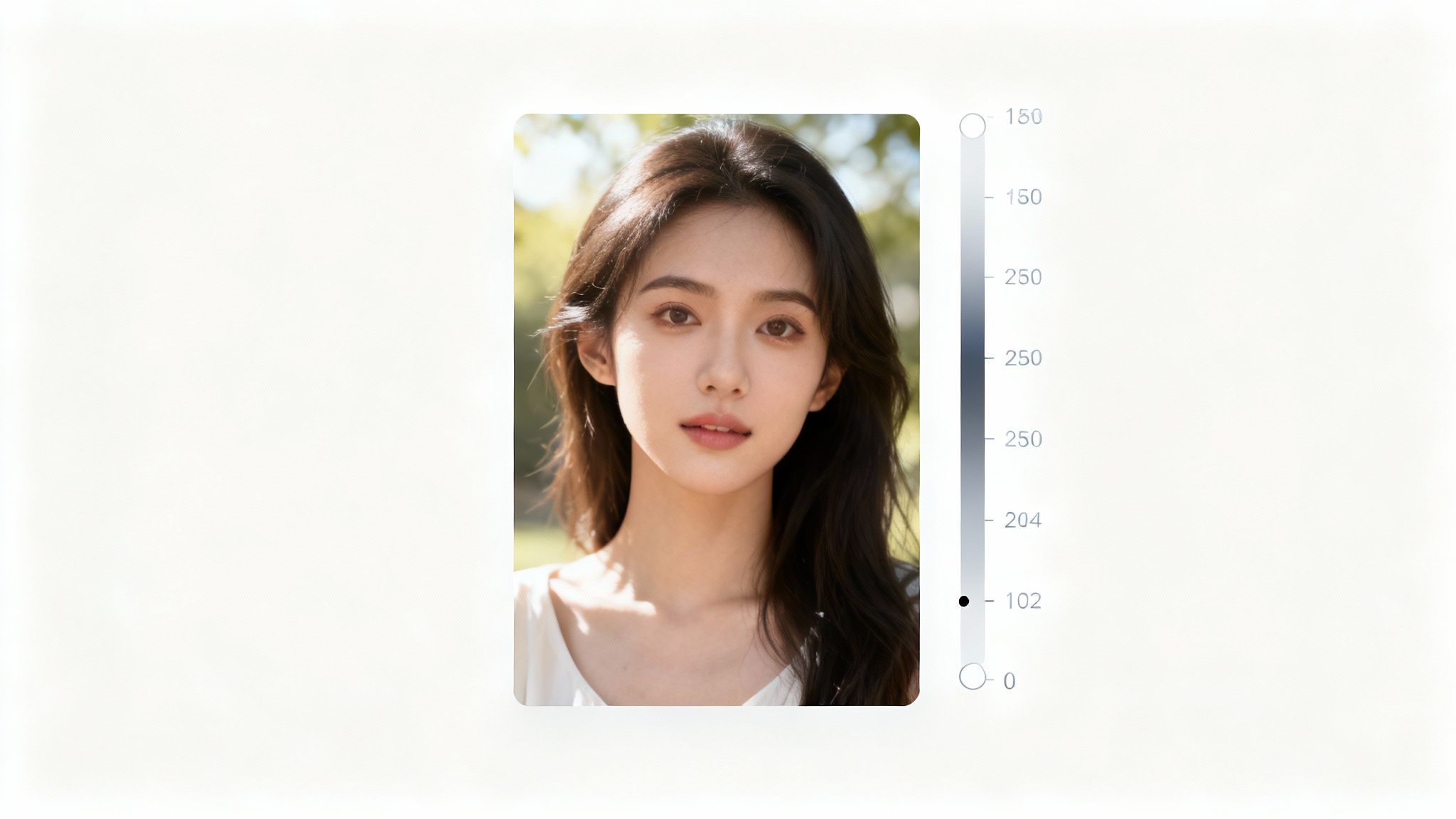
Constantly comparing the enhanced version to your original helps you maintain objectivity and avoid overdoing it. If possible, view the image on multiple screens to ensure it translates well across different displays.
These small habits are what will give your photos the polished, professional look they deserve.
When Free Online Photo Enhancers Just Can't Cut It
Let's be pragmatic. Free online tools can feel like magic, sharpening up photos that are slightly soft or have minor camera shake. However, it is important to recognize their limitations. Even the most advanced AI has its boundaries.
These enhancers perform remarkably well with moderate blur, but they cannot perform miracles on a photo that is completely out of focus or suffers from severe motion blur. If the original image lacks sufficient detail for the AI to analyze, the algorithm is forced to guess, which can result in an artificial or distorted final image. A 2022 MIT study on generative AI limitations confirmed that "AI models are only as good as the data they're trained on; garbage in, garbage out."
Bumping Up Against the Free Wall
Beyond the blur itself, most free platforms have practical limitations you will likely encounter:
- File Size and Resolution Caps: Your high-resolution DSLR image might exceed their upload size limit.
- Daily Usage Limits: They often permit only a handful of image enhancements before requiring a 24-hour waiting period.
- Watermarks on Exports: The perfectly sharpened photo may be returned with the company's logo superimposed on it.
These limits are implemented to encourage users to upgrade to a paid plan. While over 100 million people use casual photo editors, the smaller group of 5 million professionals relies on paid software for a reason: they require more power, control, and unlimited access.
For severely blurry or damaged archival family photos, a different class of tool is often necessary. In these cases, exploring specialized services like old photo restoration can yield far more targeted and powerful results.
When you find yourself consistently hitting these free-tier limitations or needing pixel-perfect control for your work, it’s a clear indication that it is time to upgrade your toolkit. Investing in a more robust application like Adobe Lightroom isn't just about paying for a tool; it's about eliminating frustration and achieving the absolute best results possible. Knowing when to upgrade is a critical part of the process.
Got Questions About Fixing Blurry Photos? We've Got Answers.
Venturing into the world of online photo enhancers can bring up a few valid questions. It's only natural—you want to ensure you're getting the best results without compromising your photos' integrity. Let's address some of the most common inquiries.
Is AI a miracle worker for every blurry photo?
Let's be clear: AI is incredibly powerful, but it is not magic. It excels with photos that are slightly out of focus or exhibit minor camera shake—think of those moments where your hand wasn't perfectly steady.
However, if a photo is severely blurred to the point where the subject is unrecognizable, AI will struggle. The algorithms require a baseline of pixel data to intelligently reconstruct details. When that data is absent, the AI must interpolate, or guess, which often leads to artificial-looking, unsatisfactory results.
How safe are my personal photos online?
This is a critical concern, and you are right to be cautious. Reputable tools will always use secure, encrypted connections (look for the "https" and padlock icon in your browser's address bar) and provide clear, accessible privacy policies. They will not claim ownership of your images.
Data security is a major factor in consumer trust. In fact, a 2023 Cisco consumer privacy survey revealed that 94% of consumers will not buy from a company if their data is not properly protected. My expert advice is to always review the terms of service before uploading anything sensitive. It is a small step that provides significant peace of mind.
The goal is always clarification, not creation. A good enhancement should look like the photo was taken perfectly in the first place, without introducing artificial or "plastic-looking" textures.
Will sharpening my photo make it look worse?
Not if done correctly. Proper sharpening is about enhancing existing details, making edges appear crisper, and bringing the image to life. It does not reduce the resolution or degrade the core quality of the image file.
The danger lies in over-sharpening. If you push the effect too far, you will begin to see digital noise and other unwanted artifacts. The key is subtlety. The objective is to restore just enough clarity to make the photo impactful while preserving its natural look.
Ready to bring your own memories back into focus? Give DreamShootAI's intelligent photo enhancer a try and see the difference for yourself.
Start enhancing for free at https://dreamshootai.com
Article created using Outrank
Written by Jocelyn Grey for the DreamShootAI blog.
Spotted something out of date? Tell us at [email protected] and we'll fix it.