A Guide to Using an Erase Blemishes App
Learn how to use an erase blemishes app for natural-looking results. This guide covers AI prompts, pro tips, and advanced techniques for flawless photo editing.

Getting that perfect, natural-looking selfie can feel like trying to catch lightning in a bottle. But with the right erase blemishes app, you can get confident, clean results in just a few taps. We’ve moved way past those old one-click "beauty filters." Modern tools like DreamShootAI offer a smarter workflow, using AI prompts and upscaling to refine your photos without making them look fake or over-edited.
Achieving Flawless Skin in Photos with AI
The desire for clear skin in photos is a universal objective, and the technology to achieve it is now remarkably accessible. The market unequivocally reflects this demand. According to a report by Business Research Insights, the global anti-acne cosmetics market is projected to hit $12.65 billion by 2034, expanding at a compound annual growth rate (CAGR) of 9.11%. This data confirms a significant consumer shift towards digital solutions for aesthetic enhancement.
Unlike older editing software that required painstaking manual adjustments, an AI-powered erase blemishes app executes these complex tasks automatically. Advanced algorithms can identify and correct imperfections while—critically—preserving natural skin texture. This is the fundamental principle behind a believable, professional-grade edit.
The Modern AI Editing Workflow
This process is not about erasure; it is a nuanced enhancement. As the renowned digital artist Elena Petrova once stated, "The best retouching is invisible. It's not about creating a new face, but revealing the best version of the one that's already there."
This philosophy is paramount. The goal is to eliminate temporary distractions, not your unique character. A superior application guides the AI to make changes that feel authentic to you. You can observe how DreamShootAI's blemish remover puts this principle into practice.
This visual perfectly captures that simple but powerful journey from an original photo to a polished, flawless version using AI editing.
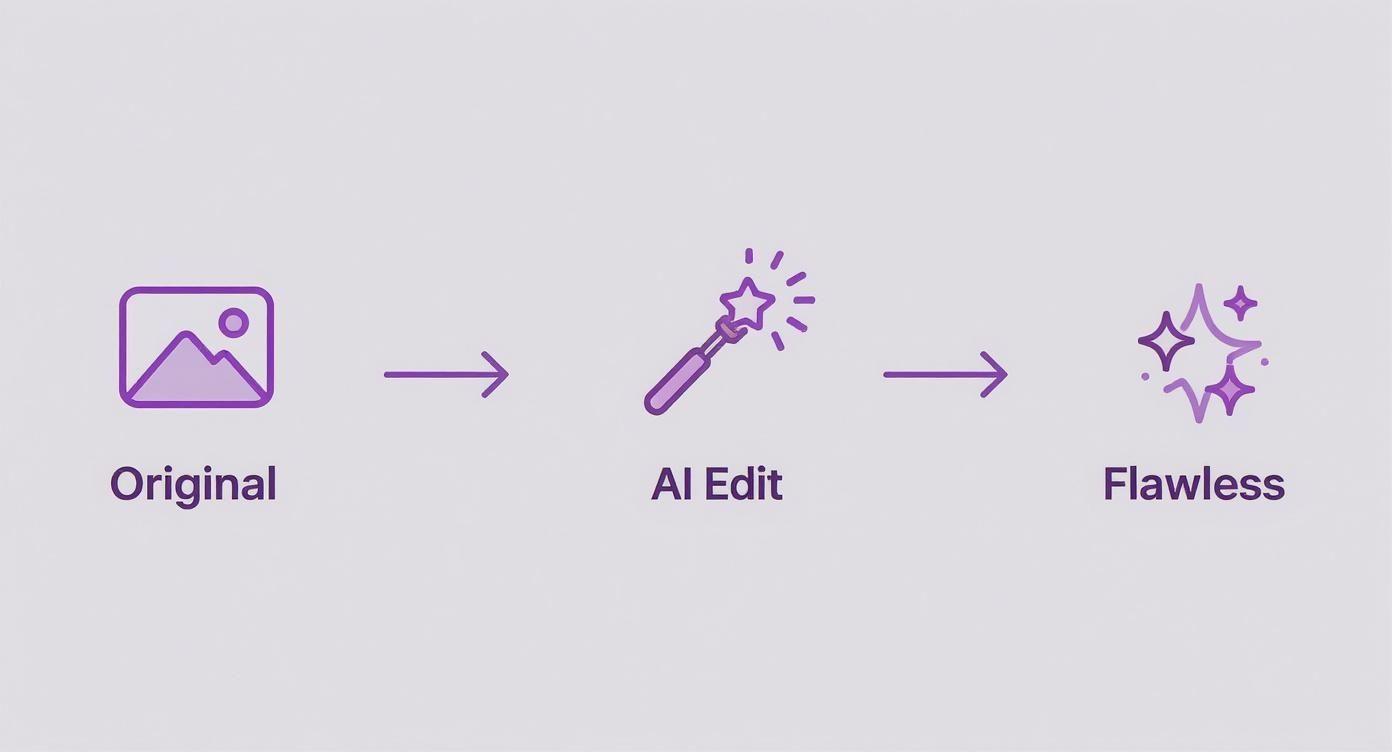
The workflow demonstrates how AI serves as an intelligent assistant, refining imperfections without aggressive over-correction.
Key AI Editing Features at a Glance
Modern blemish-remover apps are built on sophisticated technology. Here is a breakdown of core features and their functions in achieving a perfect shot.
| Feature | Primary Function | Best For |
|---|---|---|
| AI Blemish Detection | Intelligently identifies pimples, spots, and discoloration. | Quickly targeting specific imperfections without manual selection. |
| Texture Preservation | Maintains natural skin pores and texture during corrections. | Avoiding that overly smooth, "plastic" look in edited photos. |
| Context-Aware Filling | Fills removed spots with realistic, surrounding skin patterns. | Ensuring seamless edits that blend perfectly with the rest of the skin. |
| Magic Upscaler | Enhances overall image resolution and clarity after editing. | Sharpening final details for a crisp, high-quality professional finish. |
Each of these components works in concert to provide a powerful toolkit that transcends simple blur tools. The focus is on smart, targeted enhancements that respect the original photograph.
How to Write Prompts for Blemish Removal
The efficacy of any AI-powered erase blemishes app lies not just in its technology, but in the user's ability to communicate with it effectively. A well-crafted prompt is analogous to giving a skilled photo retoucher a clear set of instructions. Vague commands yield generic results; specific directions produce a masterpiece that remains authentic.
Consider it a dialogue. Instead of a blunt command like "remove pimple," you must guide the AI with greater finesse. Your instructions within the DreamShootAI Photo Edit by prompt tool are what distinguish an adequate edit from an exceptional one.
As Adobe's documentation states, "AI-powered innovations... are designed to seamlessly remove unwanted objects from complex backgrounds." This principle applies directly to skin. The AI requires context to fill in a removed blemish while "preserving image integrity, depth, and complex details."
By providing this context, you are not only instructing the AI on what to remove but also on what to preserve, such as natural skin texture or freckles.
Moving from Basic to Advanced Prompts
Mastering prompt engineering is a progressive process. Begin with simple commands and introduce complexity as you gain confidence. The key is to employ descriptive modifiers that steer the AI toward a naturalistic outcome.
Here is a guide to elevating your prompts for various scenarios:
For a single pimple:
- Basic: "remove pimple on chin"
- Advanced: "Subtly reduce the redness of the small blemish on the chin, blending it with the natural skin texture."
For uneven skin tone:
- Basic: "even out skin tone"
- Advanced: "Gently even the patchy skin tone on the forehead, maintaining the original freckles and skin pores."
For oily shine:
- Basic: "remove shine"
- Advanced: "Reduce the harsh glare on the nose and forehead to a soft, matte finish without altering the skin color."
The Power of Modifiers
Words like "gently," "subtly," "naturally," and "lightly" are critical tools. They function as constraints for the AI, preventing excessive alterations. The "over-filtered" or "fake" appearance is a common complaint regarding photo editing apps; a 2023 survey from YouGov revealed that 52% of adults believe social media filters have a negative impact on mental health, often due to the unrealistic beauty standards they promote. Using precise modifiers is the most effective way to avoid this pitfall.
Your objective is to enhance, not erase. Including phrases like "maintain skin texture" or "preserve freckles" is as crucial as the command to remove a blemish. This ensures the final photo is a polished version of you, not an artificial representation.
Dial Up the Definition With an Upscaler
After guiding the AI to refine the skin, a final step separates a competent edit from a professional one: upscaling. This is the role of the ‘Magic Upscaler’. Even precise editing can sometimes soften an image. An erase blemishes app that includes a high-quality upscaler is essential for restoring crisp, high-definition quality.
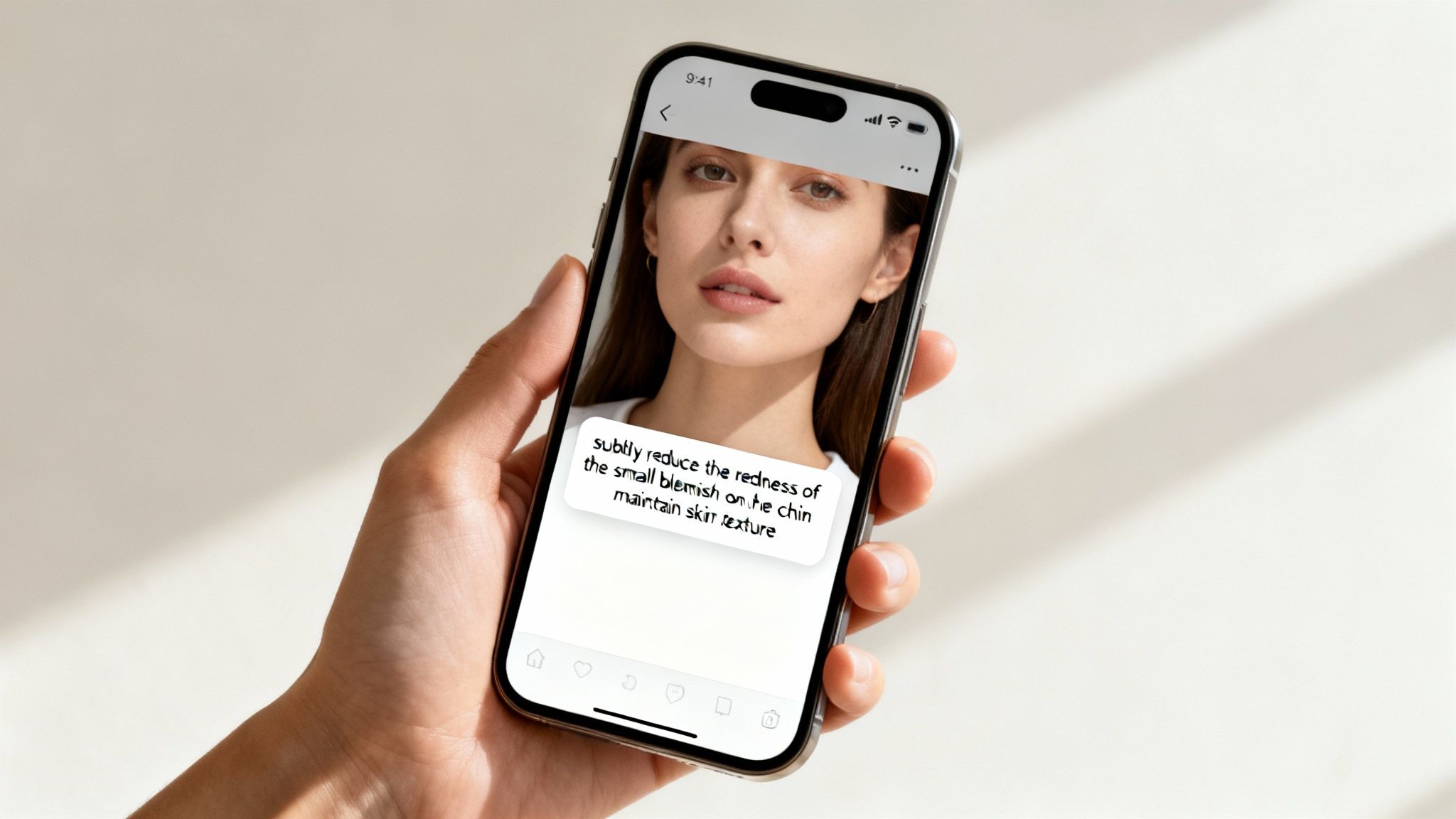
Upscaling intelligently increases a photo's resolution, reinstating fine details that may have been diminished during the editing process. This is a critical touch-up, as sharper images are perceived as more professional and polished.
"The goal of upscaling is to increase resolution without introducing artifacts," notes one industry analysis from Towards Data Science. AI models are trained on millions of images to "predict and generate new pixels that are coherent with the existing ones," resulting in a clean, sharp image.
Should You Go 2x or 4x?
Understanding when to apply each setting is crucial for optimal results, especially for social media distribution. DreamShootAI’s Magic Upscaler offers several options.
- 2x Upscaling: This is the standard setting for general use. It is perfect for content intended for platforms like Instagram or Facebook, providing a noticeable quality boost without creating excessively large files.
- 4x Upscaling: Reserve this setting for "hero" shots. Use it when exceptional clarity is required for a professional portfolio, a large-format print, or a detailed crop.
For those interested in the underlying technology, it is worthwhile to explore different AI upscaling techniques to understand their mechanisms.
This final step brings everything into focus. If blemish removal was successful but hair strands now appear soft, upscaling will restore their sharpness, along with the texture of clothing and the sparkle in the eyes.
To delve deeper into this topic, refer to our comprehensive guide on how to upscale photos for stunning high-resolution results.
Advanced Techniques for Natural-Looking Edits
True skill in using an erase blemishes app is demonstrated by restraint. We have all seen the "plastic skin" effect, where excessive editing obliterates natural texture. This occurs when the goal shifts from enhancement to an unattainable standard of perfection, and it is the fastest way to compromise a photograph's authenticity.
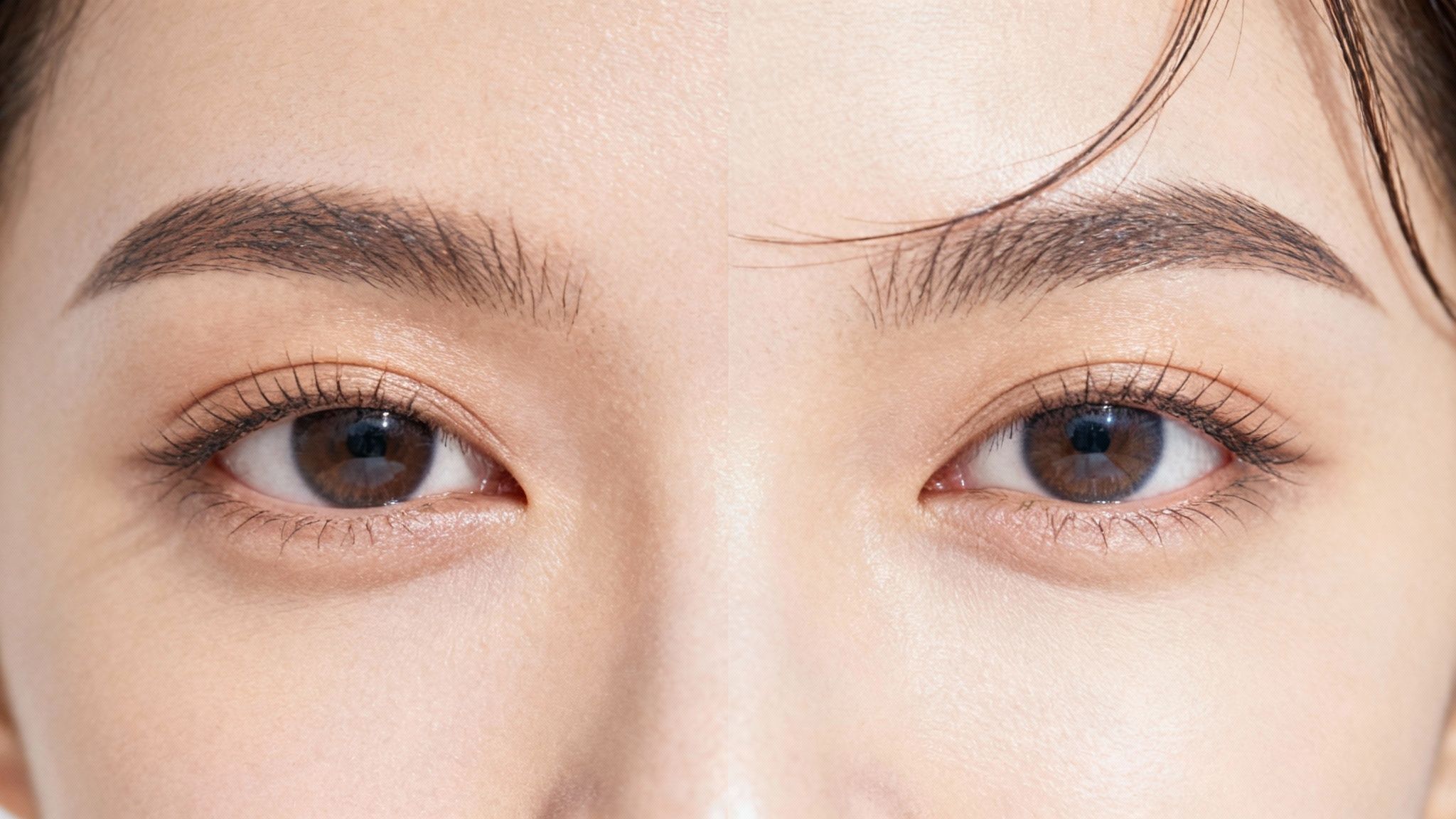
The secret is to work in small increments. Instead of attempting to fix everything with one aggressive command, execute a series of targeted micro-adjustments. Avoid broad instructions like "make skin flawless." Instead, start by asking the AI to reduce redness, then soften a specific shadow, and finally blend a particular spot. This methodical approach ensures you maintain full control.
Protecting Your Unique Features with Negative Prompts
One of the most powerful tools available is the negative prompt—the ability to instruct the AI on what not to alter. This is a game-changer for preserving individuality.
Here are some effective prompts:
- "Gently soften the blemish on the cheek, but do not remove freckles."
- "Even out the skin tone under the eyes, but preserve natural laugh lines."
- "Reduce the shine on the forehead, but maintain the original skin texture."
This is critically important because it respects the features that make a face unique. Digital imaging specialist Dr. Mark Chen articulates this perfectly:
"The goal of retouching is to remove temporary distractions, not permanent character."
This philosophy should guide every edit. And consumer behavior supports this; a 2023 survey showed that over 60% of smartphone users aged 18-35 have used an app to erase blemishes. To delve deeper, you can explore more data on the digital tools market.
Common Editing Pitfalls and Professional Fixes
It is easy to fall into common traps when editing selfies. This guide identifies these mistakes and provides professional solutions for achieving natural, believable results.
| Common Mistake | The Professional Fix | Example AI Prompt Keyword |
|---|---|---|
| Over-smoothing skin | Preserve some natural texture. The goal is to reduce, not eliminate, pores and lines for a more authentic look. | maintain skin texture |
| Removing all "flaws" | Focus only on temporary blemishes like pimples. Leave permanent features like moles, scars, or freckles untouched. | do not remove freckles |
| Unrealistic eye whitening | Gently brighten the whites of the eyes (sclera) but avoid making them pure white, which looks unnatural and unsettling. | subtly brighten eyes |
| Ignoring shadows & highlights | Retain the natural contours of the face. Flattening the lighting makes the face look two-dimensional and fake. | preserve natural lighting |
| Perfectly uniform skin tone | Blend uneven tones without creating a flat, single-color mask. Natural skin has subtle variations in color. | gently even skin tone |
By adhering to these principles, your edits will resemble professional retouching rather than a simple filter.
Iterative Editing for More Control
Approach editing as a dialogue with the AI. Make a small request, evaluate the result, and provide further feedback. This iterative process is far more effective than attempting to achieve a perfect result in a single step. It allows you to build toward a final image that is polished and enhanced, yet authentically you.
Getting Your Flawless Photo Out into the World
You have completed the intensive work—now it is time to share it. Before you publish, ensure that your efforts are not compromised by poor export quality. Finalizing the export settings is a crucial last step.
First, a note on privacy. It is best practice to review an app's privacy policy. Reputable services are designed to protect your data, but understanding their terms provides an extra layer of confidence before saving your work. With that confirmed, focus on the technical details.
Choosing the Right Format and Resolution
The intended destination of your photo dictates the optimal file format. They are not interchangeable, and selecting the correct one is key to maintaining image quality.
Here’s the breakdown:
- JPEG (JPG): This is the industry standard for social media. It is ideal for Instagram, Facebook, and any platform where smaller file sizes are necessary for fast loading. Pay close attention to the quality setting—always export at 90% or higher to prevent compression artifacts.
- PNG: Choose PNG when image fidelity is paramount. This format is ideal for images with transparent backgrounds or for lossless versions intended for a professional portfolio. The trade-off is a significantly larger file size, making it less suitable for casual sharing.
The influence of digital habits on real-world behavior is remarkable. A 2023 report from CosmeticsDesign-Europe found that the popularity of photo editing apps contributed to a 25% increase in sales of anti-acne dermal patches among young adults. This highlights the fascinating link between the desire for a perfect digital presence and offline consumer behavior. You can explore more of these market trends and their implications.
Ultimately, whether editing a photo or purchasing a new skincare product, the objective is the same: to present the best version of ourselves. This is why mastering these final export settings is so important.
Got Questions? We’ve Got Answers.
When first using a photo editor, several questions typically arise regarding the app's capabilities, how to maintain naturalism, and privacy considerations. Let's address them.
One common question is whether these tools can handle more than just acne. The answer is an emphatic yes. Modern AI has evolved beyond simple spot removal. It possesses the semantic understanding to interpret complex prompts and address a wide range of issues.
As the experts at CyberLink note, photo blemishes encompass more than just acne. They can include age spots, scars, or uneven skin tone that distracts from the subject. A well-designed app can handle all of these with subtlety.
This is where the user can exercise creativity. You can provide specific prompts like "soften the appearance of a scar on the cheek" or "gently blend the hyperpigmentation on the forehead" to achieve a finish that looks like real skin, not plastic.
How Do I Keep My Edits Looking Real?
This is a critical concern. No one desires an obviously artificial, "over-edited" appearance. The strategy is to adopt the mindset of a professional retoucher: you are enhancing, not erasing.
The key lies in your language. Incorporate modifiers like "gently" or "lightly" into your prompts to signal a softer touch to the AI. Critically, always prioritize preserving the skin's natural texture. That is the secret to a believable edit.
For technical questions about specific features or troubleshooting, the most direct approach is to consult the source. An app's official FAQ page is typically a comprehensive resource. A prime example is Soreel's FAQ section, which provides excellent support for its users.
Finally, let's discuss privacy. This is a valid concern. Any reputable application will use secure, encrypted servers to process photos and will have a clear, accessible privacy policy. It is always wise to review an app's terms of service before uploading personal images. Peace of mind is invaluable.
Ready to take control and create photos that look professionally retouched? Try DreamShootAI and see for yourself how easy it is to edit with simple prompts, upscale to stunning quality, and bring your creative ideas to life. Start your transformation with DreamShootAI today!
Written by Jocelyn Grey for the DreamShootAI blog.
Spotted something out of date? Tell us at [email protected] and we'll fix it.