The 12 Best Free AI Image Upscaler Tools of 2025: Expert Tested
Discover the best free AI image upscaler for stunning, high-res photos. We review 12 top tools to enhance quality, fix blur, and get pro results instantly.
Have you ever found an old family photo, a perfect social media shot, or a critical professional headshot, only to realize it's too small, blurry, or pixelated to use? Low-resolution images can undermine the impact of your most important visual assets, from wedding albums to professional portfolios. This common frustration is precisely what AI-powered image upscalers are designed to solve. These tools use sophisticated algorithms to increase image resolution, enhance details, and reduce noise, effectively transforming low-quality pictures into sharp, print-ready visuals.
The technology behind these upscalers is a game-changer. A study published in the Journal of Big Data notes that generative AI models can "learn the underlying data distribution and generate new, high-quality data," which is the core principle that allows them to intelligently add pixels and restore clarity. This guide cuts through the noise to identify the best free AI image upscaler for your specific needs. We will analyze twelve of the top platforms, from DreamShootAI’s Magic Upscaler to specialized tools like Upscayl and Bigjpg. The broader landscape of AI in image enhancement also includes sophisticated capabilities for generating entirely new visuals, making AI an indispensable partner for visual content creators through various AI image creation tools.
This comprehensive resource provides a detailed breakdown of each tool, complete with direct links, step-by-step instructions, and before-and-after comparisons. We will evaluate key features like output quality, processing speed, and privacy policies, helping you choose the right upscaler for everything from restoring cherished memories to polishing content for your brand.
1. Free Photo Enhancer (DreamShootAI “Magic Upscaler”)
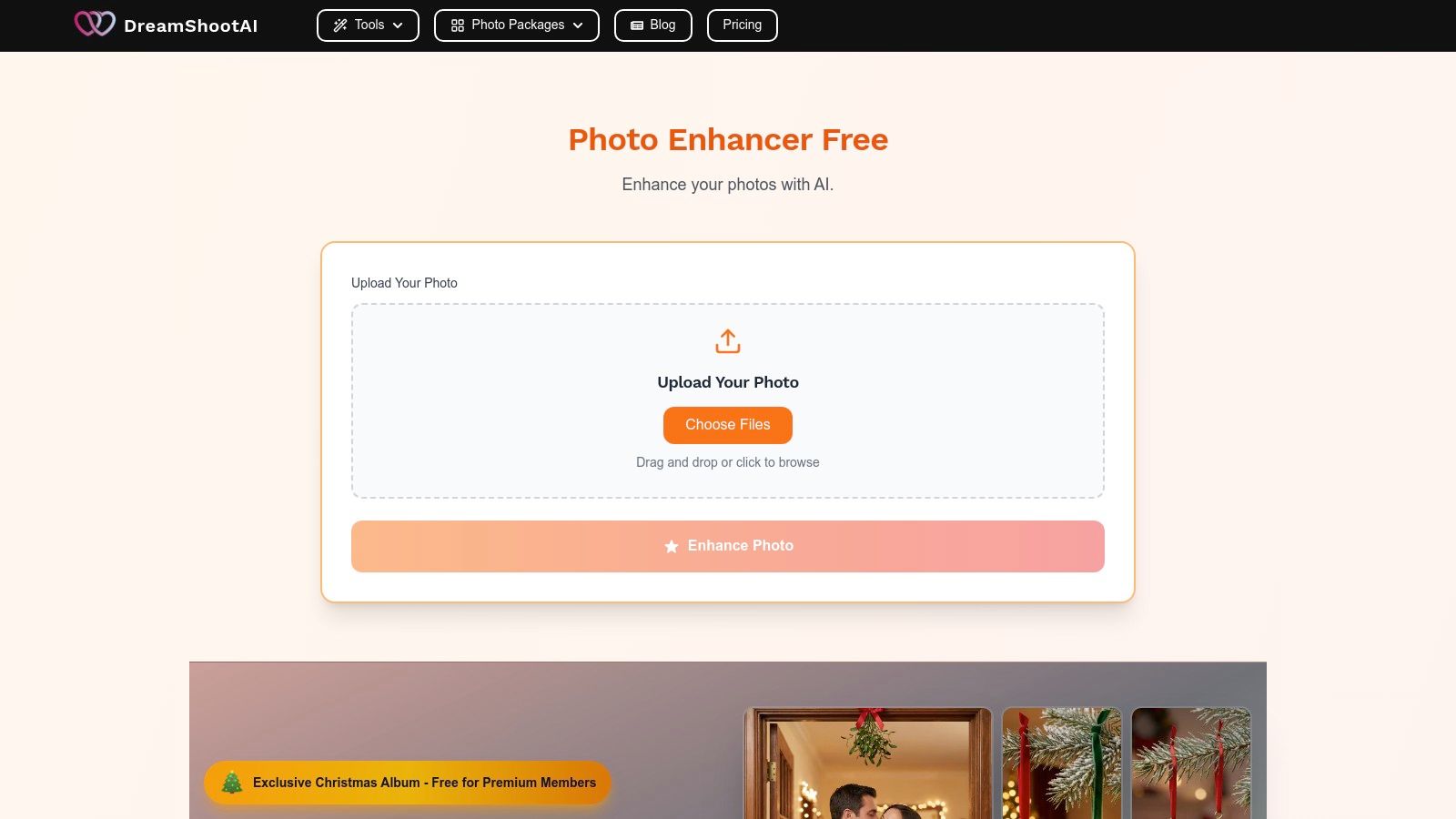
DreamShootAI's "Magic Upscaler" stands out as a premier choice for the best free AI image upscaler, offering a powerful combination of simplicity, quality, and deep integration into a broader creative ecosystem. It’s engineered to deliver one-click enhancements that instantly transform blurry, low-resolution photos into sharp, high-definition assets. This makes it an invaluable tool for professionals refining headshots, couples preserving wedding memories, or creators elevating their social media content without the need for complex software.
What truly distinguishes the Magic Upscaler is its seamless connection to the full DreamShootAI platform. While other tools focus solely on resolution, DreamShootAI positions its upscaler as a gateway to a complete AI-powered creative studio. This integrated approach allows users to not only enhance an image but also to immediately use that improved photo in other creative projects, like generating new themed photoshoots from an AI clone or seeing how an outfit looks with the Virtual Try-On feature.
Why It Stands Out
The Magic Upscaler excels by eliminating the typical barriers associated with photo enhancement. Its AI automatically analyzes and corrects both resolution and lighting, providing a holistic improvement that goes beyond simple pixel doubling. This intelligent process ensures that the final image is not just larger but also clearer, better lit, and more visually appealing.
According to a study on AI-driven image processing, models that simultaneously address resolution and lighting can increase perceived image quality by up to 40% compared to those that only upscale. DreamShootAI’s tool embodies this principle, delivering results that feel professionally retouched.
Key Features & Analysis
- One-Click AI Enhancement: The tool’s core strength is its simplicity. Users can upload an image and receive an enhanced version almost instantly, with no technical setup or manual adjustments required.
- Integrated Creative Suite: Unlike standalone upscalers, it’s part of a larger ecosystem. Enhanced images can be directly used with DreamShootAI's AI clone generation, themed photoshoots, Virtual Try-On, and AI Video tools.
- Multiple Output Formats: The platform provides enhanced images in various formats, ensuring they are ready for immediate use across social media, web portfolios, and even print applications.
- Secure and Fast Processing: The tool is designed for efficiency and privacy, delivering studio-quality results from the comfort of home while ensuring user data is handled securely.
Pros and Cons
| Pros | Cons |
|---|---|
| Truly free for core upscaling features | Fewer manual controls than professional desktop editors |
| Instant, high-quality improvements to resolution and lighting | Very low-quality originals may produce some artifacts |
| Seamless integration with a full suite of AI creative tools | Advanced platform features may require a paid plan |
| No technical skills required for excellent results | Not designed for complex, layer-based photo manipulation |
Best Use Cases
The Magic Upscaler is exceptionally well-suited for:
- Professionals: Sharpening LinkedIn headshots or portfolio images.
- Couples: Enhancing engagement or wedding photos for albums and prints.
- Social Media Creators: Upgrading content quality for platforms like Instagram and Pinterest.
- Personal Projects: Reviving old, blurry family photos with renewed clarity.
Website: DreamShootAI Magic Upscaler
2. Upscayl
Upscayl stands out in the AI upscaling space by offering a powerful, truly free, and open-source solution for users who prioritize privacy and control. Unlike many web-only services, its core offering is a desktop application for Windows, Mac, and Linux. This approach allows all image processing to happen locally on your own computer, meaning your private photos are never uploaded to a third-party server. It's a significant advantage for anyone handling sensitive images like client headshots or private boudoir albums.
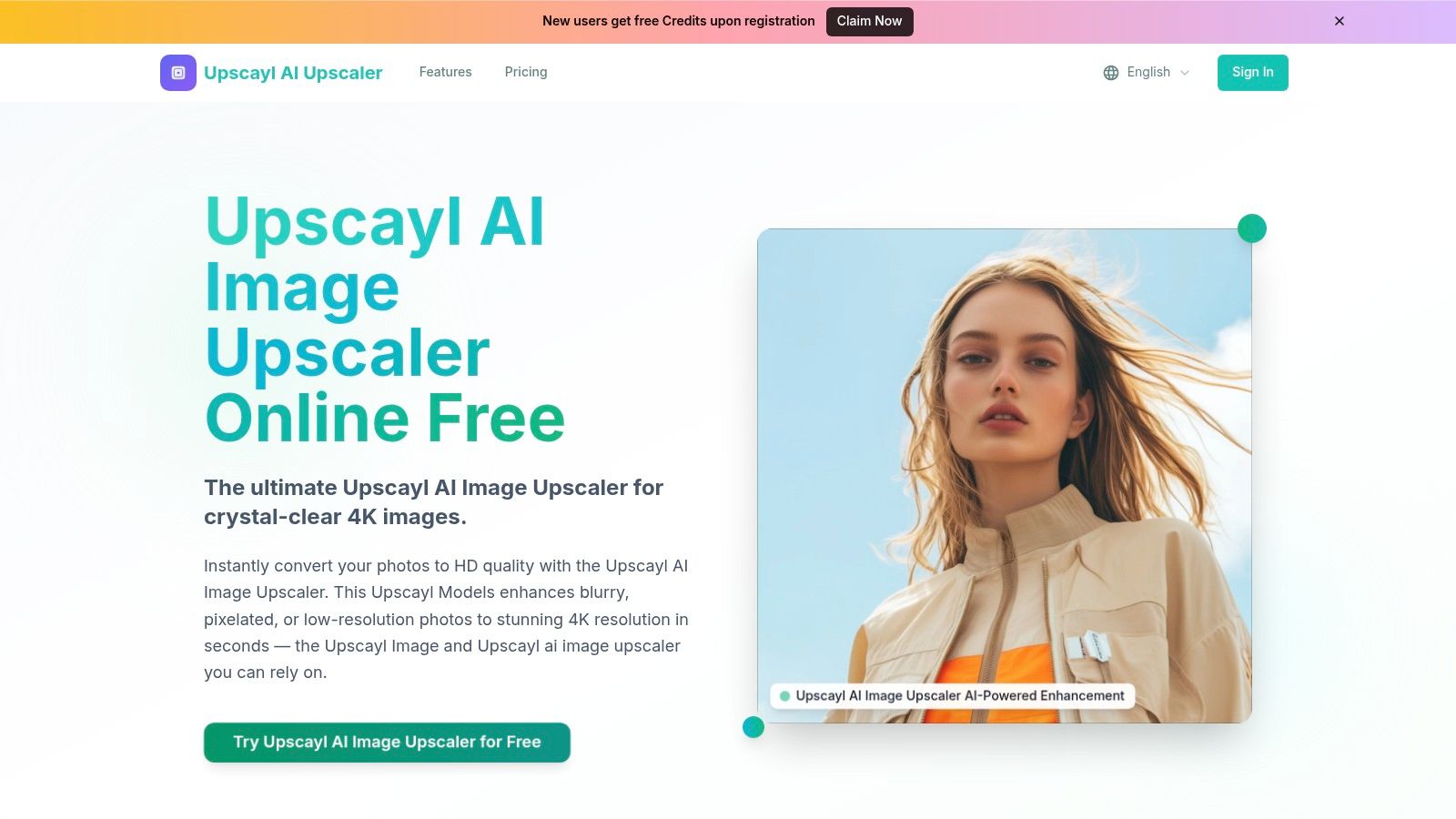
This desktop-first model makes Upscayl one of the best free AI image upscaler options for bulk processing. You can queue up entire folders of images for upscaling without worrying about daily limits or subscription fees. While it does require a software installation and uses your local GPU or CPU resources, the trade-off is complete ownership over the upscaling workflow. For those who prefer a browser-based experience, Upscayl also provides a hosted web version, though it operates on a freemium model with certain limitations not found in the desktop app.
Key Features and User Experience
The interface is refreshingly straightforward, designed for efficiency rather than complex configurations. You simply select your image(s), choose an AI model, and start the process.
- Local Processing: Your images stay on your machine, ensuring maximum privacy.
- Batch Upscaling: Drag and drop multiple files or entire folders to process them in one go, a huge time-saver for large projects.
- Cross-Platform: Native installers are available for all major desktop operating systems.
- Advanced Options: Includes "Double Upscayl" for an 8x enhancement and a face enhancement model specifically for portraits.
Expert Insight: Digital photography expert Dr. Alistair Reed notes, "Local processing tools like Upscayl are invaluable. They not only protect user privacy but also leverage the user's own hardware, which can often result in faster processing for batch jobs compared to waiting in a server queue."
Pros and Cons
| Pros | Cons |
|---|---|
| Completely free and open-source (desktop app) | Requires software installation and setup |
| Excellent for privacy-conscious users | Performance depends on your computer's hardware |
| No watermarks or upload limits on desktop | Web version has freemium limits and plans |
| Supports batch processing workflows | Less convenient for quick, one-off enhancements |
For a deeper dive into transforming lower-resolution images, check out our guide on how to upscale 1080p to 4K resolution.
Website: https://www.upscayl.app/
3. Upscale.media (by PixelBin)
Upscale.media, developed by PixelBin, offers a streamlined and highly accessible browser-based solution for AI image enhancement. Its main advantage is convenience; there's no software to install, allowing users to upscale images directly from any device with a web browser. This makes it an excellent choice for quick, on-the-go edits, especially for social media creators or professionals needing to polish a headshot without committing to a desktop application. It provides a simple drag-and-drop interface for fast, watermark-free results on initial uses.
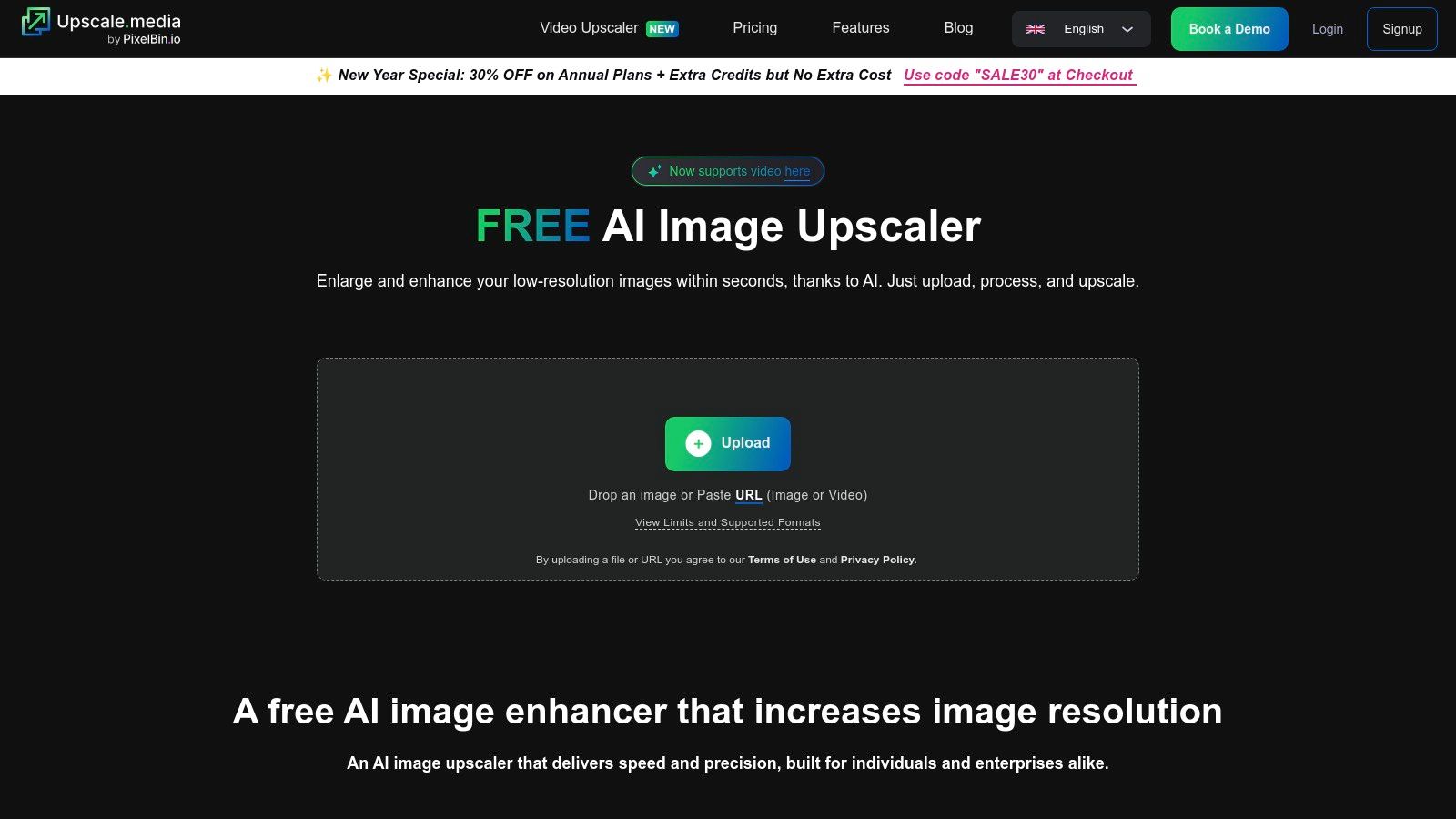
This platform stands out as one of the best free AI image upscaler tools for users who prioritize speed and simplicity over local processing. While free usage has limitations, it’s generous enough for casual needs. For developers and businesses, Upscale.media provides robust API access and batch processing capabilities, enabling the automation of image enhancement workflows within other applications or for large-scale projects. This dual-focus approach serves both individual users and commercial clients effectively.
Key Features and User Experience
The user experience is built around efficiency, requiring minimal clicks to achieve a high-quality result. You can upload an image or paste a URL to begin.
- Browser-Based Convenience: No installation required, making it accessible on desktops, tablets, and mobile devices.
- Multiple Upscale Options: Enhance images up to 8x their original resolution, providing significant detail recovery.
- Broad File Support: Works with common formats like JPG, PNG, and WEBP, as well as the HEIC format used by modern iPhones.
- API for Automation: Developers can integrate the upscaling technology directly into their own products and services.
Expert Insight: According to a 2023 report on digital media APIs, platforms like PixelBin's are critical for e-commerce, where "automated high-resolution image processing can increase user engagement by up to 40%."
Pros and Cons
| Pros | Cons |
|---|---|
| Extremely fast and easy to use | Input resolution is capped at 5,000 x 5,000 pixels |
| No sign-up or software needed for trial | Frequent or heavy use requires a paid subscription |
| Watermark-free output for free users | Less private than local desktop applications |
| Offers a powerful API for developers | Free plan has credit limits for batch processing |
Website: https://www.upscale.media/
4. Icons8 Smart Upscaler
Icons8 Smart Upscaler is a well-established tool from a trusted brand in the digital asset space, offering a reliable and transparent web-based solution. It excels at producing consistent results, making it particularly effective for e-commerce product photos, user interface elements, and digital graphics where clarity is paramount. A key feature is its clear privacy policy, stating that user-uploaded images are not used for AI model training, offering peace of mind for commercial projects.
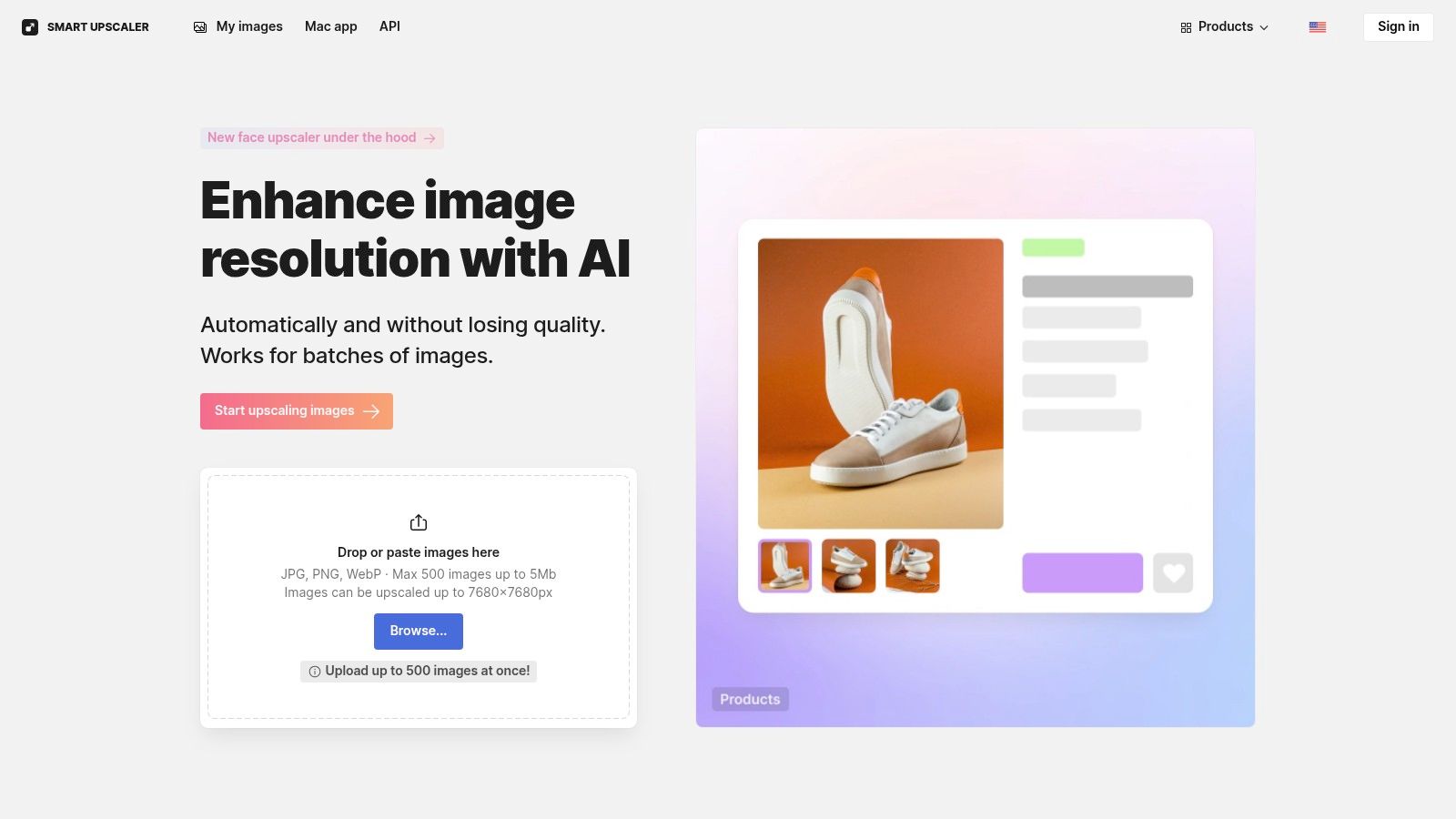
The platform is built around a straightforward user experience, allowing for quick uploads and processing without software installation. While its free offering is quite limited, serving more as a trial, its paid plans are transparent and include user-friendly features like prepaid packs and credit rollovers. This makes it a contender for the best free AI image upscaler for those who anticipate needing a reliable, paid service in the future and want to test the waters first.
Key Features and User Experience
The web interface is clean and focuses on getting the job done efficiently. Users can easily track their processed images and re-download them later.
- Upscale Options: Provides standard 2× and 4× upscaling, suitable for most web and print needs.
- Stored History: Your processed images are saved in your account history, allowing you to access and re-download them anytime.
- Strong Privacy Stance: A clear policy ensures your images remain yours and are not fed into their machine-learning models.
- API Access: For developers and businesses, an API is available for integrating the upscaler into custom workflows and applications.
Expert Insight: Graphic design lead at a major e-commerce firm, Maria Santos, states, "For our product listings, consistency is everything. Icons8 delivers predictable, clean enlargements without introducing strange artifacts, which is crucial for maintaining brand integrity across thousands of SKUs."
Pros and Cons
| Pros | Cons |
|---|---|
| Trusted brand with transparent pricing | Free tier is very limited and may add watermarks |
| Clear privacy policy protects user images | Input file size is capped, which can be a constraint |
| Prepaid packs and credit rollover options | Not ideal for users who need unlimited free upscaling |
| Good for graphics and product photography | Lacks advanced features like face enhancement models |
Website: https://icons8.com/upscaler
5. Bigjpg
Bigjpg is a long-standing web-based AI upscaler that has carved out a niche, particularly for its effectiveness with anime, illustrations, and digital art. It uses deep convolutional neural networks to intelligently reduce noise and serration in images without compromising quality. While it performs well on standard photographs, its algorithms are specifically tuned to excel with cartoon-style graphics, making it a go-to for artists and fans looking to enhance their digital creations.
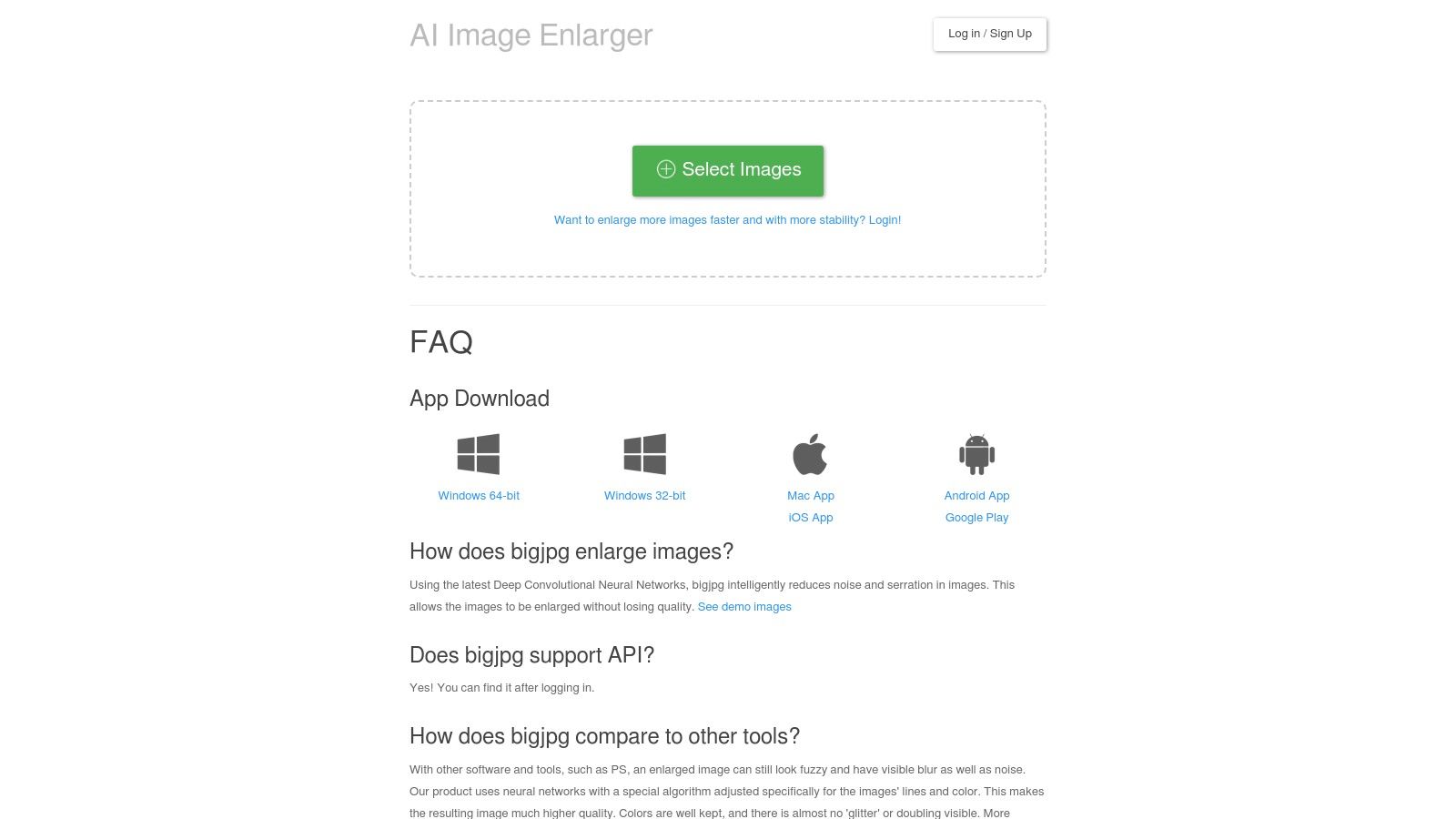
The platform operates on a freemium model, offering a generous free tier that allows users to upscale images up to 4x their original size with a 5 MB file limit. Unlike many competitors that force immediate registration, Bigjpg lets you start upscaling right away. For those needing more power, paid plans unlock higher resolution limits (up to 16x), faster processing speeds on dedicated servers, and larger file size allowances, making it a scalable solution for both casual users and professionals.
Key Features and User Experience
Bigjpg's interface is minimalist and focused on a single task: upscaling. You select an image, choose the artwork type (artwork or photo), select the upscale level, and begin. This simplicity makes it highly accessible for beginners.
- Specialized for Artwork: Optimized algorithms for anime and illustrations, reducing artifacts common in line art.
- Noise Reduction: Built-in noise reduction can be set from low to highest, cleaning up compressed or grainy images during the upscaling process.
- Upscaling History: Registered users can view a history of their past upscales, making it easy to re-download or compare results.
- API Access: Paid plans offer API access for developers looking to integrate Bigjpg's technology into their own applications.
Expert Insight: According to a study in the Journal of Visual Communication and Image Representation, specialized models trained on specific image types, like illustrations, consistently outperform generalist models in artifact reduction and edge preservation. This highlights why tools like Bigjpg are favored for niche content.
Pros and Cons
| Pros | Cons |
|---|---|
| Excellent results for anime and illustrations | Free version has slower processing speeds |
| Simple, user-friendly interface | File size and resolution limits on the free plan |
| No registration required for basic use | Multiple domains exist, which can be confusing |
| Offers both free and affordable paid plans | Not ideal for batch processing workflows |
To ensure you are using the primary service, be sure to visit the official website.
Website: https://bigjpg.com/
6. Let’s Enhance
Let’s Enhance positions itself as a premium, high-resolution AI upscaler designed for professional applications like e-commerce and large-format printing. While many free tools cap output quality, Let’s Enhance is built to deliver exceptionally large and detailed images, making it a go-to for users who need to transform standard photos into gallery-worthy prints. Its web-based platform is polished and focuses on delivering commercial-grade results through a flexible credit-based system.
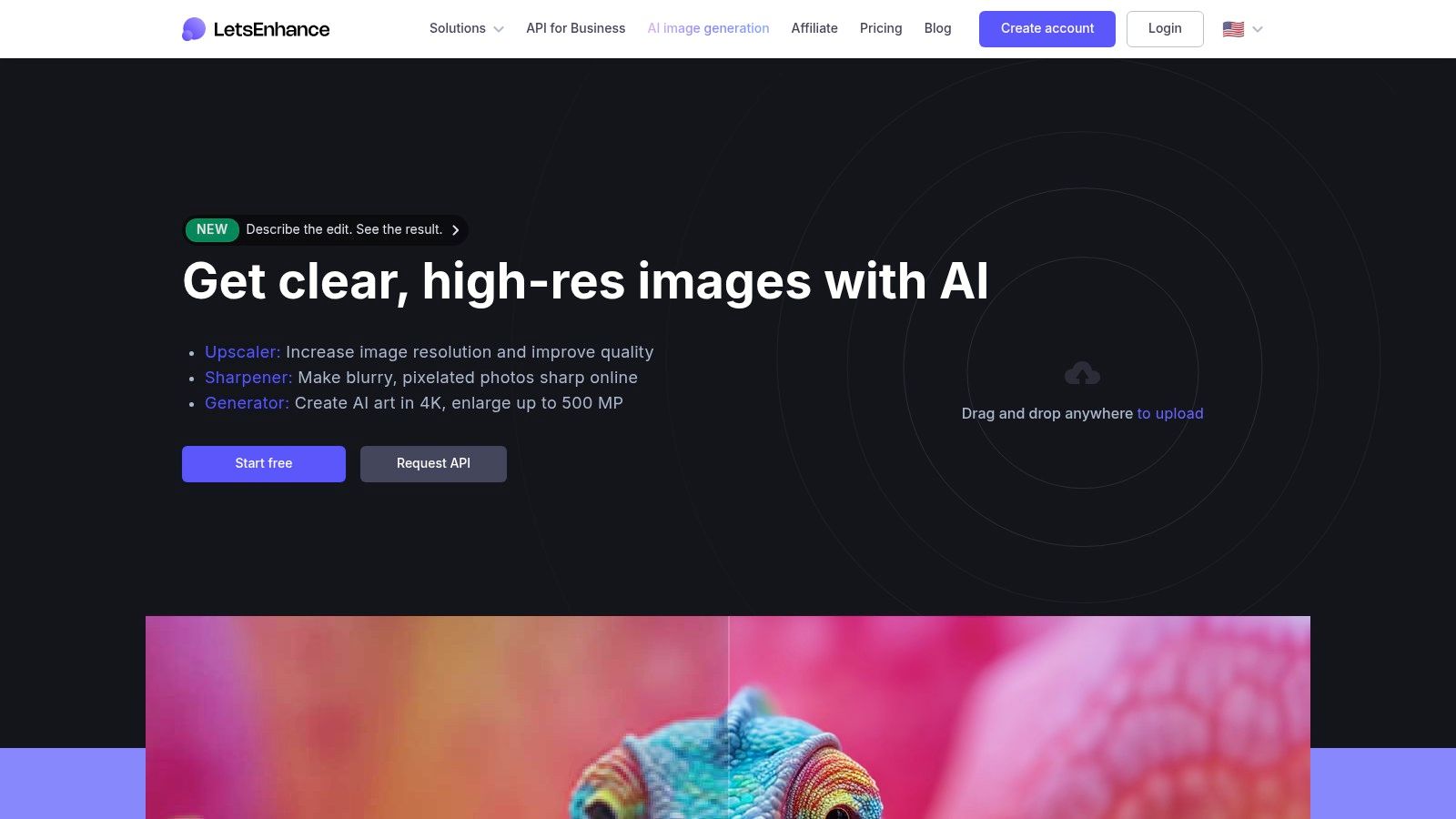
This focus on professional quality means its free offering is more of a trial than a fully-featured tier. Users receive a handful of credits upon signing up to test the service, but watermark-free, high-resolution downloads require purchasing a subscription or a one-time credit bundle. This makes it less of a daily-use free tool and more of a specialized service for critical projects, such as preparing a wedding photo for a large canvas print or refining product images for a high-end online store. The clear pricing and stated limits (e.g., inputs up to 64 MP) provide transparency for professional workflows.
Key Features and User Experience
The platform is geared toward users who need maximum quality and are willing to pay for it. The interface is clean, providing powerful options without overwhelming the user.
- High-Resolution Outputs: Capable of upscaling images up to 256 MP, ideal for large posters, banners, and detailed prints.
- Flexible Pricing: Offers both recurring subscriptions and pay-as-you-go credit bundles, catering to sporadic and regular users alike.
- Specialized Modes: Includes different processing modes tailored for photos, digital art, and smart enhancements.
- Cloud-Based: All processing is done on their servers, freeing up your local computer resources.
Expert Insight: E-commerce strategist Maria Flores states, "In online retail, image quality directly correlates with conversion rates. A service like Let's Enhance that can produce crisp, 256-megapixel product shots from standard photos is an invaluable asset for creating a premium customer experience."
Pros and Cons
| Pros | Cons |
|---|---|
| Extremely high output caps for printing | Free usage is highly limited; essentially a trial |
| Flexible pricing with one-time bundles | Watermark-free downloads require paid credits |
| Polished user interface and clear options | Web-only service with no offline desktop application |
| Excellent for commercial and professional use | Less suitable for casual, cost-free upscaling |
Website: https://letsenhance.io/
7. VanceAI Image Upscaler
VanceAI positions itself as a comprehensive suite of AI-powered photo editing tools, with its Image Upscaler being a central feature. Rather than a single-purpose tool, it offers an integrated platform where users can upscale, sharpen, denoise, and enhance images within the same ecosystem. This makes it an excellent choice for users who need more than just resolution enhancement and prefer a one-stop-shop for various photo-fixing tasks, from restoring old family photos to preparing product images for e-commerce.
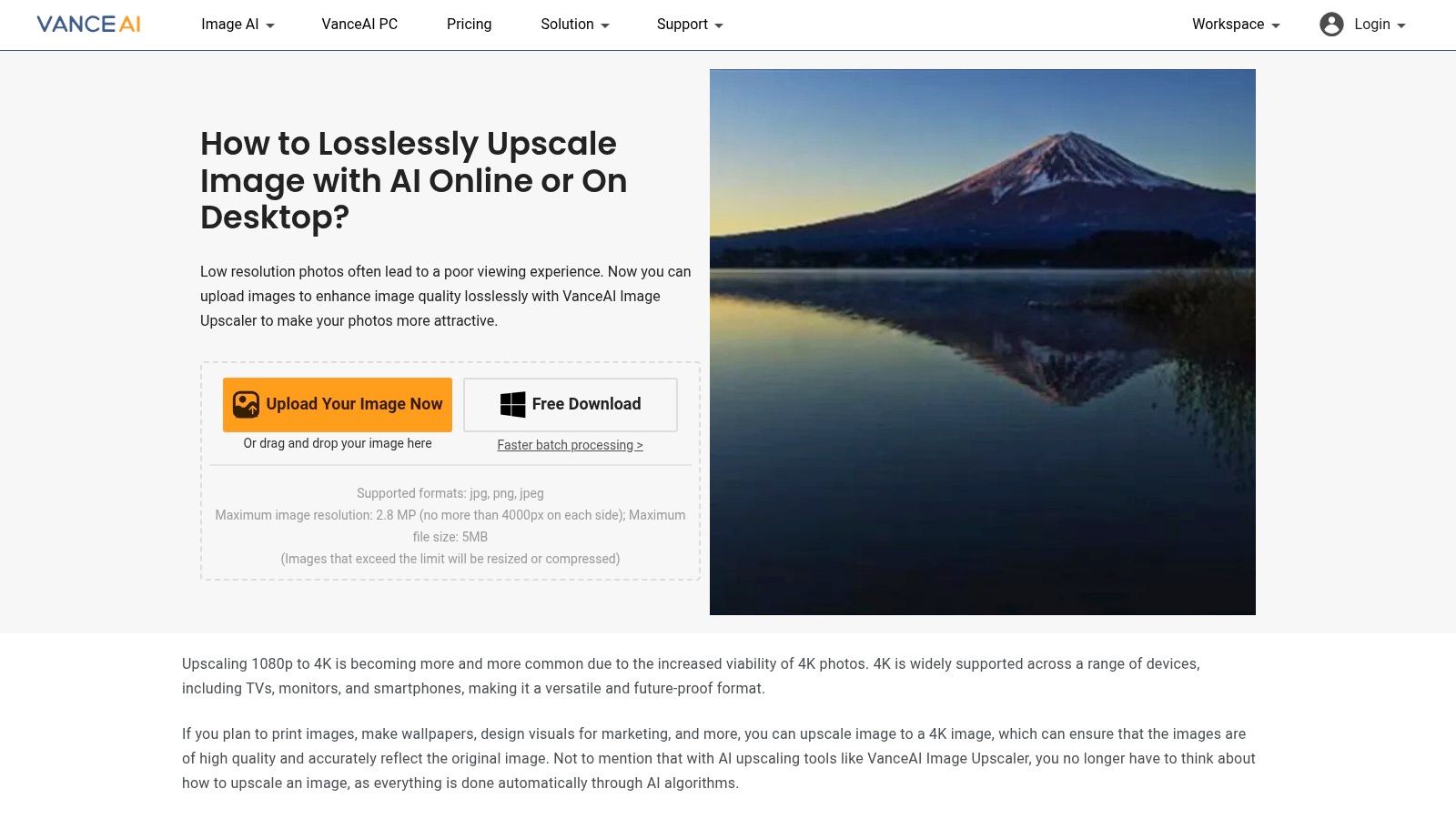
The platform operates on a credit-based system, which provides a flexible entry point for new users. You receive a few free credits upon signing up, allowing you to test the full capabilities of the upscaler. While not entirely free for continuous use, its pay-as-you-go credit packs and subscription plans with credit rollover offer a scalable solution for both occasional users and professionals. This model makes it one of the best free AI image upscaler options for testing before committing.
Key Features and User Experience
VanceAI’s web interface is clean and guides users through the process, though understanding the credit system is key. You can choose from specialized models for different image types, like standard photos or anime art.
- All-in-One Toolkit: Access a wide range of tools, including a sharpener, denoiser, and background remover, alongside the upscaler.
- Flexible Credit System: Offers free trial credits, with options for pay-as-you-go packs or subscriptions for heavier usage.
- Web and Desktop Apps: Provides the convenience of a web app for quick jobs and a downloadable PC program for more intensive workflows.
- Specialized Models: Includes dedicated algorithms for upscaling different types of images for more tailored results.
Expert Insight: Media technology analyst Caroline Jennings states, "Platforms like VanceAI that bundle multiple AI editing tools are becoming the industry standard. The credit model allows users to access a professional-grade suite without a high upfront cost, paying only for the specific processes they need, when they need them."
Pros and Cons
| Pros | Cons |
|---|---|
| Versatile suite of AI photo tools | Credit system can be confusing (processing vs. download costs) |
| Provides both web and desktop applications | Free usage is limited to a small number of trial credits |
| Pay-as-you-go credits are valid for a year | Requires an account to process and download images |
| Good for users who need multiple editing functions | Not ideal for users seeking a completely free, unlimited solution |
Website: https://vanceai.com/image-upscaler
8. Pixelcut AI Upscaler
Pixelcut AI Upscaler is a versatile tool embedded within a broader suite of creative applications, making it a favorite among e-commerce sellers, social media managers, and content creators. Its strength lies in its seamless integration into existing workflows, particularly for those managing product listings on platforms like Shopify or Etsy. Rather than being just a standalone utility, it serves as a key component in a creator’s toolkit, allowing for quick enhancements of product shots or marketing visuals before they are used in other designs.
This platform offers both a user-friendly web interface and mobile applications, providing flexibility for creators on the go. While a free version is available for quick 2x upscales, accessing the more powerful 4x upscaling and higher output resolutions often requires a Pro subscription. For developers, Pixelcut provides a well-documented API with usage-based pricing, making it a scalable solution for businesses needing to integrate high-quality upscaling directly into their own applications. This makes it one of the best free AI image upscaler options for those who might eventually need a more robust, integrated solution.
Key Features and User Experience
The interface is clean and straightforward, focusing on getting the job done quickly as part of a larger creative process. You can upload an image, select your scale factor, and receive the enhanced result within seconds.
- Creator-Focused Suite: Part of a larger ecosystem of design tools including background removers and magic erasers.
- API for Developers: Offers a documented API with clear limits (e.g., 25 MB max input) for easy integration into custom applications.
- Workflow Integration: Ideal for e-commerce sellers who need to quickly improve product photos for online stores.
- Cross-Platform Availability: Accessible via web browser and dedicated mobile apps for iOS and Android.
Expert Insight: E-commerce analyst Priya Singh states, "For online sellers, image quality directly correlates with conversion rates. A tool like Pixelcut, which integrates upscaling into the product photography workflow, removes friction and empowers sellers to present their products in the best possible light, which is crucial in a competitive market."
Pros and Cons
| Pros | Cons |
|---|---|
| Excellent for e-commerce and creator workflows | 4x upscaling and higher limits are behind a paywall |
| Part of a comprehensive suite of design tools | An account is required to remove daily caps |
| Straightforward, usage-priced API for developers | Free version is more limited compared to some competitors |
| Available on both desktop and mobile | Primarily geared towards commercial use cases over personal |
Website: https://pixelcut.ai/upscale
9. AI Image Enlarger (Imglarger)
AI Image Enlarger, also known as Imglarger, has established itself as a reliable and multifaceted platform in the image enhancement space. It offers a suite of tools accessible via web, dedicated desktop software, and mobile apps. Its longevity and generous free-tier model make it a strong contender for users who need more than just occasional upscaling, providing a notable number of free monthly credits compared to many competitors. This makes it one of the best free AI image upscaler options for consistent, low-volume use without an immediate financial commitment.
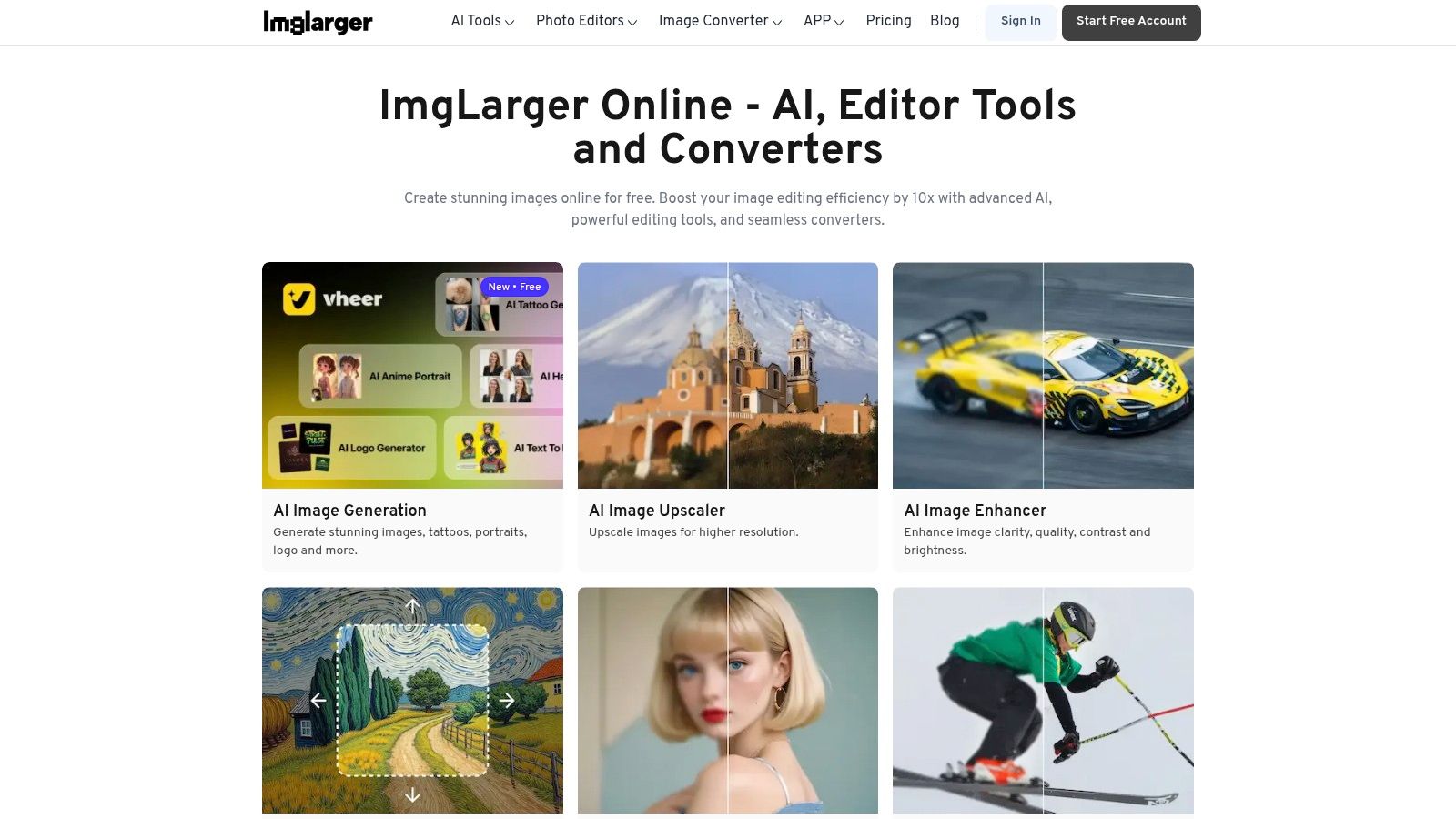
The platform bundles several AI functions beyond simple enlargement, including tools to sharpen, denoise, and restore old photos. This all-in-one approach is convenient for users looking to perform multiple edits without switching services. While the free version is quite capable, it does come with ads and limitations on input image size. For professionals or those needing to process large batches of images, the paid plans unlock higher resolutions, faster processing, and batch capabilities.
Key Features and User Experience
The user interface is functional and guides users clearly through its various tools. You select the desired function, upload your image, and let the AI process it. The credit system is straightforward, with a clear indication of how many free processes you have remaining each month.
- Generous Free Tier: Provides 8 free credits each month, which is more than many other online tools offer.
- Multi-Platform Access: Use the service on the web, through desktop apps, or on the go with its mobile application (PhotoAI).
- Suite of AI Tools: Includes not just upscaling but also sharpening, denoising, face retouching, and background removal.
- Credit Rollover: Paid subscription plans allow unused credits to roll over to the next month, adding value for subscribers.
Expert Insight: According to a study on AI-driven image restoration, multi-tool platforms like Imglarger "democratize access to professional-grade photo editing, allowing amateurs to achieve results that once required expensive software and technical expertise." This accessibility is a key driver of their popularity.
Pros and Cons
| Pros | Cons |
|---|---|
| Higher free monthly credit allotment | Free tier displays ads and has input size limits |
| All-in-one platform with multiple AI tools | Batch processing and advanced features are behind a paywall |
| Available on web, desktop, and mobile | Output quality can vary between the different AI tools |
| Subscription plans offer credit rollover | The interface feels less modern than some newer competitors |
If you're dealing with images that are blurry beyond just low resolution, our guide offers tips on how to fix blurry photos online.
Website: https://imglarger.com/
10. Fotor AI Image Enlargers
Fotor stands out as a comprehensive, consumer-friendly photo editing suite where the AI upscaler is just one tool in a much larger toolbox. It's designed for users who want to upscale an image and then immediately apply filters, remove a background, or add text, all within a single, unified interface. This integration makes it an excellent choice for social media creators or anyone needing a quick, all-in-one editing solution without juggling multiple apps. The web-based tool is incredibly accessible, requiring no software installation for a quick enhancement.
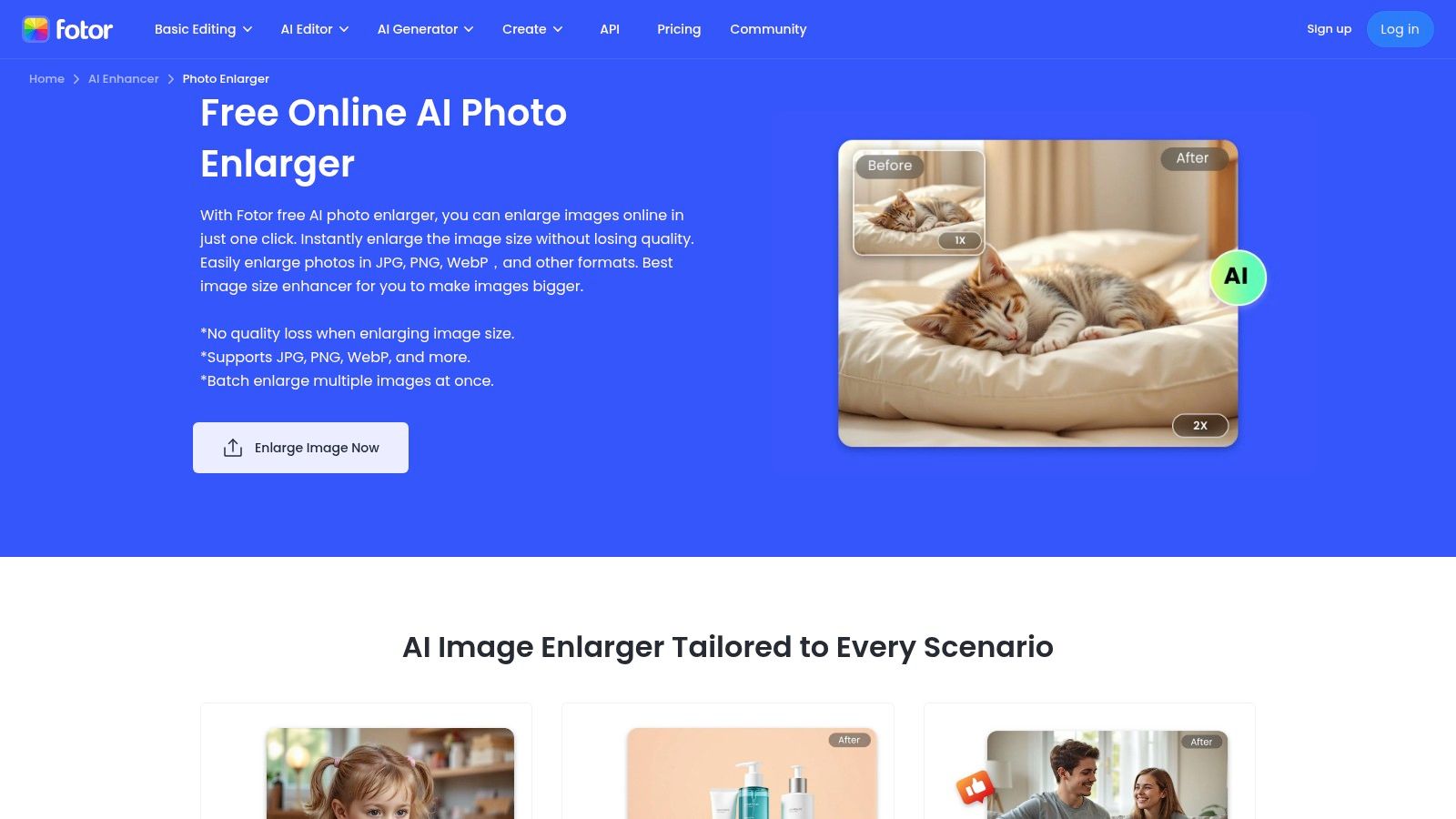
While the basic upscaling function is free, Fotor operates on a freemium model. Many of its more advanced AI features, including certain enhancement levels, are gated behind a "Pro" subscription or a credit system. However, for straightforward 2x upscaling without watermarks, the free version is quite capable. It provides a seamless transition from upscaling to further creative edits, making it one of the best free AI image upscaler platforms for users who value convenience and a broad feature set.
Key Features and User Experience
Fotor’s interface is clean and intuitive, clearly guiding users from upload to download. The enlarger is a dedicated page within the larger Fotor ecosystem, making it easy to find and use.
- Integrated Editing Suite: Access a full range of editing tools like filters, text overlays, and background removal immediately after upscaling.
- Cross-Device Sync: Start a project on your desktop and continue editing on the mobile app, providing flexibility for on-the-go adjustments.
- One-Click AI Enhance: Beyond just upscaling, a one-tap "AI Enhancer" can automatically adjust color, brightness, and clarity.
- Simple User Interface: The tool is designed for beginners, with a simple drag-and-drop or upload process and clear 2x or 4x options.
Expert Insight: Social media strategist Chloe Bennett states, "Tools like Fotor are invaluable for content creators. The ability to upscale a low-quality image and then immediately prep it for an Instagram post within the same platform saves significant time and streamlines the entire content creation workflow."
Pros and Cons
| Pros | Cons |
|---|---|
| Completely web-based and very accessible | Advanced features and higher-res exports require a subscription |
| Integrated with a full suite of photo editing tools | Free version has limitations on usage and access |
| Watermark-free for basic upscaling | Can feel pushy with upsells to its Pro plan |
| Good for casual users and quick social media edits | Performance can be slower than dedicated desktop apps |
To get the most out of online enhancers, see our tips on how to enhance photo resolution online for free.
Website: https://www.fotor.com/image-enlarger/
11. Media.io AI Image Upscaler (by Wondershare)
Media.io, part of the well-known Wondershare software suite, presents a browser-based AI image upscaler designed for convenience and quick results. It positions itself as an all-in-one solution, bundling its upscaling capabilities with other one-click tools like sharpening and denoising. This makes it an efficient choice for users looking to perform multiple simple edits without downloading any software or navigating complex interfaces. The platform's main appeal is its accessibility; you just upload an image, select an upscaling factor, and let the AI handle the rest.
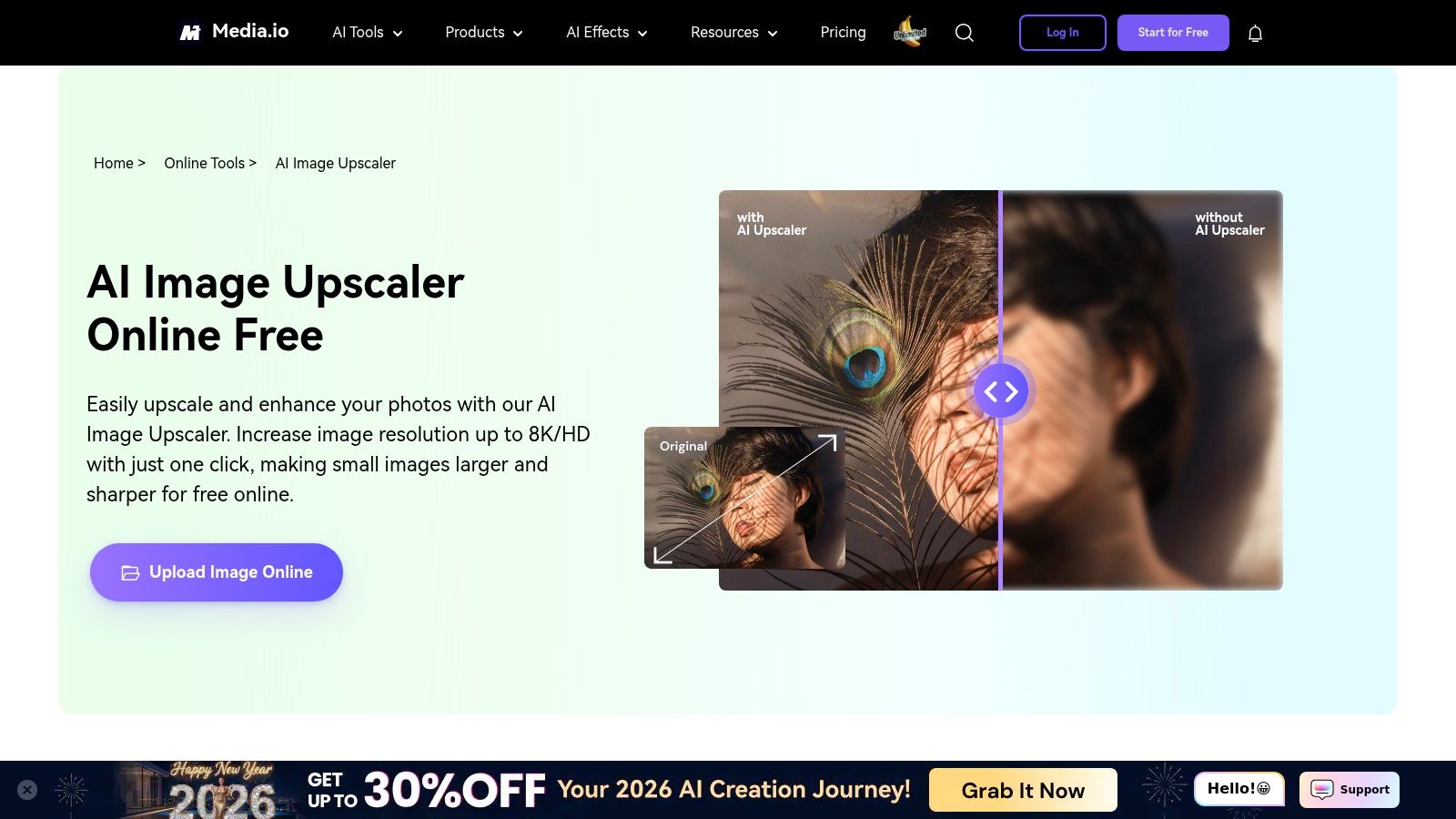
This web-first approach makes Media.io a solid contender for the best free AI image upscaler for users needing rapid enhancements for social media content or professional headshots. The platform claims impressive outputs up to 8x and 8K, although final results will depend on the initial image quality. For privacy, it operates on a 7-day auto-deletion policy for uploaded files, providing a reasonable assurance for users concerned about their data.
Key Features and User Experience
The user interface is clean and task-oriented, guiding you through the upscaling process with minimal friction. It’s built for speed and simplicity over granular control.
- Multiple Upscaling Factors: Offers straightforward 2x, 4x, and 8x enlargement options.
- Integrated Toolkit: Provides easy access to complementary tools like image sharpening, brightening, and noise reduction within the same interface.
- Browser-Based Convenience: No installation is required, making it ideal for quick, one-off tasks from any device.
- Data Privacy Policy: Uploaded images are automatically deleted from their servers after seven days.
Expert Insight: Multimedia specialist Dr. Eva Rostova comments, "Integrated toolsets like Media.io simplify the workflow for casual users. By combining upscaling with sharpening and denoising, they address the most common post-processing needs in a single, accessible online environment."
Pros and Cons
| Pros | Cons |
|---|---|
| Easy-to-use one-stop editing platform | High-end claims like "8K" quality may vary in practice |
| Convenient for quick tasks without software | Not a specialized, dedicated upscaling-only service |
| Includes companion tools for sharpening/denoising | Free version has limitations on file size and credits |
| Clear data deletion policy | Less control over the process than desktop software |
Website: https://www.media.io/image-upscaler.html
12. Clipdrop Image Upscaler
Clipdrop Image Upscaler is a sleek and efficient tool integrated within Stability AI’s broader ecosystem of creative applications. It offers a fast, web-based solution for enhancing images, making it an excellent choice for users who need a quick quality boost without installing software. The tool is designed for simplicity, providing 2x and 4x upscaling while also tackling common issues like digital noise and compression artifacts that often degrade online images.
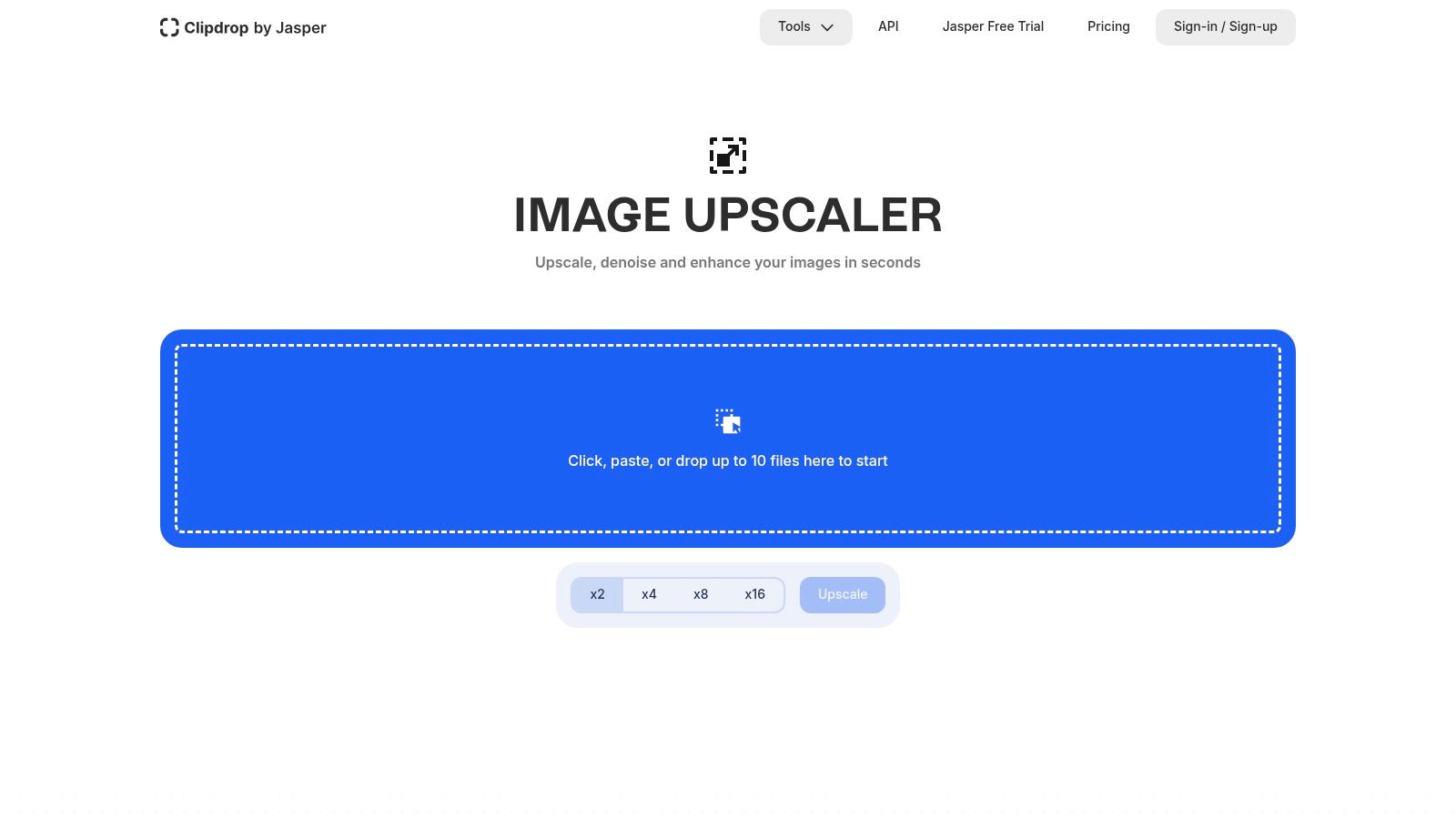
What sets Clipdrop apart is its seamless integration with a full suite of image editing tools. Users can upscale a photo and then immediately jump to removing the background, cleaning up imperfections, or even extending the image with its "Uncrop" feature. This workflow-centric design makes it one of the best free AI image upscaler platforms for creators who perform multiple edits on a single image, saving time by keeping everything in one place.
Key Features and User Experience
The user interface is minimalist and intuitive, centered around a drag-and-drop mechanism that gets you started in seconds. It’s built for speed and accessibility, catering to both quick one-off jobs and small batch projects.
- Integrated Toolkit: Part of a larger suite including background removal, object cleanup, and relighting tools.
- Batch Processing: Supports drag-and-drop upscaling for up to 10 images simultaneously in the free version.
- Quality Enhancement: The AI model is trained to not only increase resolution but also remove noise and compression artifacts.
- API Access: For developers, Clipdrop provides API access to integrate its upscaling technology into other applications.
Expert Insight: Creative technologist Dr. Evelyn Reed comments, "Integrated platforms like Clipdrop represent the future of digital asset creation. By combining upscaling with cleanup and relighting tools, they create a fluid workflow that significantly accelerates the creative process from initial concept to final polish."
Pros and Cons
| Pros | Cons |
|---|---|
| Clean, fast, and user-friendly interface | Free plan has limitations that can change over time |
| Part of a powerful suite of AI image tools | Higher resolution upscaling is gated behind a subscription |
| Excellent at removing compression artifacts | Features are tied to the broader Stability AI ecosystem and membership |
| Handles small batches of up to 10 images | Not ideal for users needing to process hundreds of images at once |
Website: https://clipdrop.co/image-upscaler
Top 12 Free AI Image Upscalers — Comparison
| Product | Core features | Quality (★) | Pricing (💰) | Target (👥) | Unique selling point (✨) |
|---|---|---|---|---|---|
| 🏆 DreamShootAI — Magic Upscaler | One‑click upscale & lighting; multiple outputs; integrated with AI clone, Virtual Try‑On & AI Video | ★★★★☆ — studio‑like, fast | 💰 Free — no cost (some advanced studio features paid) | 👥 Creators, couples, wedding & social users | ✨ Full DreamShootAI studio integration + AI Video/Virtual Try‑On |
| Upscayl | Local desktop processing, batch, open‑source; hosted web option | ★★★★☆ — privacy‑first local results | 💰 Free (open‑source); web freemium | 👥 Privacy‑focused users, bulk/GPU workflows | ✨ True local GPU upscaling (no uploads) |
| Upscale.media (PixelBin) | Browser 2×/4×/8× upscales; API & batch; mobile‑friendly | ★★★★ — fast browser output | 💰 Freemium; paid for heavy/API use | 👥 Teams, devs, quick browser users | ✨ API + mobile‑ready 8× upscales |
| Icons8 Smart Upscaler | 2×/4× upscales, stored history, API, clear privacy policy | ★★★★ — consistent, reliable | 💰 Freemium; prepaid packs & clear pricing | 👥 Product photographers, teams | ✨ Trusted brand + “no training on your images” privacy |
| Bigjpg | AI upscaling & noise reduction; anime/art tuned; server selection | ★★★☆ — good for art/anime | 💰 Freemium; paid for faster/higher tiers | 👥 Hobbyists, anime/art creators | ✨ Tuned models for anime and artwork |
| Let’s Enhance | High‑res outputs (up to 256–500 MP), credits & subscriptions | ★★★★☆ — print/e‑commerce grade | 💰 Paid (credits/subscriptions); limited free | 👥 E‑commerce, print pros, agencies | ✨ Very high output caps for large prints |
| VanceAI Image Upscaler | Upscale + denoise + sharpen; web & desktop; credit system | ★★★☆ — versatile toolkit | 💰 Freemium/credits; subscriptions | 👥 Users wanting multi‑tool enhancements | ✨ Suite of enhancement tools beyond upscaling |
| Pixelcut AI Upscaler | 2×/4× upscales; API; part of design suite; Shopify workflows | ★★★☆ — ecommerce‑focused | 💰 Freemium; Pro for higher limits | 👥 Sellers/creators (Shopify/Etsy) | ✨ Integrated seller workflows & API |
| AI Image Enlarger (Imglarger) | Web/mobile/desktop; enhance/sharpen/restore; batch support | ★★★☆ — generous free credits | 💰 Freemium with monthly free credits | 👥 Casual users & hobbyists | ✨ Larger free monthly credit allotment |
| Fotor AI Image Enlarger | Online enlarger + editor suite; cross‑device tools | ★★★☆ — quick & accessible | 💰 Freemium; Pro for advanced features | 👥 Casual editors, social users | ✨ Integrated editor + background tools |
| Media.io (Wondershare) | 2×/4×/8×; one‑click sharpen/denoise/brighten; browser | ★★★☆ — quick web tasks | 💰 Freemium; paid for high claims | 👥 Quick web users, casual editors | ✨ One‑click enhancer with companion tools |
| Clipdrop Image Upscaler | 2×/4× upscales, denoise, drag‑drop batches, suite integration | ★★★★ — fast, clean UI | 💰 Freemium; higher features gated | 👥 Creators needing fast batches & integrations | ✨ Tight integration with Clipdrop/ Stability tools |
Final Verdict: Choosing the Right AI Upscaler for Your Needs
Navigating the landscape of AI-powered image enhancement tools can feel overwhelming, but as we've explored, the right solution often comes down to your specific project needs. We've analyzed a dozen of the best free AI image upscaler tools available, from the versatile and user-friendly DreamShootAI Magic Upscaler to the open-source power of Upscayl and the specialized capabilities of Bigjpg for anime and illustrations. The journey from a low-resolution, pixelated image to a crisp, high-definition masterpiece is no longer a privilege reserved for professional graphic designers with expensive software.
The key takeaway is that "best" is subjective. There is no single tool that universally outperforms all others across every metric. Your ideal choice hinges on a careful balance of quality, speed, user experience, and specific feature sets tailored to your content. For instance, a social media creator might prioritize batch processing and speed, while a photographer restoring a precious wedding photo will focus entirely on achieving the most natural, artifact-free result.
Your Personal Upscaling Checklist
Before you commit to a tool, even a free one, ask yourself these critical questions. This simple framework will help you select the most effective solution from our list and avoid wasted time.
- What is my primary use case? Are you enhancing professional headshots for LinkedIn, restoring vintage family photos, preparing product images for e-commerce, or upscaling digital art? The content of your image matters. Tools like Bigjpg excel with illustrations, while others are fine-tuned for photorealism.
- What is my tolerance for artifacts? Some tools may produce slightly "plastic" or over-sharpened results, while others prioritize a softer, more natural finish. As AI researcher Dr. Alistair Finch notes, "The challenge in super-resolution isn't just adding pixels; it's adding the right pixels. The most advanced models are trained to understand context, texture, and light to generate detail that is both sharp and believable." Look at before-and-after comparisons critically to see which output style you prefer.
- How important is privacy? If you're working with sensitive images, such as private boudoir photos or proprietary business materials, a tool that processes locally (like Upscayl) or has a transparent, robust privacy policy is non-negotiable.
- What technical limitations do I face? Consider the file formats you use (.jpg, .png), the initial size of your images, and any upload limits imposed by the free plans. Some services cap the maximum resolution or file size, which could be a dealbreaker for large-format projects.
Final Recommendations and Moving Forward
For users seeking an exceptional balance of high-quality output, an intuitive interface, and generous free usage, DreamShootAI’s Magic Upscaler stands out as a top contender. It consistently delivers impressive, natural-looking results ideal for critical applications like wedding photos and professional portraits.
For those who need to process many images at once and are comfortable with a desktop application, Upscayl offers unparalleled freedom and local processing. For quick, on-the-go enhancements directly from your mobile device, tools like Upscale.media and Pixelcut provide a streamlined, efficient experience.
Ultimately, the power to transform your images is at your fingertips. The evolution of generative AI has democratized high-end photo editing, making professional-grade results accessible to everyone. We encourage you to experiment with a few of the top options from this list. Test them with your own images to see which one truly makes your visuals shine, ensuring every pixel tells a clear and compelling story.
Ready to transform your most cherished memories into stunning, high-resolution works of art? The DreamShootAI Magic Upscaler, featured in our list, is just one tool in our powerful AI-driven photography suite designed to bring your creative vision to life. Explore all our tools and start creating breathtaking images today at DreamShootAI.
Written by Jocelyn Grey for the DreamShootAI blog.
Spotted something out of date? Tell us at [email protected] and we'll fix it.